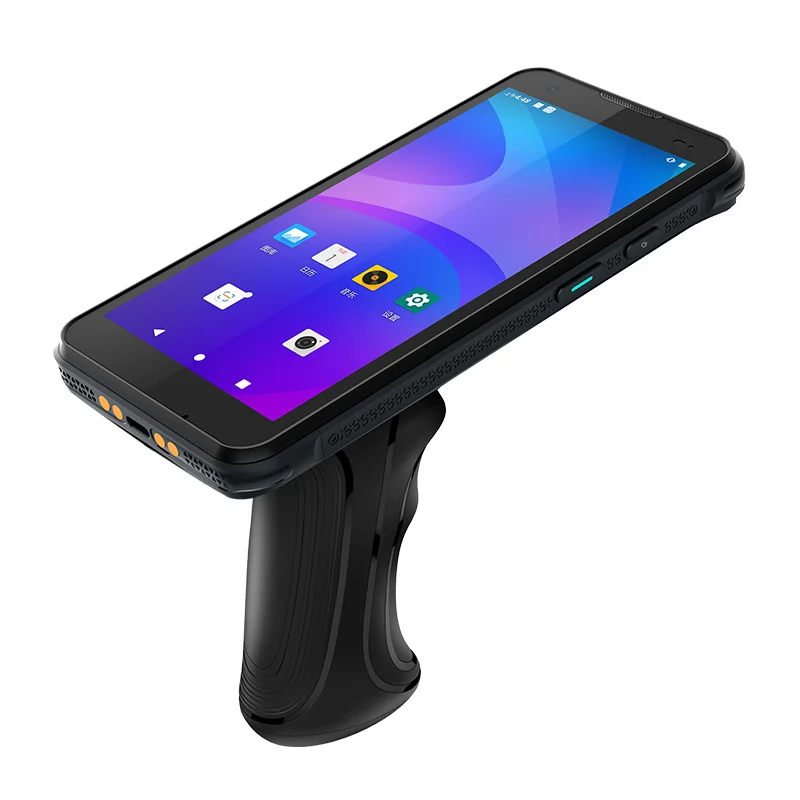
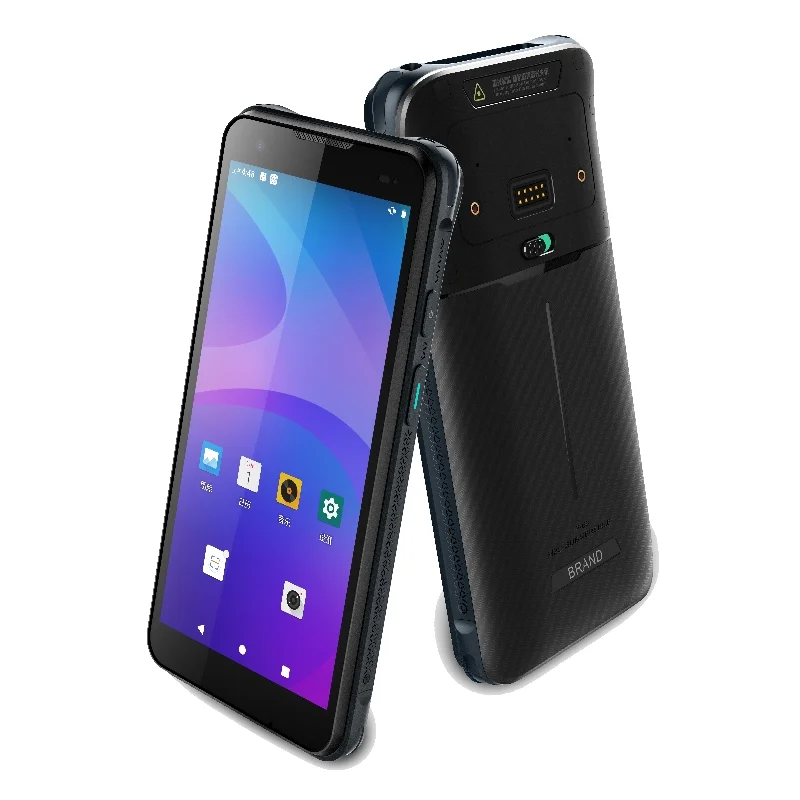
Handheld Data Terminal Display Integration
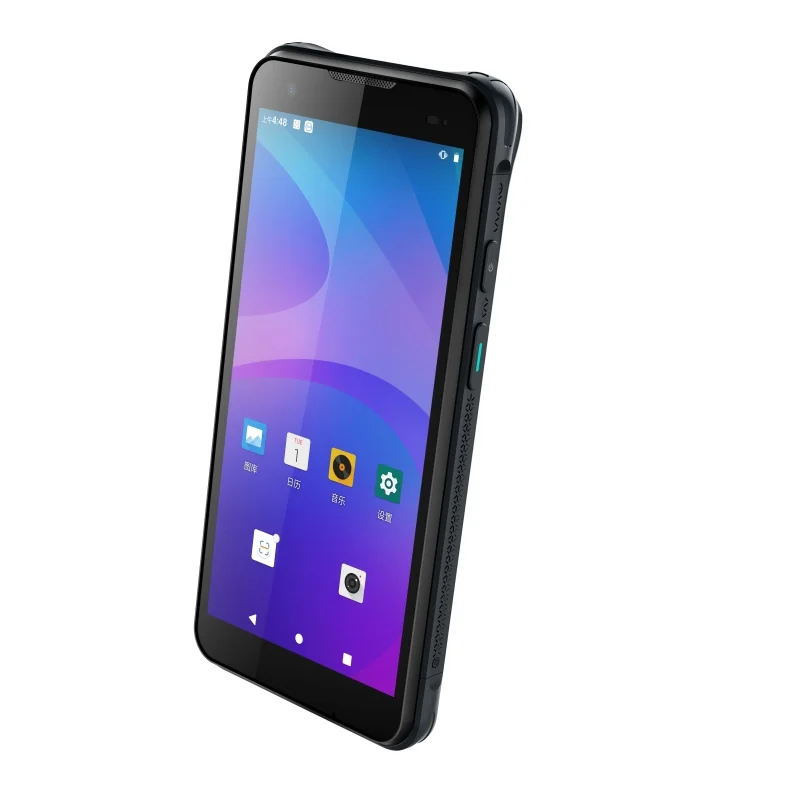
A portrait handheld terminal brings records, touch input and physical controls into one compact workspace. Explore the display decisions behind that format.
Read application caseStart with the host product so display format, interface, touch, enclosure and operating context can be reviewed together.
Explore device integration, receiving, picking, retail stock checks, asset lookup and other display workflows.
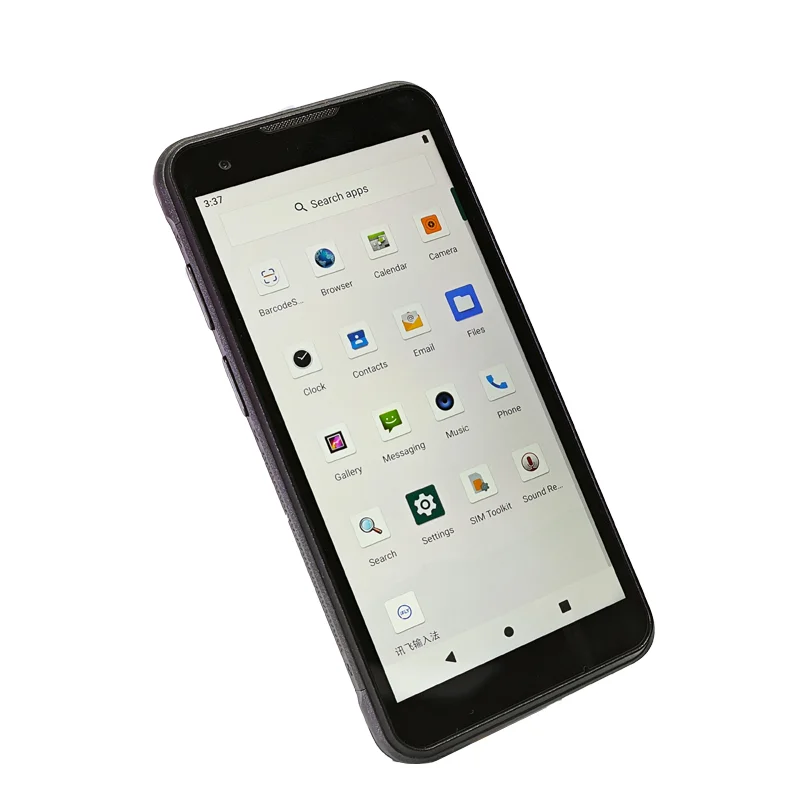
A portrait handheld terminal brings records, touch input and physical controls into one compact workspace. Explore the display decisions behind that format.
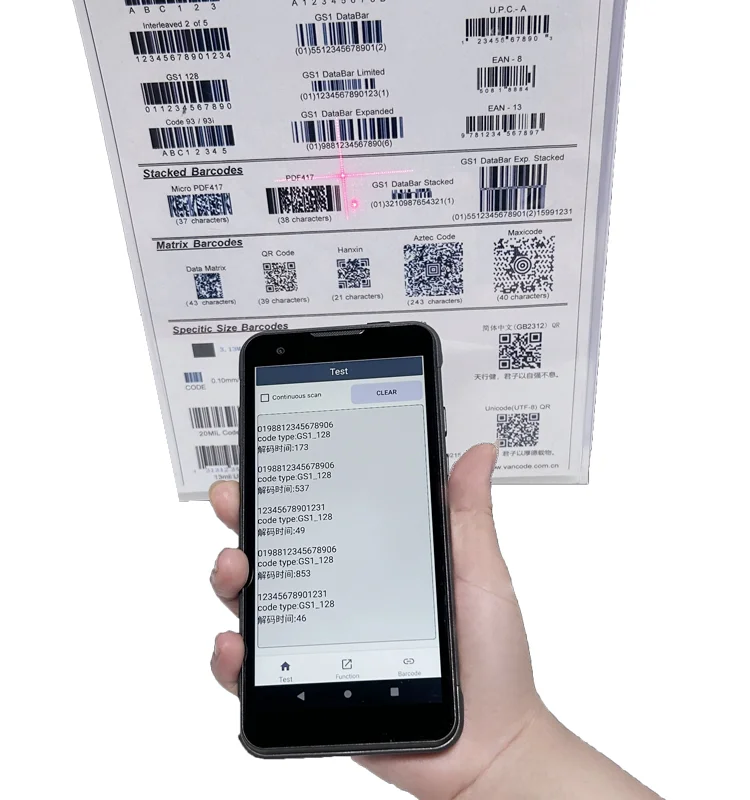
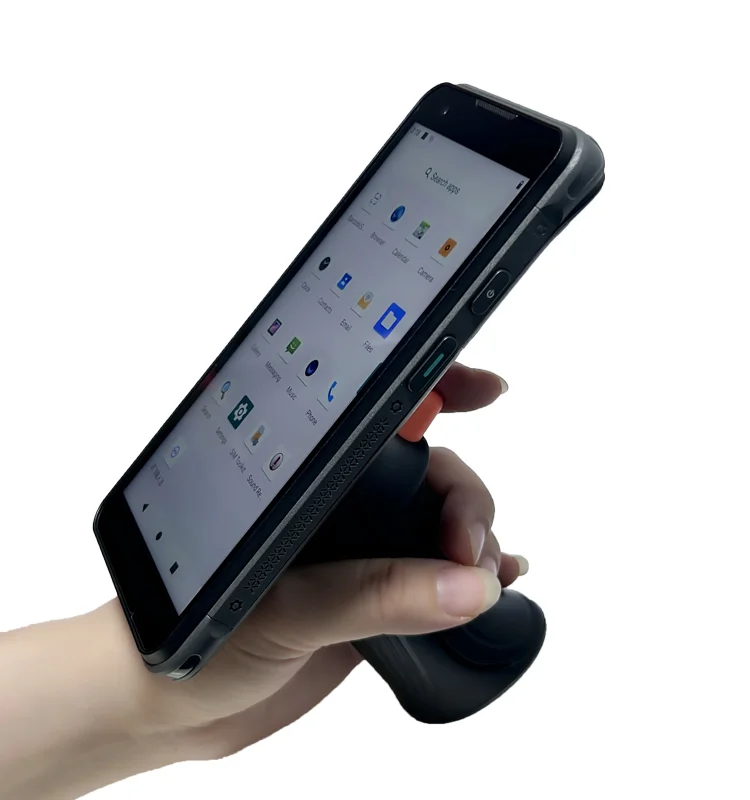
Read application caseA photographed barcode-reading workflow shows why scan feedback, readable records and coordinated touch controls matter in a handheld display project.
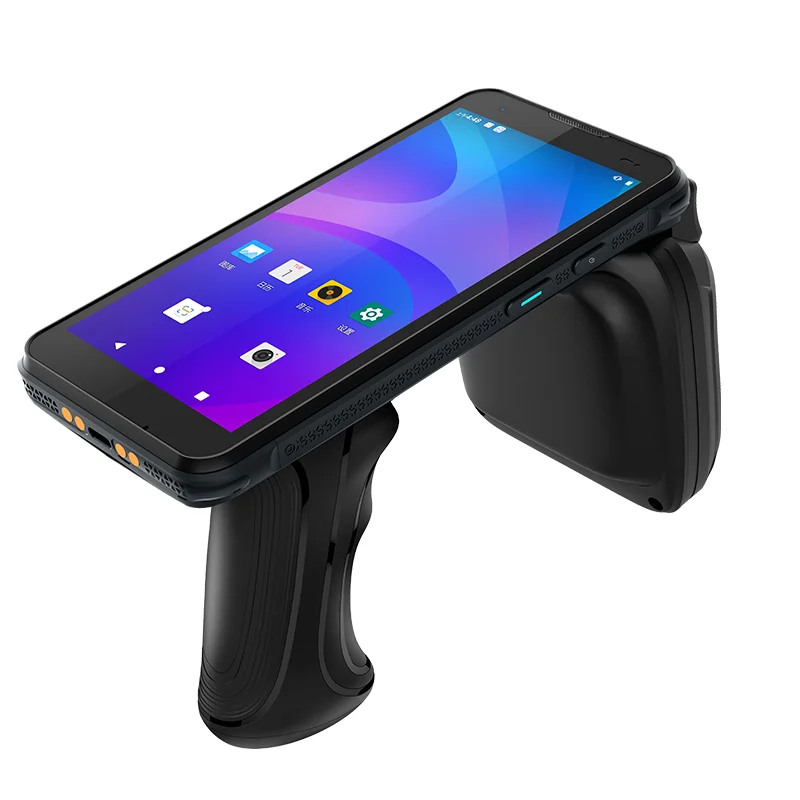
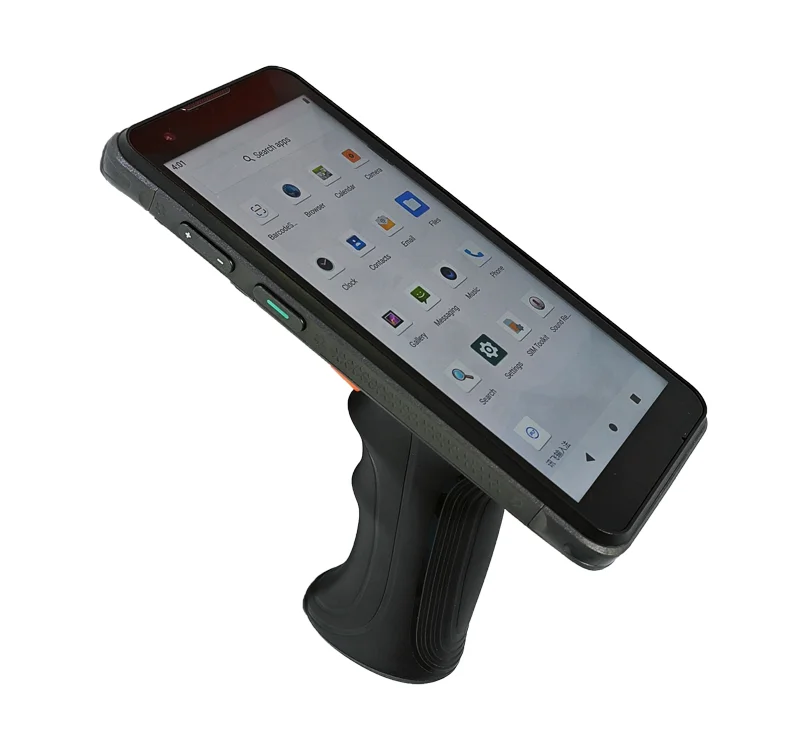
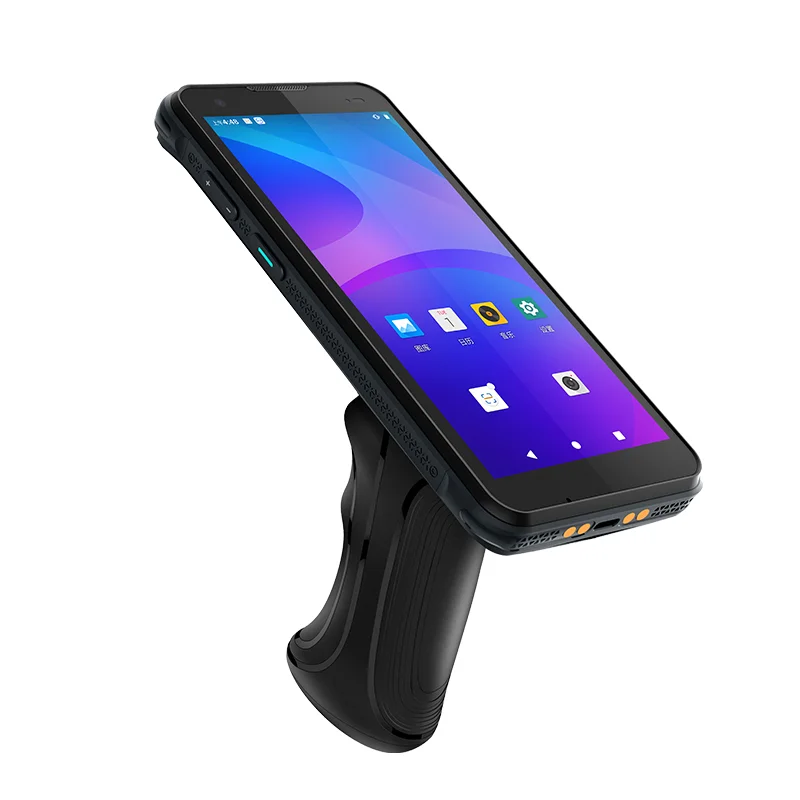
Read application caseA display mounted above a trigger handle introduces different viewing and touch-access constraints. Examine the integration priorities for inventory terminals.
Read application caseReceiving teams compare incoming goods with an expected record. A handheld display must keep item identity, quantity and exception decisions clear in the same workflow.
Read application caseA picking terminal needs to distinguish the next location, the requested item and the confirmed quantity. Trigger-grip photographs anchor a review of that scan-and-confirm sequence.
Read application caseShelf checks combine item lookup, stock counting and label review. A handheld display needs to separate recorded information from the changes a store operator is about to confirm.
Read application caseParcel handover depends on matching an identifier to the correct destination and event. The display review focuses on legible codes, explicit status and recoverable exceptions.
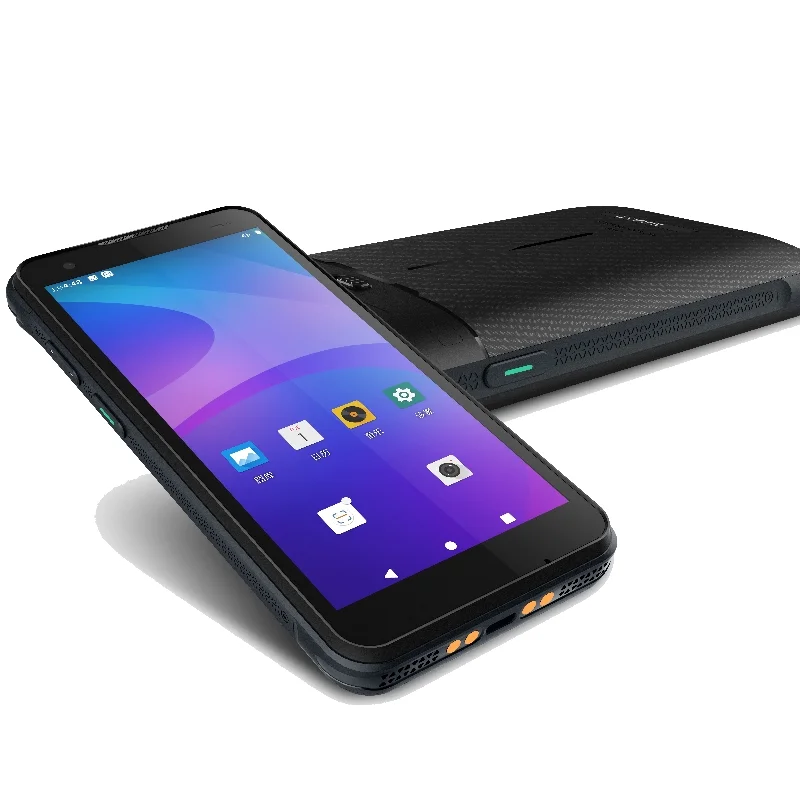
Read application caseAn asset lookup terminal must distinguish the object being identified from the record being edited. Accessory-equipped device views support a review of candidate lists and confirmation screens.
Read application caseInspection work combines asset context, checklist results and service notes. A portable display should keep the current inspection step and record status clear during entry and review.
Read application caseA production record links a part or batch to a work order and process step. The display must keep these identities separate and make a pending record distinguishable from a confirmed one.
Read application caseCompare display integration priorities across mobile, industrial, retail, logistics, identification, medical, smart-device and energy equipment.
Review display module integration for handheld terminals, including compact size, touch and cover lens, interface, FPC and readability requirements.
View application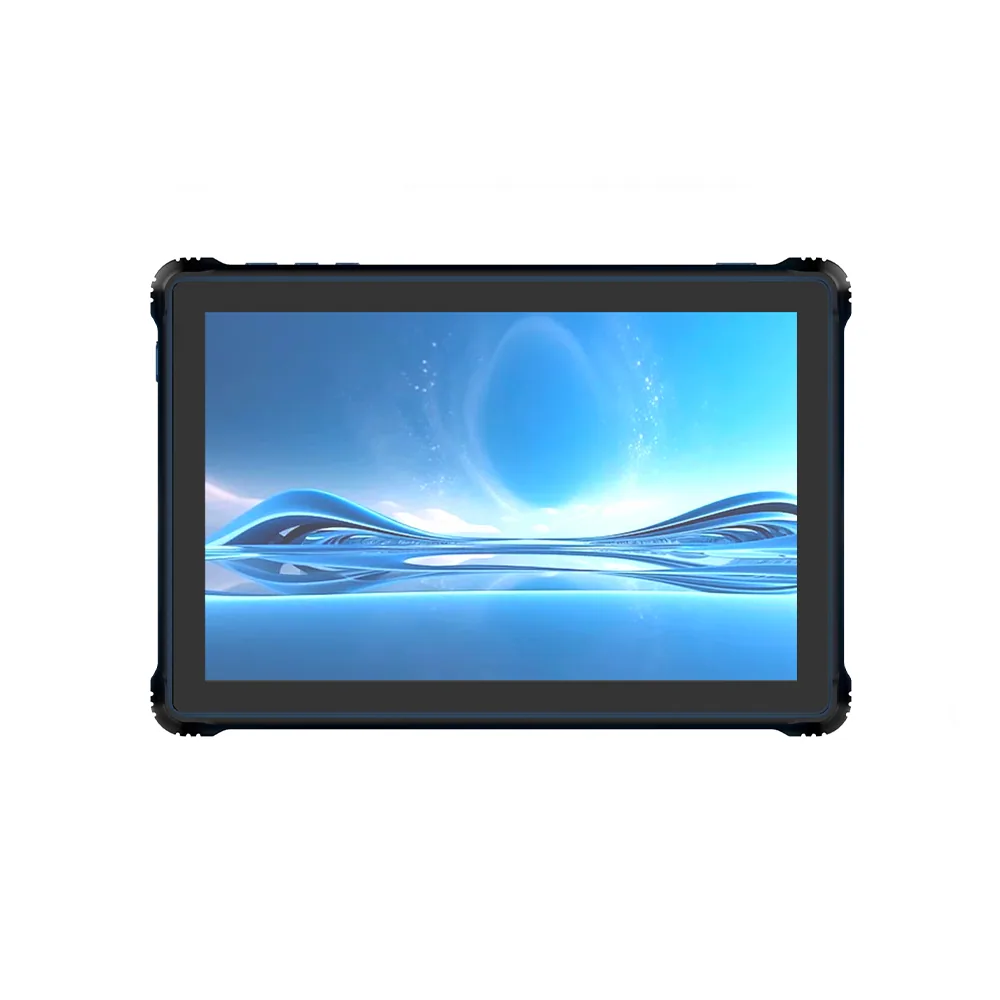
Review rugged tablet display integration for active area, touch stack, cover lens, brightness, interface and mechanical support requirements.
View application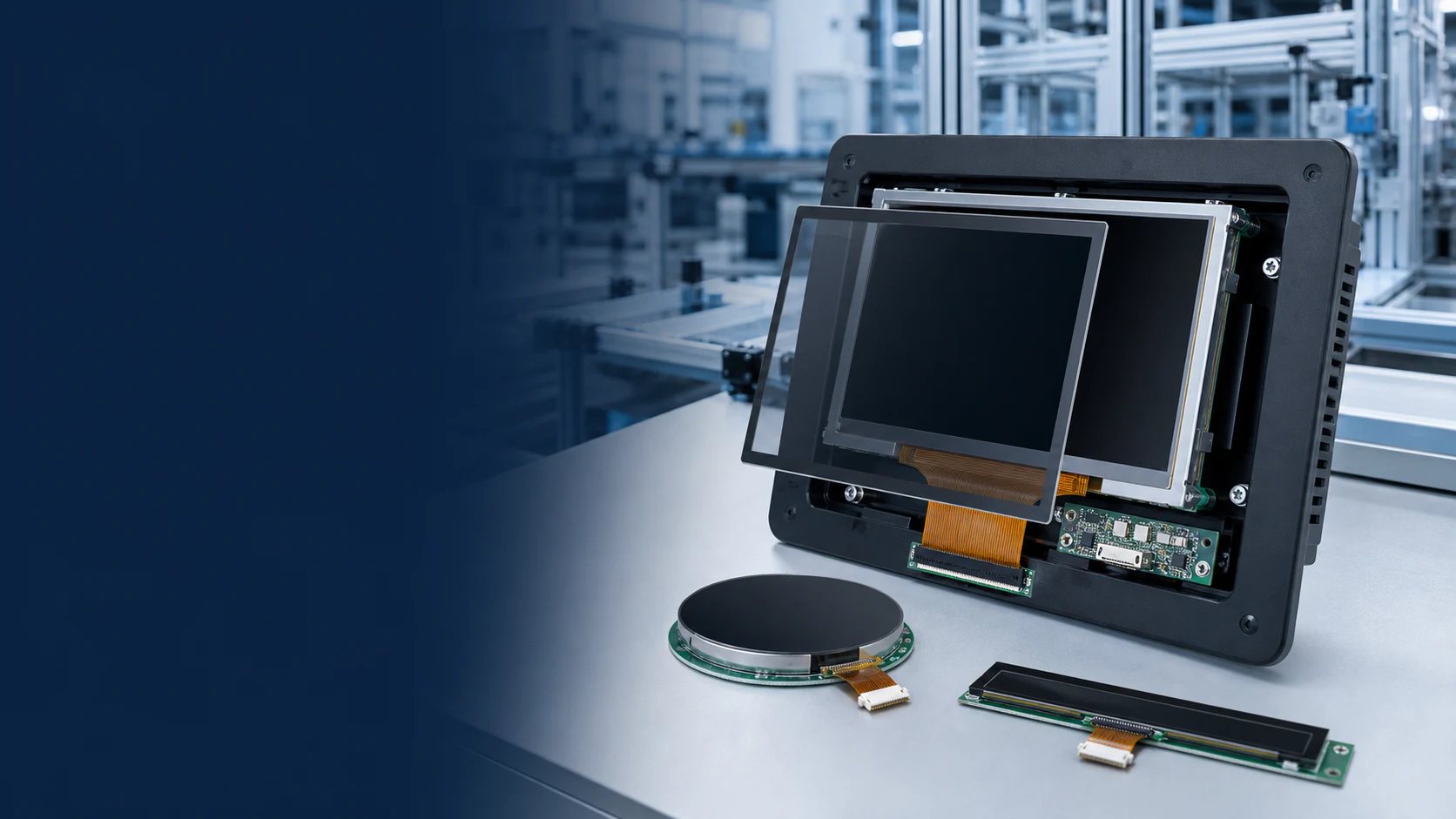
Review TFT-LCD display integration for industrial HMI and control panels, including viewing distance, touch, host interface, mounting and operating conditions.
View application
Review TFT-LCD and OLED display integration for robots and smart equipment, including format, touch, interface, enclosure fit and viewing conditions.
View application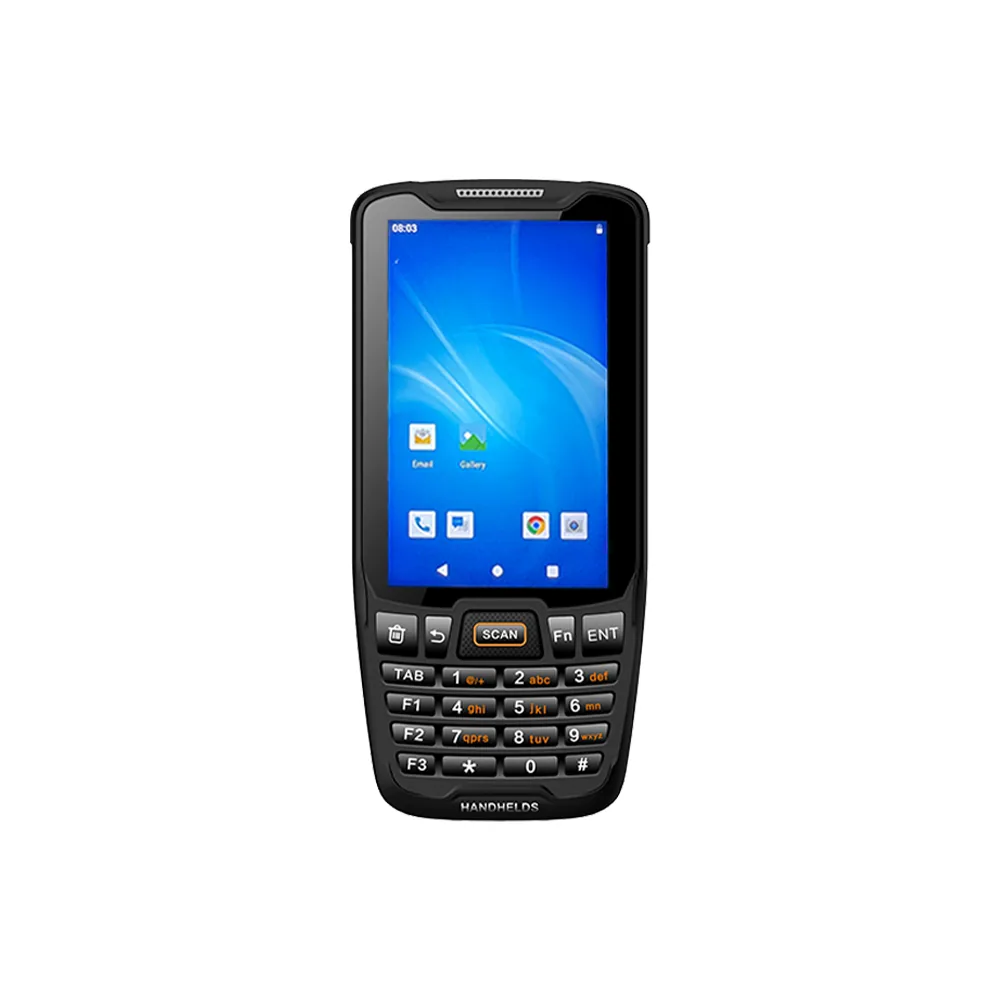
Review TFT-LCD display integration for retail POS and payment terminals, including touch, viewing angle, interface, cover lens and enclosure requirements.
View application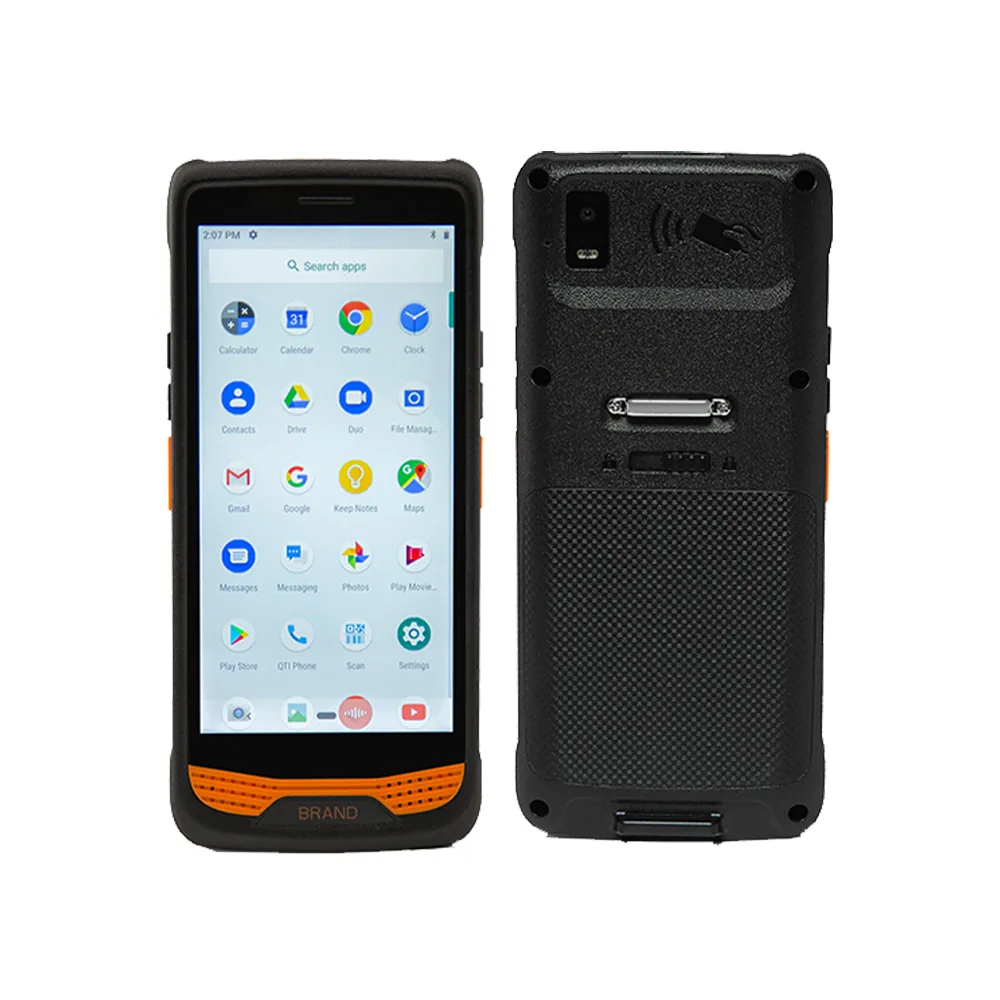
Review display integration for warehouse barcode scanners and logistics terminals, including touch, readability, interface, FPC and enclosure requirements.
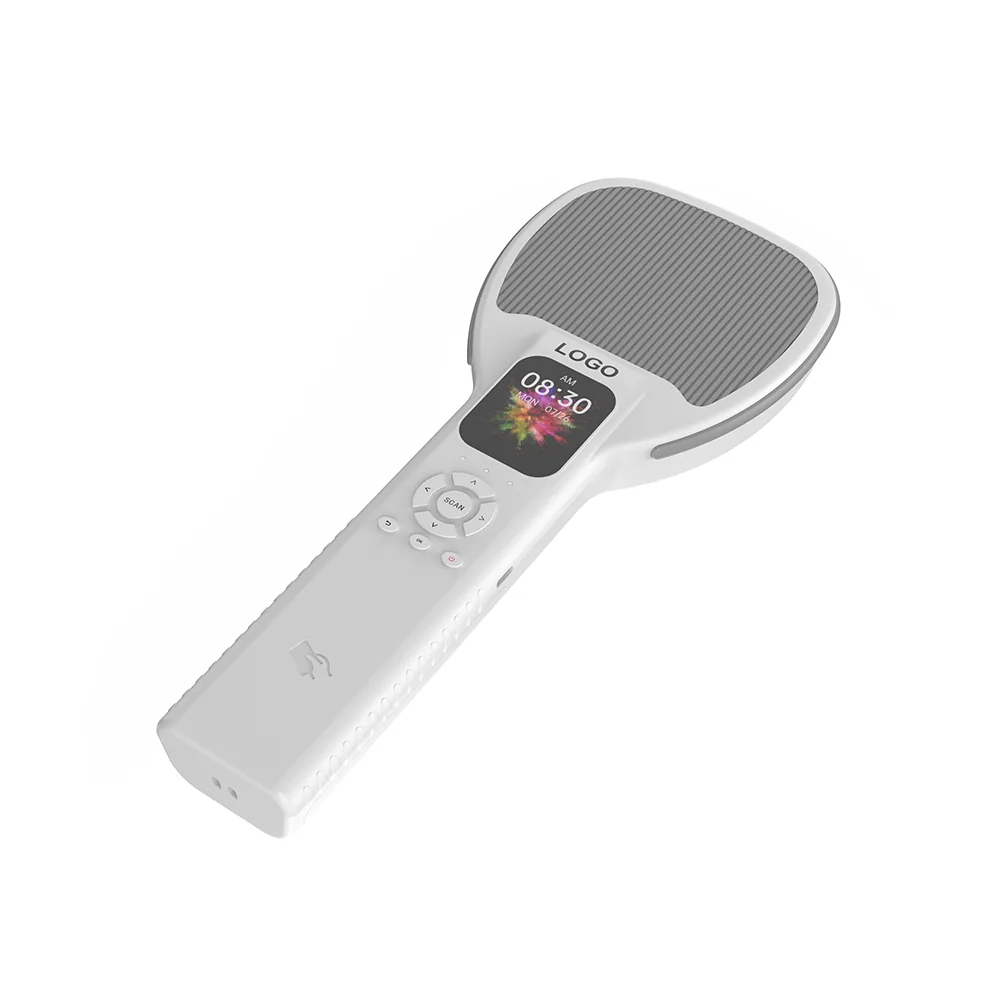
View application Review display integration for RFID readers and asset-tracking terminals, including size, touch, interface, connector, FPC and readability requirements.
View application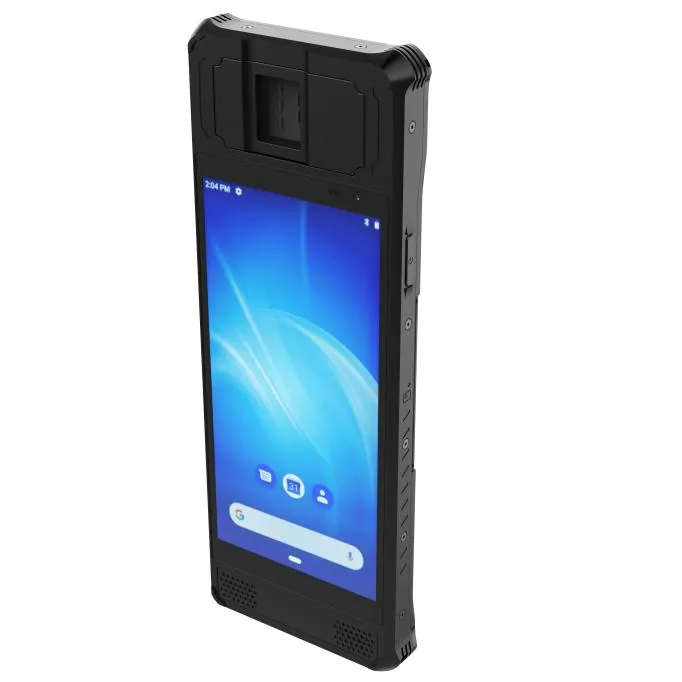
Review display integration for biometric and access-control terminals, including touch, sensor alignment, interface, enclosure and viewing requirements.
View application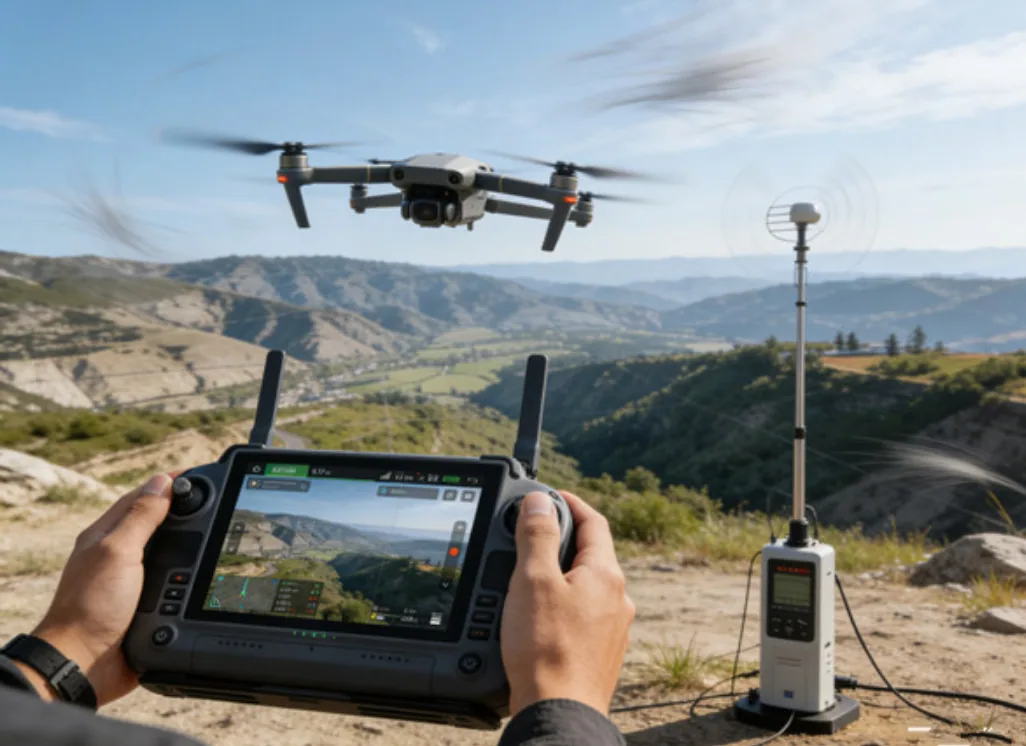
Review display integration for drone remote controls and video terminals, including outdoor readability, video interface, touch and enclosure requirements.
View application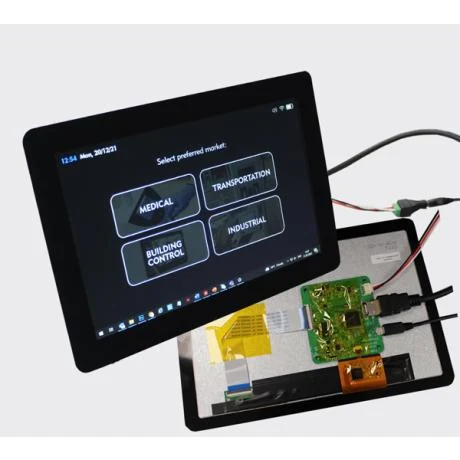
Review TFT-LCD display integration for medical and monitoring equipment, including resolution, viewing angle, touch, interface and enclosure requirements.
View application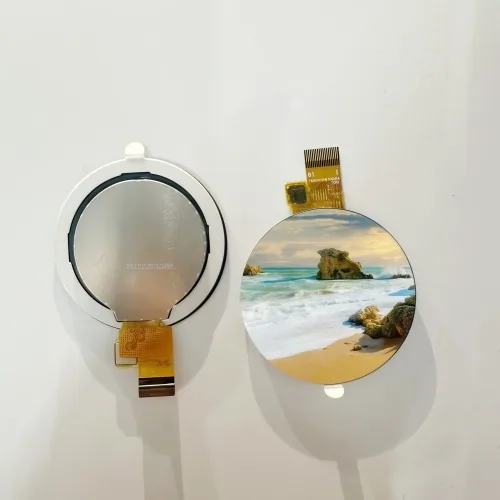
Review display integration for smart-home and appliance controls, including shape, touch, cover lens, interface and front-panel requirements.
View application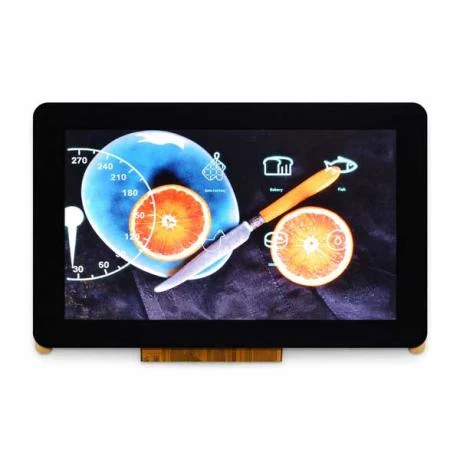
Review display integration for EV chargers and energy systems, including brightness, touch, interface, mounting and operating-condition requirements.
View applicationShare the target size, resolution, interface, touch, brightness, environment, quantity and project stage.