
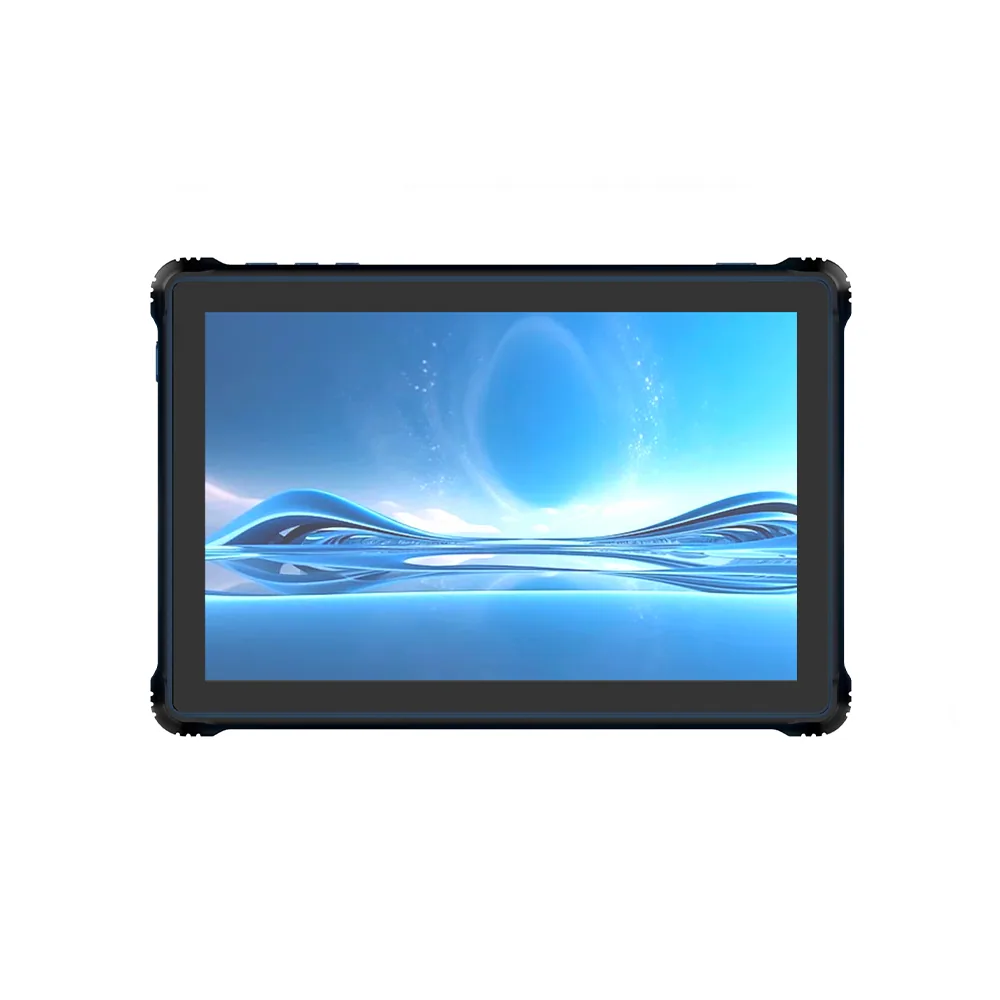
RT80 Rugged Tablet Display Integration Reference
Explore RT80 Rugged Tablet display integration with a published 10.1″ display. Review enclosure, touch and interface requirements for your project.
Open record Review rugged tablet display integration for active area, touch stack, cover lens, brightness, interface and mechanical support requirements.
Rugged tablet projects should align the display, touch stack, cover lens, brightness, interface and mechanical support with the intended operating environment.
Explore RT80 Rugged Tablet display integration with a published 10.1″ display. Review enclosure, touch and interface requirements for your project.
Open record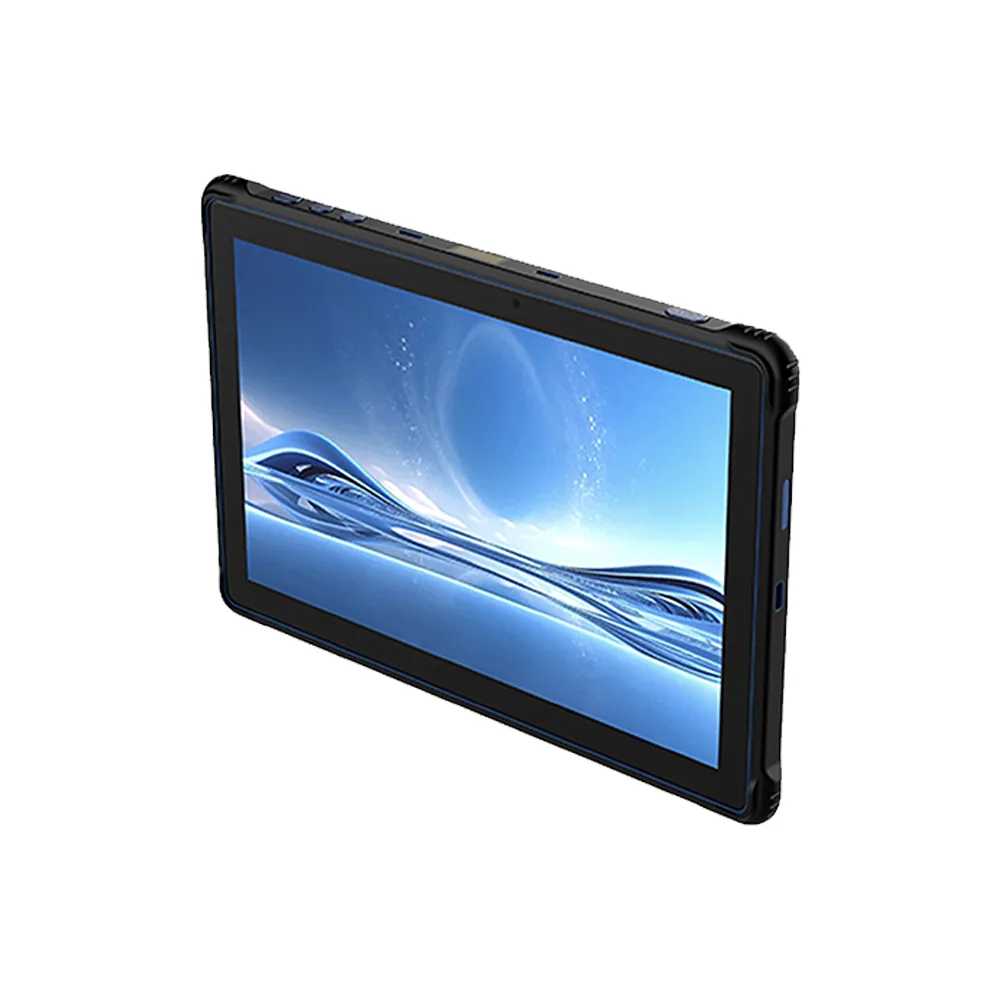
Explore RT81 Rugged Tablet display integration with a published 10.1″ display. Review enclosure, touch and interface requirements for your project.
Open record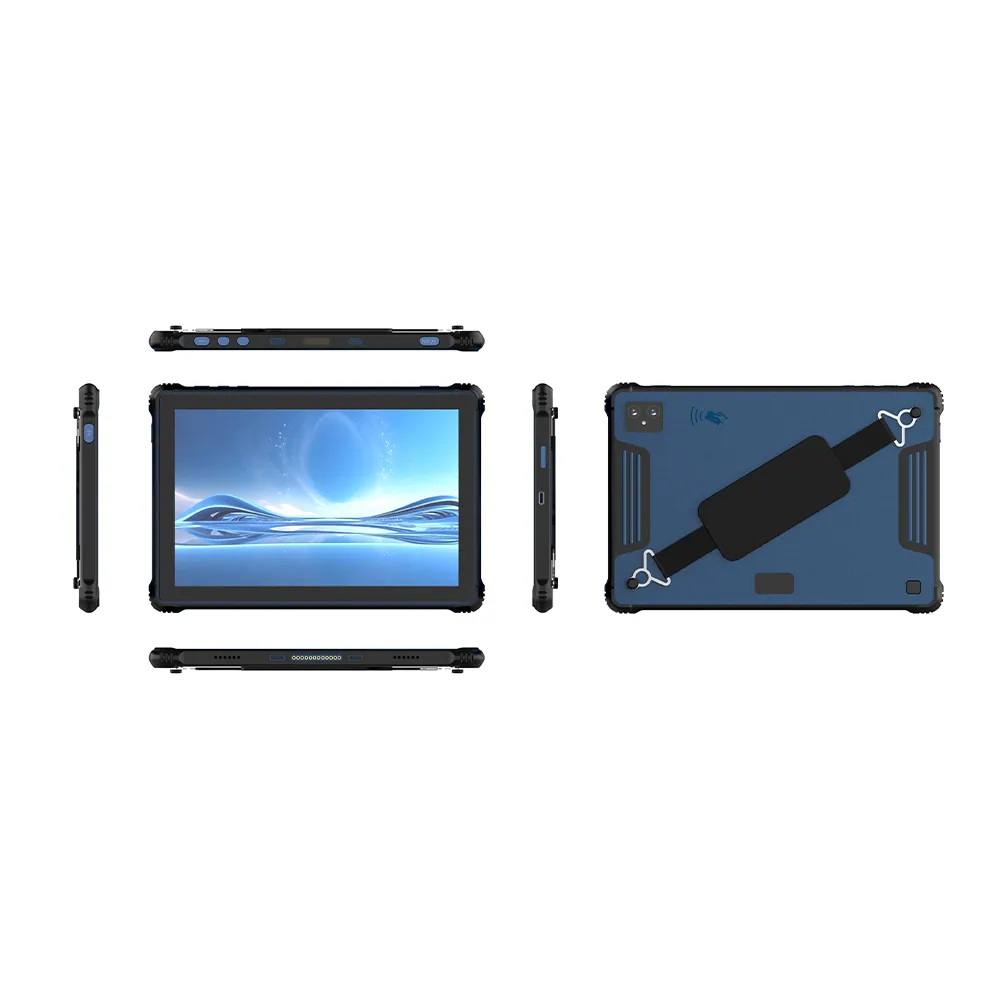
Explore RT82 Rugged Tablet display integration with a published 10.1″ display. Review enclosure, touch and interface requirements for your project.
Open recordFor rugged tablets, begin with the requirements above and the actual host enclosure. A reference device or a display-family listing helps narrow the discussion, but does not establish an interchangeable module or a qualified final assembly.
Bring the target screen layout, available enclosure dimensions, host-board interface and intended operating conditions. Separate fixed constraints from preferences so the review can identify which published modules need a closer drawing and electrical comparison.
Test the selected sample with the intended UI, front surface, power supply and touch configuration. Record the exact drawing revision and test conditions, including unresolved requirements, before approving the next project stage.
Interface compatibility checklist · Drawing and touch integration checklist
Share the target size, resolution, interface, touch, brightness, environment, quantity and project stage.