
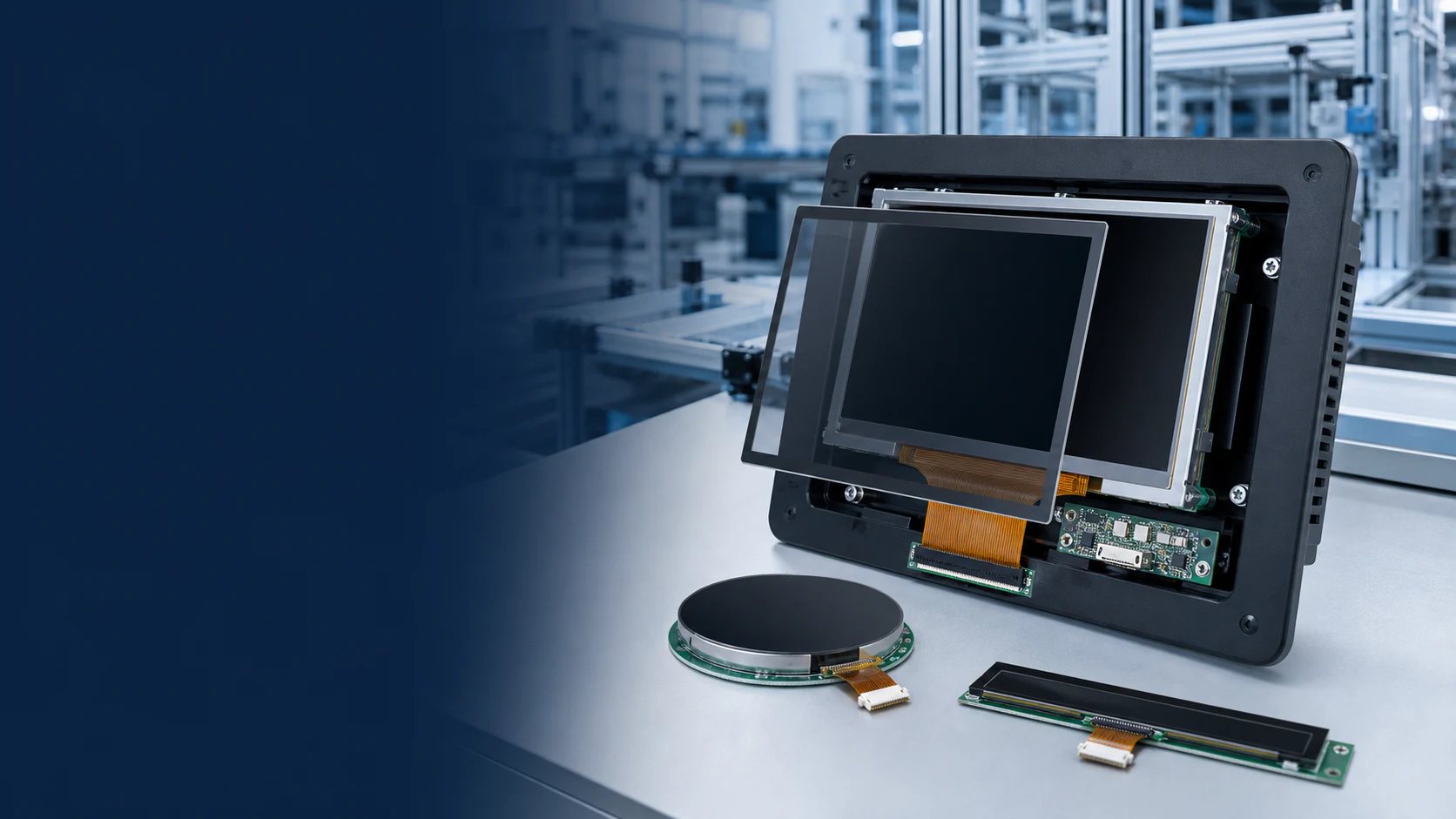
An interface label is a starting point for display selection, not proof that two modules are interchangeable. Before ordering an evaluation sample, compare the exact display revision with the host processor or controller-board documentation.
1. Identify both ends of the connection
Record the display model and drawing revision, host processor or controller board, and the interface available on that board. Distinguish a bare display module from an assembly supplied with a controller board. A catalog photo showing a connector does not establish the signals carried by that connector.
2. Compare the electrical documents
| Review item | Information to collect |
|---|---|
| Connector and pin assignment | Connector part, pitch, pin count, contact side, signal names, grounds and unused pins. |
| Power and backlight | Specified supply rails, electrical limits, sequencing and backlight-drive requirements. |
| Pixel data and timing | Resolution, orientation, clock and timing requirements for the chosen mode. |
| Interface-specific configuration | RGB data width; LVDS mapping and channel arrangement; or MIPI DSI lanes, mode and initialization requirements, as applicable to the exact model. |
| Touch connection | Touch-controller interface, separate power needs, interrupt or reset signals and driver availability. |
3. Include software and cable routing
Confirm that the host software can initialize and drive the selected configuration. Record the intended cable or FPC route, connector orientation and any adapter board. Changes to the cable, host board or display revision belong in the same review rather than being treated as cosmetic substitutions.
4. Define a sample test before procurement
Use representative UI screens to check startup, image orientation, color, refresh behavior and touch interaction. Repeat the checks in the assembled enclosure with the planned power supply and backlight settings. Agree how failures will be recorded and which drawing and software versions belong to the tested configuration.
Send a complete interface inquiry
Include the exact module reference, host-board details, display and touch interfaces, target resolution, connector constraints and available drawings. Leave unknown values explicitly open for engineering confirmation.
Continue with the TFT-LCD selection guide, compare standard TFT-LCD modules, or request an interface review.