
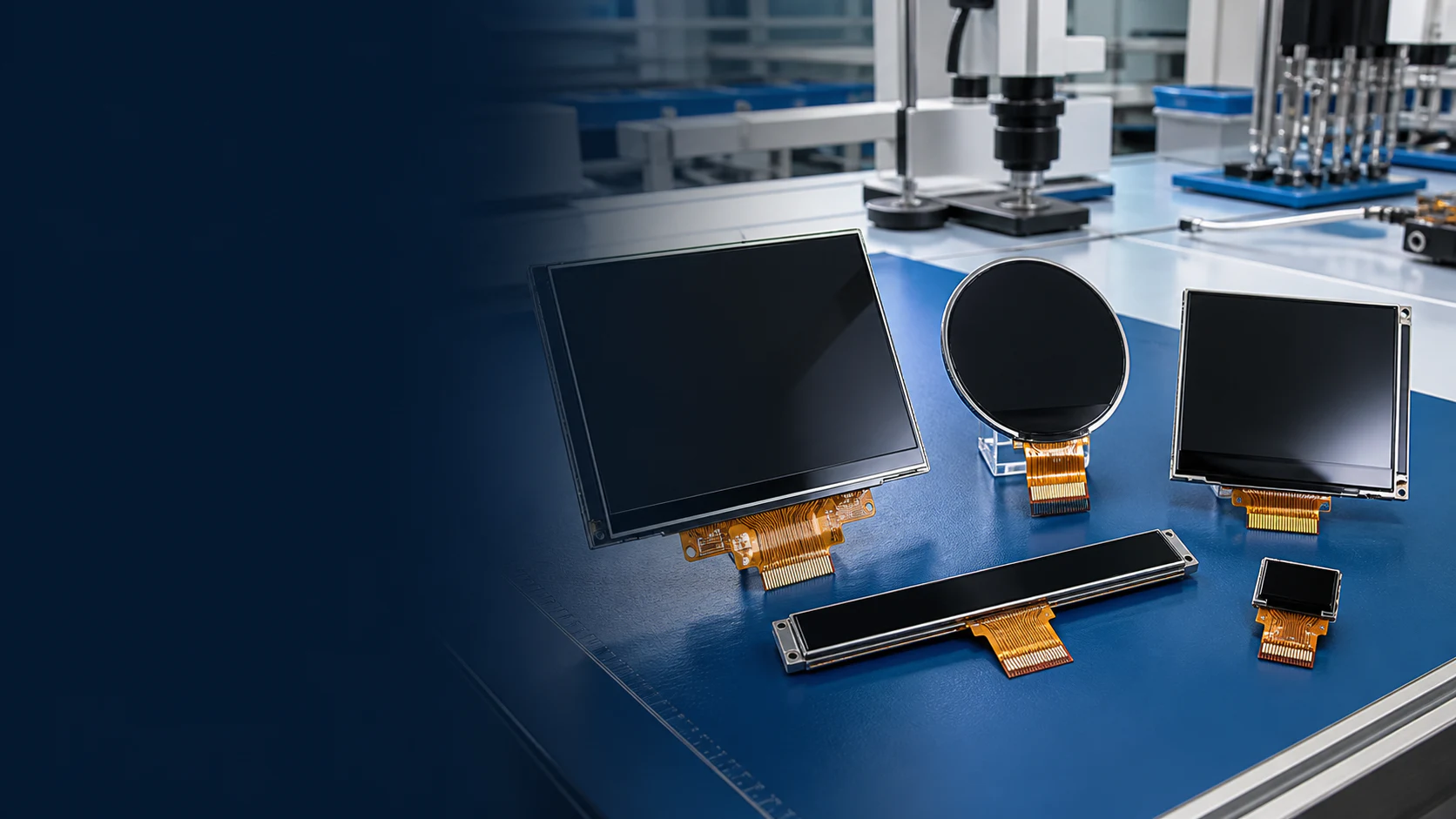
Custom TFT-LCD & OLED Display Solutions
Connect display size, interface, FPC, touch, cover lens and mechanical requirements in one engineering review before a sample is evaluated.
Custom display project advantages
- One engineering brief
- Keep optical, electrical, touch and mechanical requirements in the same project context.
- Review constraints before sampling
- Surface likely interface, FPC, touch and enclosure questions before sample evaluation.
- Carry decisions into the RFQ
- Use the agreed requirements as the basis for sample and quotation discussion.
What can be reviewed for customization
A useful custom display discussion begins with the host product. The available module, requested changes and sample checks should be reviewed against the same mechanical and electrical constraints.
- Display size and resolution
- Review the outline, active area, format and pixel requirement against the product interface.
- Interface and connector
- Align the host signal, connector position and pin requirements before sample evaluation.
- FPC layout and routing
- Discuss FPC direction, length and routing constraints around the enclosure and host PCB.
- Touch panel and cover lens
- Coordinate touch, visible area, cover lens outline and front-assembly stack-up.
- Backlight and brightness
- Set the brightness discussion in the context of viewing conditions and power constraints.
- Mechanical integration
- Check mounting, clearance, bezel, cable path and service access around the display assembly.
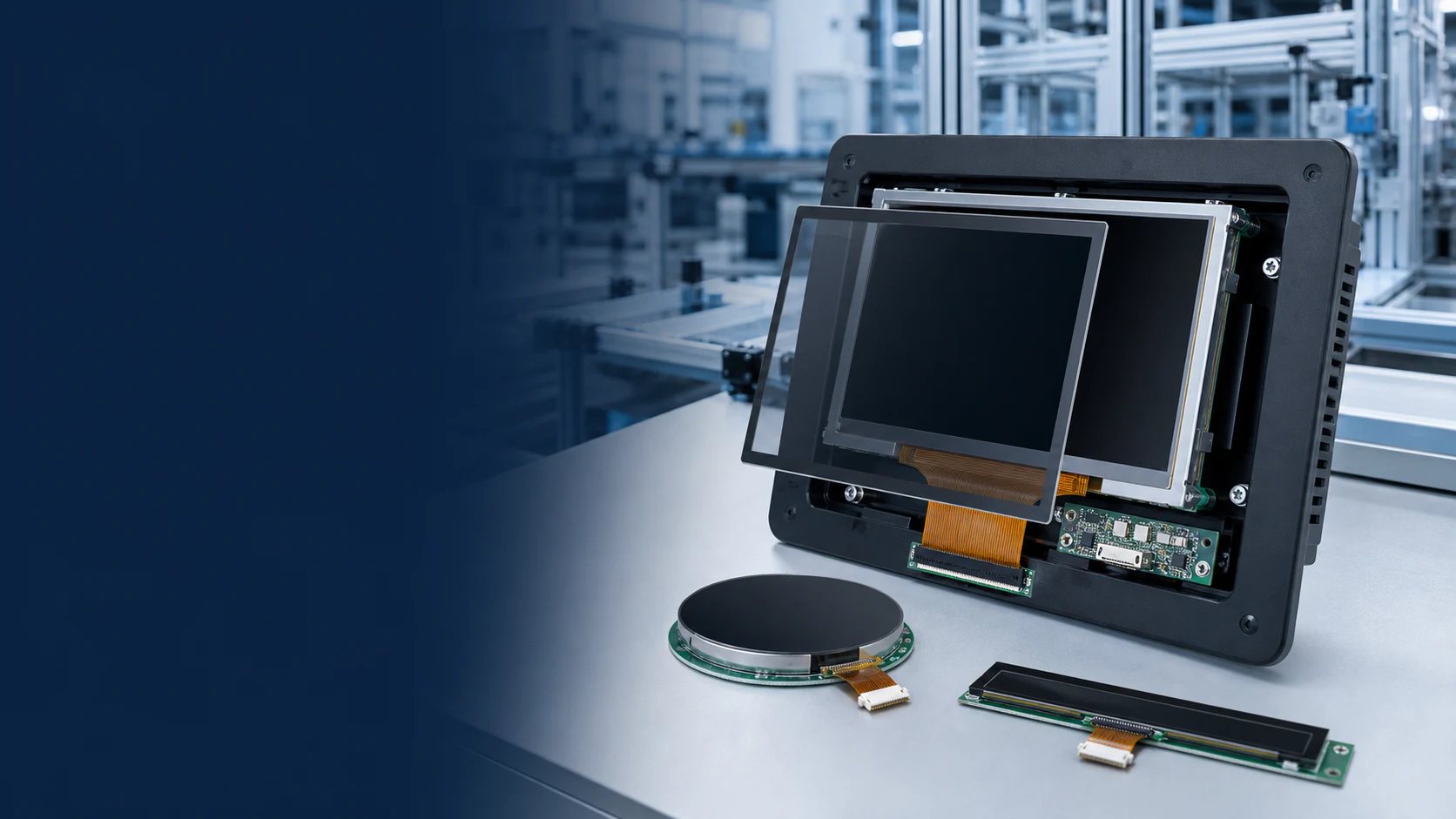
From requirement to controlled sample review
The sequence keeps product constraints visible while the module and requested changes are evaluated.
- 01
Define the host product
Share the application, enclosure, user interface, operating context and target quantity.
- 02
Match the display foundation
Compare available formats, resolution, interface and optical requirements.
- 03
Review integration details
Align connector, FPC, touch, cover lens, mounting and cable routing.
- 04
Evaluate the sample
Check electrical operation, image, touch alignment, viewing conditions and mechanical fit.
Prepare a useful first engineering brief
The first message does not need to solve every detail. It should give enough context to identify the closest display foundation and the questions that must be closed.
- Product application and current project stage
- Target outline, active area and resolution
- Host interface, connector and FPC direction
- Touch panel and cover lens requirement
- Brightness and intended operating conditions
- Drawing, enclosure constraints and quantities
Start with the final application
Application context changes the priorities for viewing, touch, interface, protection and mechanical integration.
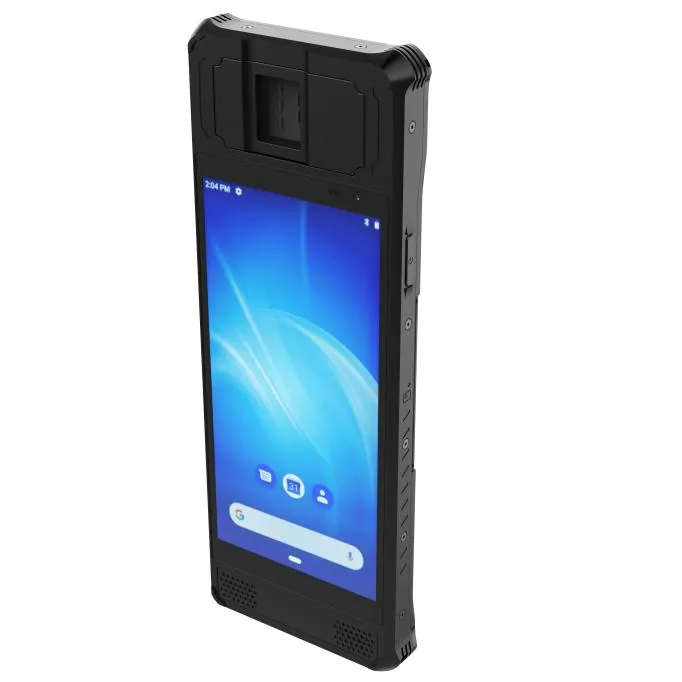
Biometric & Access Control Terminals Display Integration
Review display integration for biometric and access-control terminals, including touch, sensor alignment, interface, enclosure and viewing requirements.
Review integration priorities ↗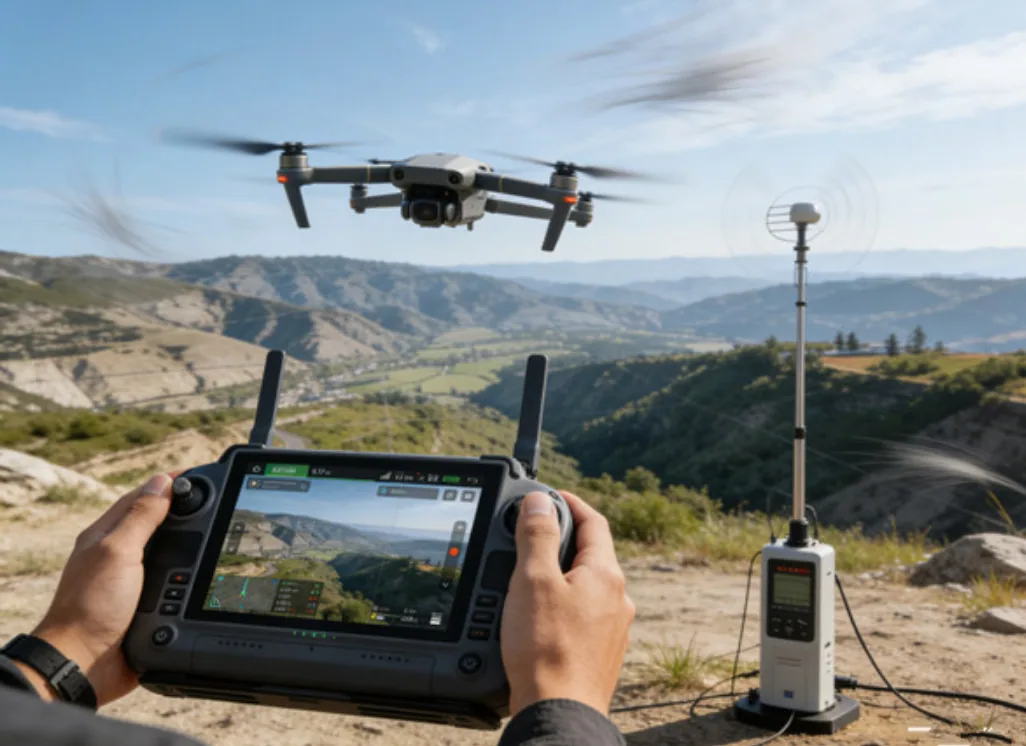
Drone Remote Control & Video Terminals Display Integration
Review display integration for drone remote controls and video terminals, including outdoor readability, video interface, touch and enclosure requirements.
Review integration priorities ↗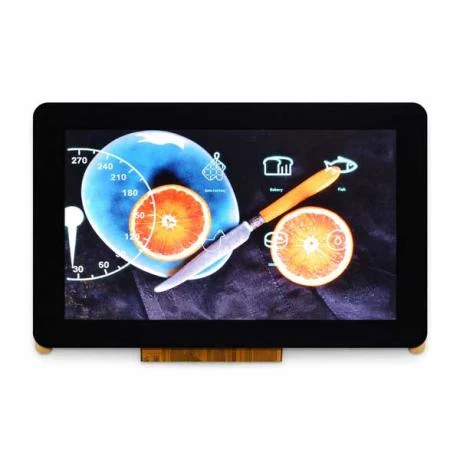
EV Charging & Energy Systems Display Integration
Review display integration for EV chargers and energy systems, including brightness, touch, interface, mounting and operating-condition requirements.
Review integration priorities ↗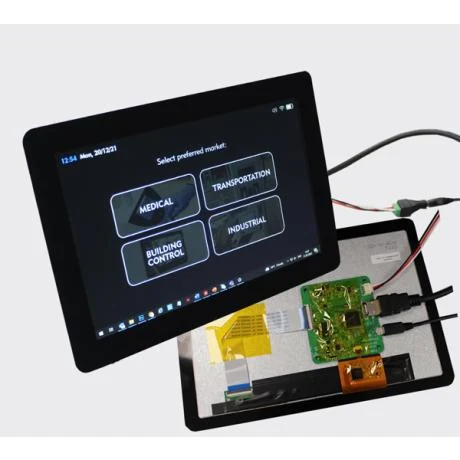
Medical, Diagnostic & Monitoring Equipment Display Integration
Review TFT-LCD display integration for medical and monitoring equipment, including resolution, viewing angle, touch, interface and enclosure requirements.
Review integration priorities ↗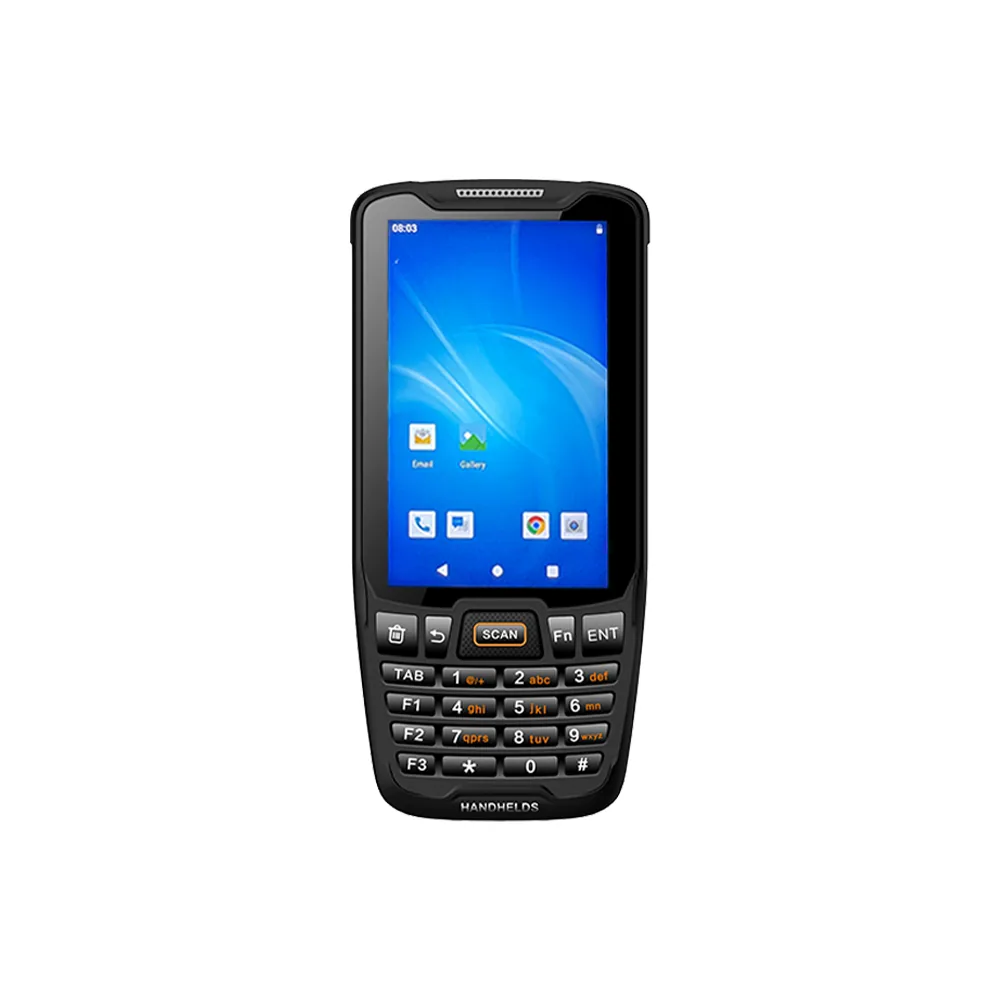
Retail POS & Payment Terminals Display Integration
Review TFT-LCD display integration for retail POS and payment terminals, including touch, viewing angle, interface, cover lens and enclosure requirements.
Review integration priorities ↗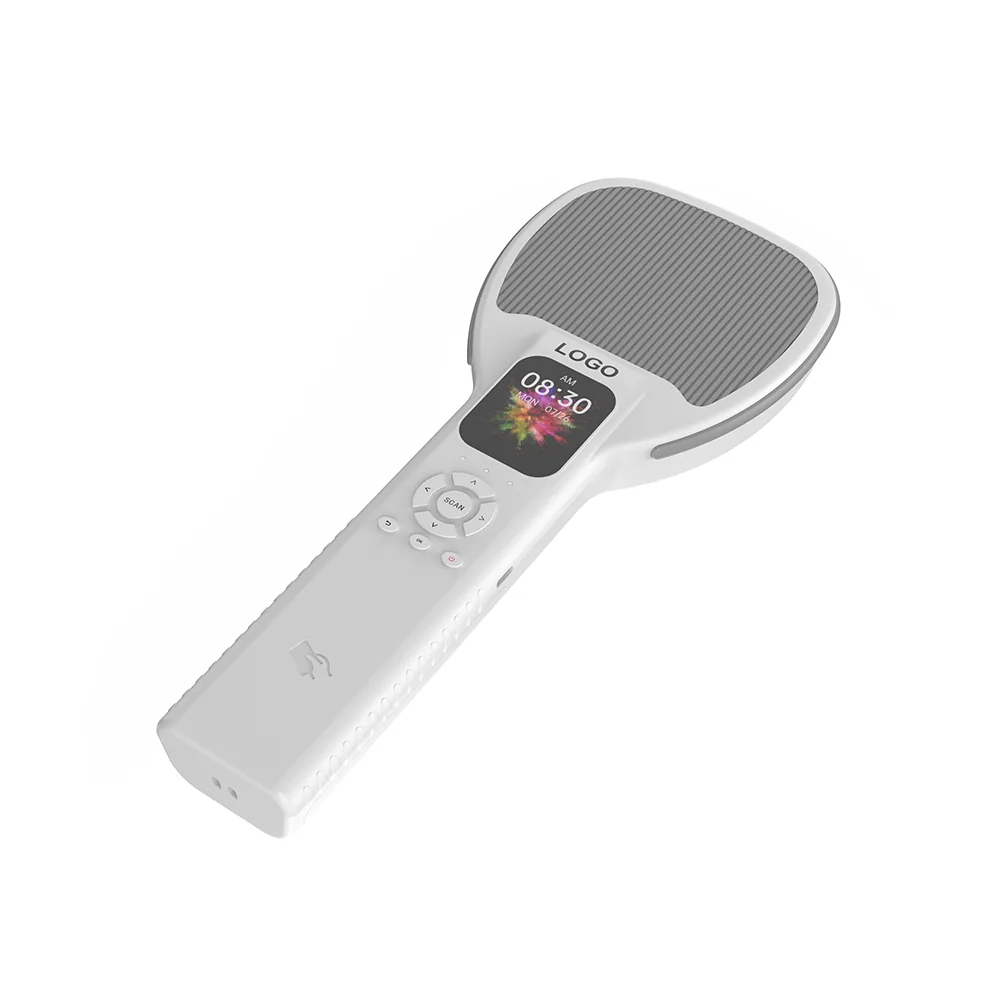
RFID Inventory & Asset Tracking Display Integration
Review display integration for RFID readers and asset-tracking terminals, including size, touch, interface, connector, FPC and readability requirements.
Review integration priorities ↗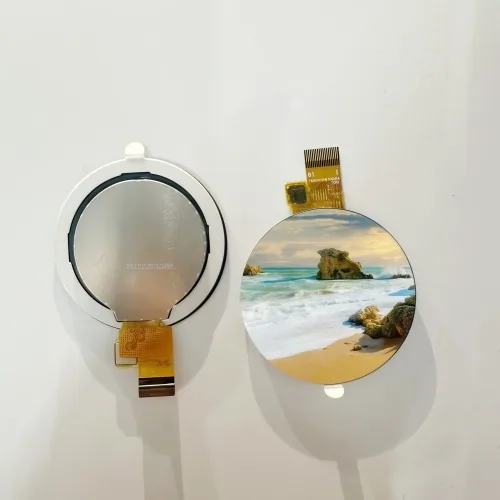
Smart Home & Appliance Controls Display Integration
Review display integration for smart-home and appliance controls, including shape, touch, cover lens, interface and front-panel requirements.
Review integration priorities ↗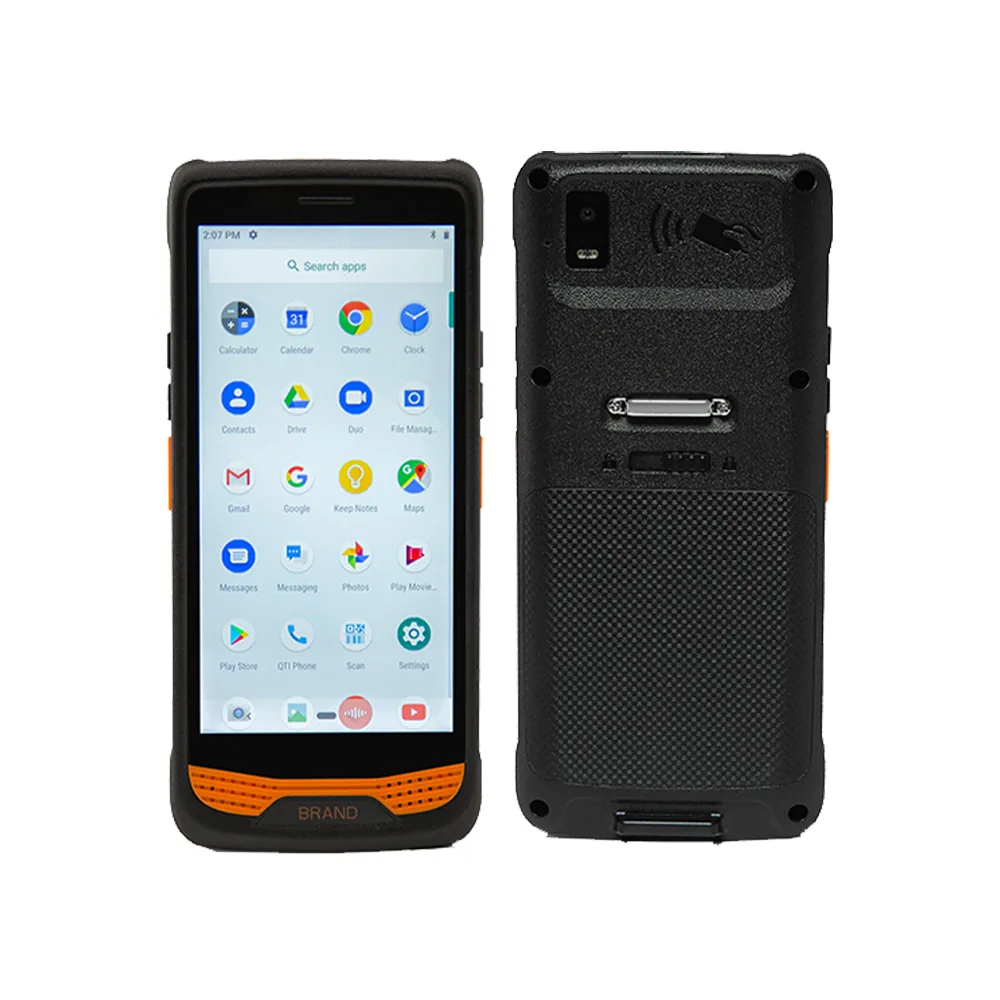
Warehouse, Logistics & Barcode Scanners Display Integration
Review display integration for warehouse barcode scanners and logistics terminals, including touch, readability, interface, FPC and enclosure requirements.
Review integration priorities ↗ Industrial Control & HMI Display Integration
Review TFT-LCD display integration for industrial HMI and control panels, including viewing distance, touch, host interface, mounting and operating conditions.
Review integration priorities ↗
Robotics & Smart Equipment Display Integration
Review TFT-LCD and OLED display integration for robots and smart equipment, including format, touch, interface, enclosure fit and viewing conditions.
Review integration priorities ↗ Handheld Terminal Display Integration
Review display module integration for handheld terminals, including compact size, touch and cover lens, interface, FPC and readability requirements.
Review integration priorities ↗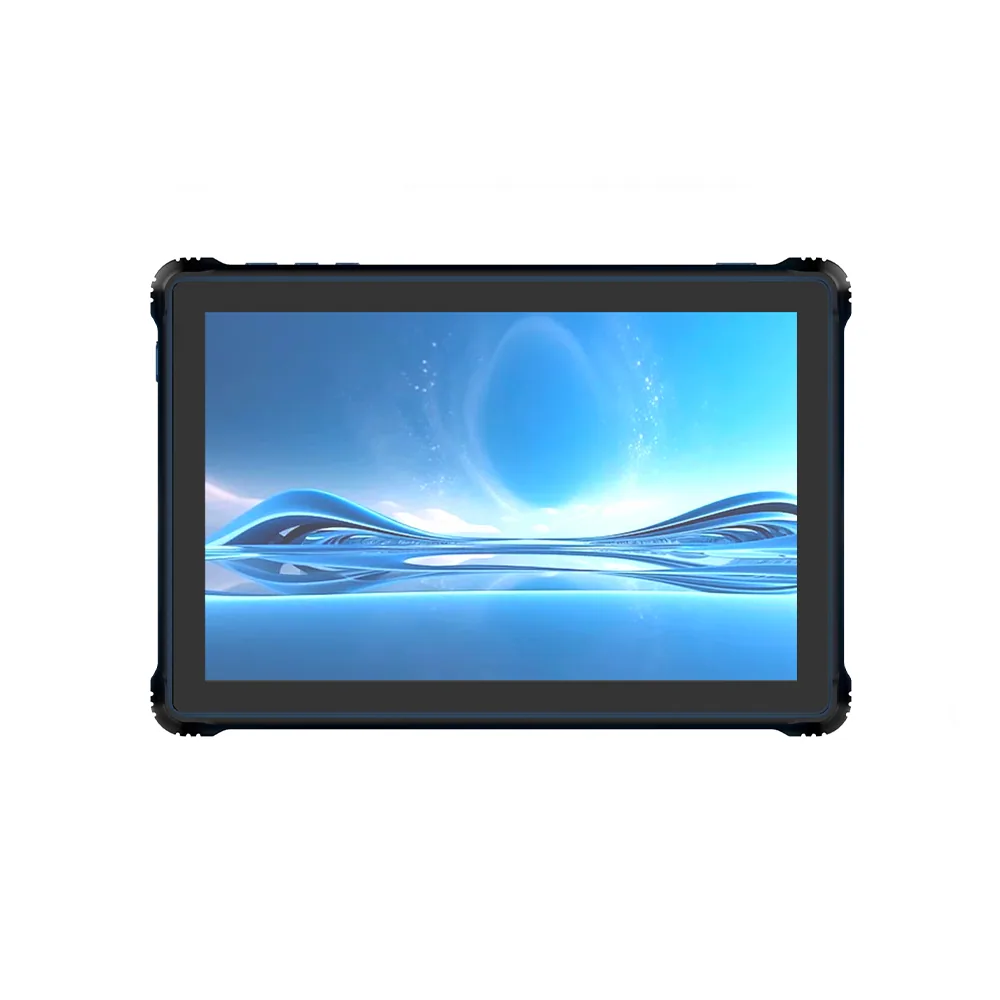
Rugged Tablet Display Integration
Review rugged tablet display integration for active area, touch stack, cover lens, brightness, interface and mechanical support requirements.
Review integration priorities ↗Custom display engineering FAQ
Concise answers for moving from a module search to a structured TFT-LCD or OLED display review.
What parts of a TFT-LCD or OLED display module can be reviewed for customization?
The engineering discussion can cover display size and resolution, interface, connector, FPC layout, touch panel, cover lens, backlight, brightness and mechanical integration. The available scope is confirmed after the source module and project requirements are reviewed.
Can a standard display module be the starting point for a custom design?
Yes. Starting with an existing module can make size, resolution, interface and optical constraints easier to compare. Requested changes still require a separate engineering and availability review.
What information should be provided for a custom display review?
Provide the application, project stage, target outline and active area, resolution, interface, touch and cover lens needs, brightness or operating conditions, FPC and connector constraints, drawings and estimated quantities.
What should be checked during display sample evaluation?
The sample plan should cover electrical communication, image orientation, active area, touch alignment, mechanical fit, connector and FPC routing, viewing conditions and any agreed project-specific checks.
Bring the display requirements into one engineering review.
Share the target format, interface, touch, optical and mechanical constraints so the next step can be defined around your product.