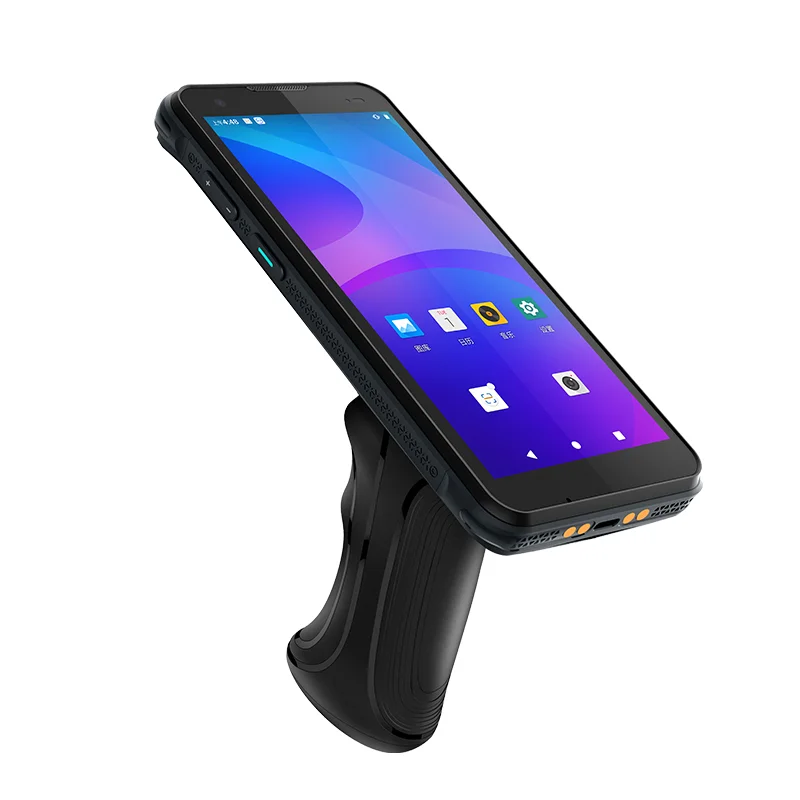
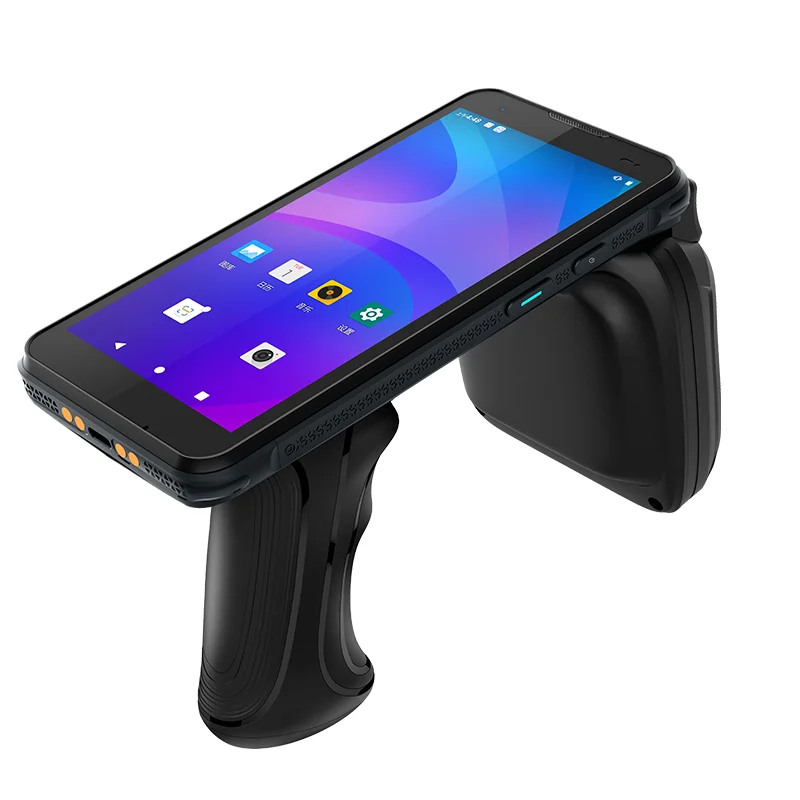
Pistol-Grip Inventory Terminal Display Integration
A display mounted above a trigger handle introduces different viewing and touch-access constraints. Examine the integration priorities for inventory terminals.
Read application case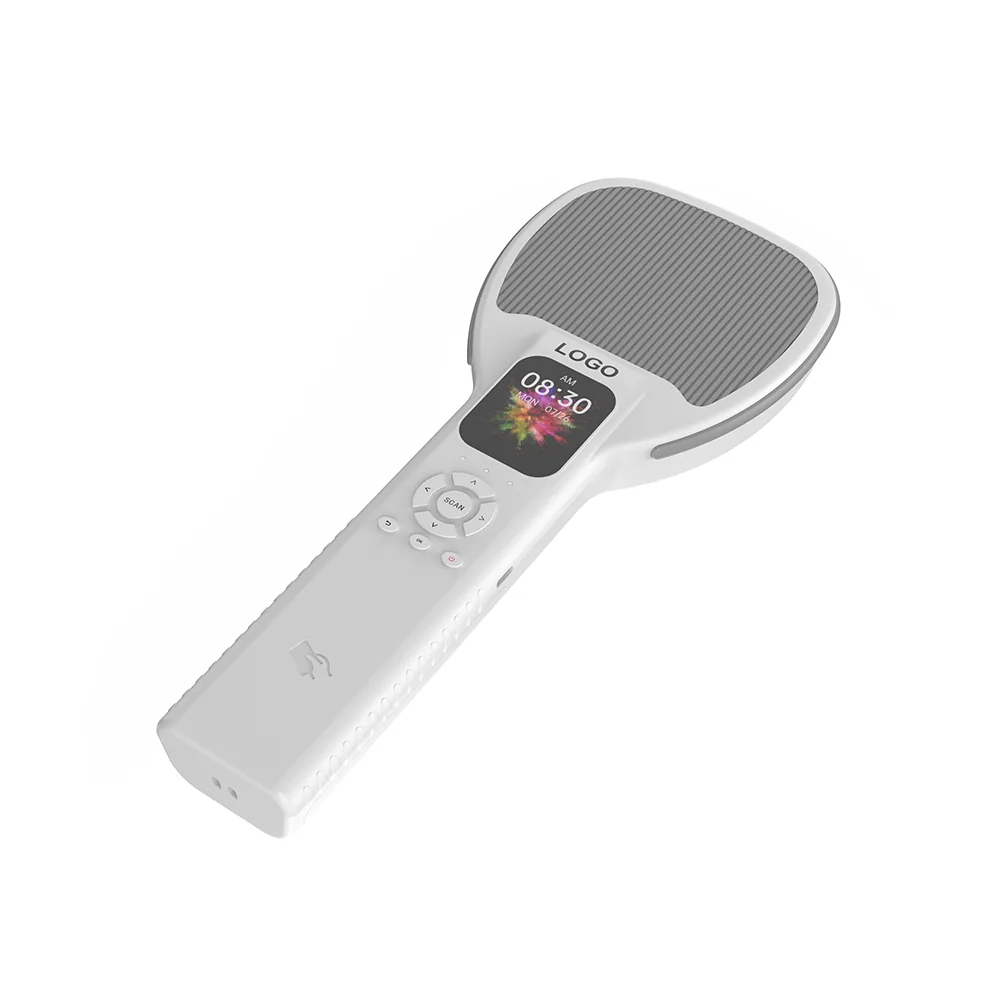
Review display integration for RFID readers and asset-tracking terminals, including size, touch, interface, connector, FPC and readability requirements.
Explore device integration, receiving, picking, retail stock checks, asset lookup and other display workflows.
A display mounted above a trigger handle introduces different viewing and touch-access constraints. Examine the integration priorities for inventory terminals.
Read application caseAn asset lookup terminal must distinguish the object being identified from the record being edited. Accessory-equipped device views support a review of candidate lists and confirmation screens.
Read application caseRFID and asset-tracking projects should review the display alongside the reader electronics, data workflow, input method, enclosure, battery layout and intended viewing environment.
Explore R2 Handheld Terminal display integration. Review enclosure, touch and interface requirements for your project.
Open record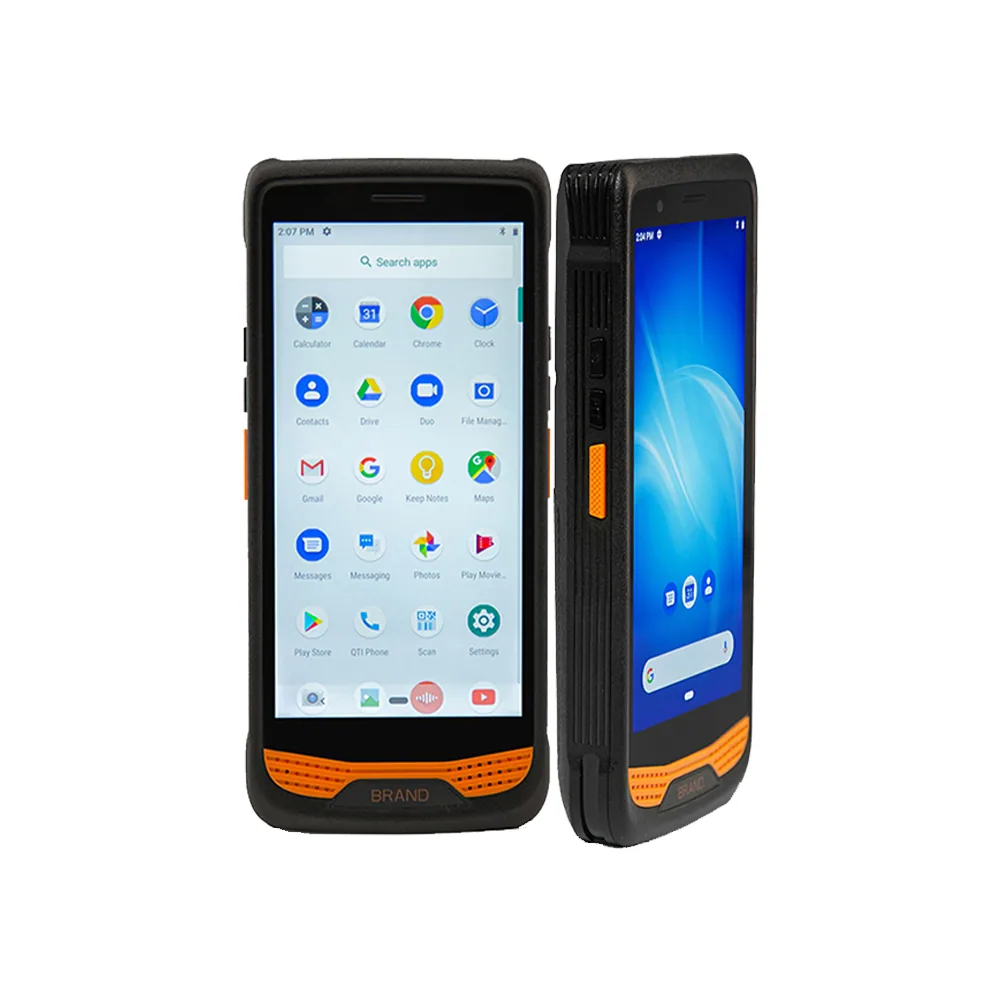
Explore R366A-S Handheld Terminal display integration with a published 5.5″ display. Review enclosure, touch and interface requirements for your project.
Open record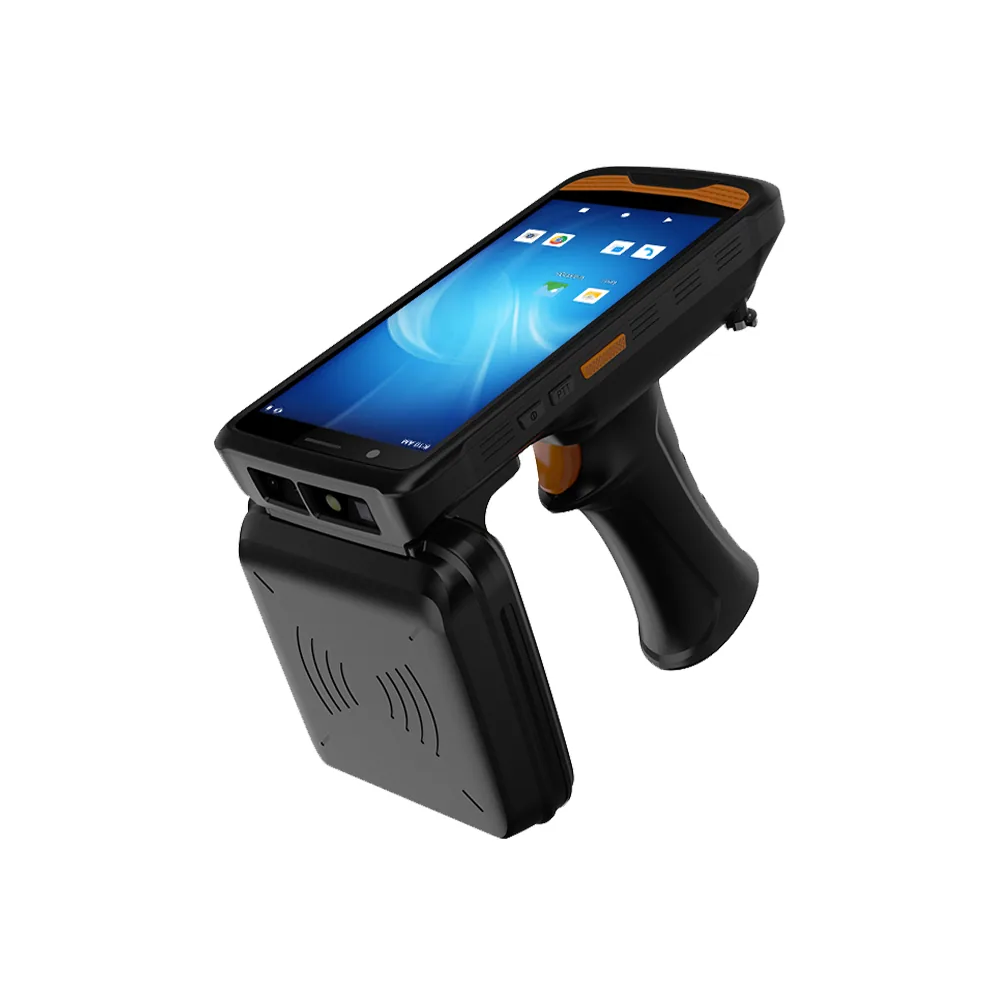
Explore R366C-S Handheld Terminal display integration. Review enclosure, touch and interface requirements for your project.
Open record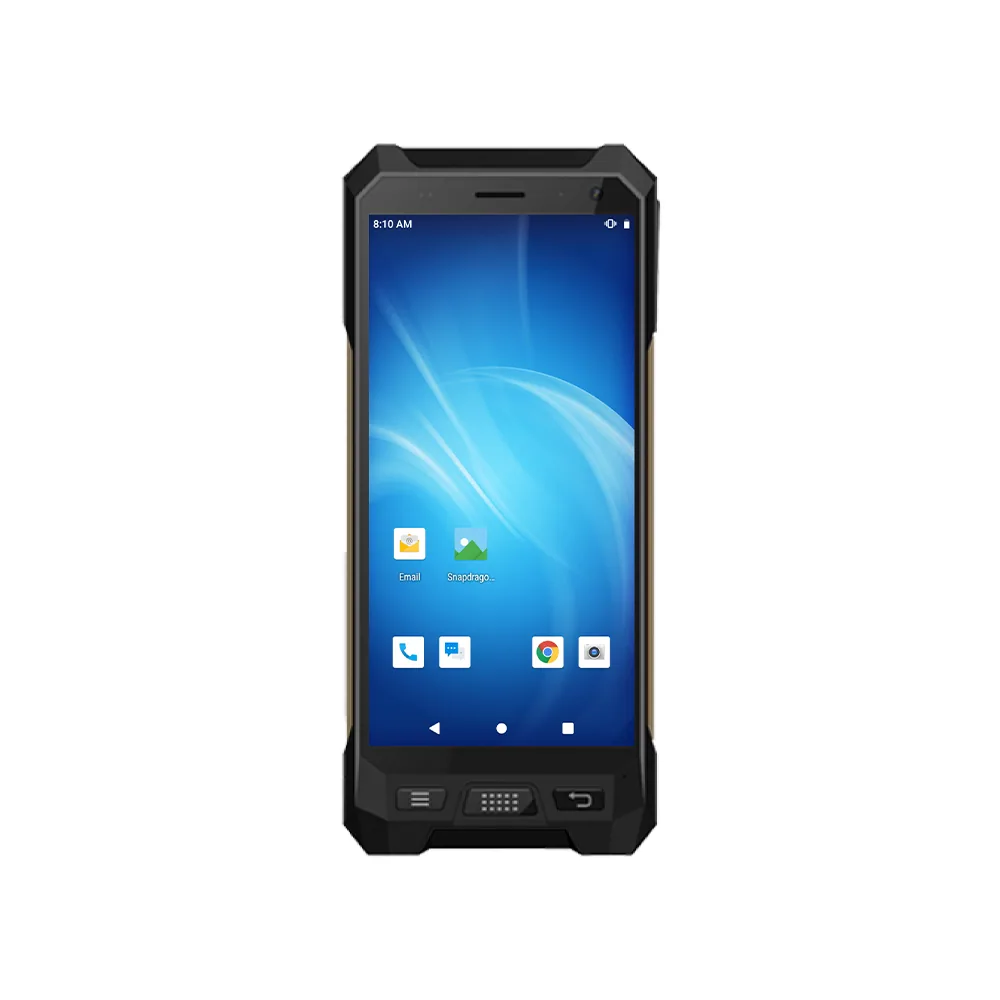
Explore R530C Handheld PDA display integration with a published 6.0″ display. Review enclosure, touch and interface requirements for your project.
Open record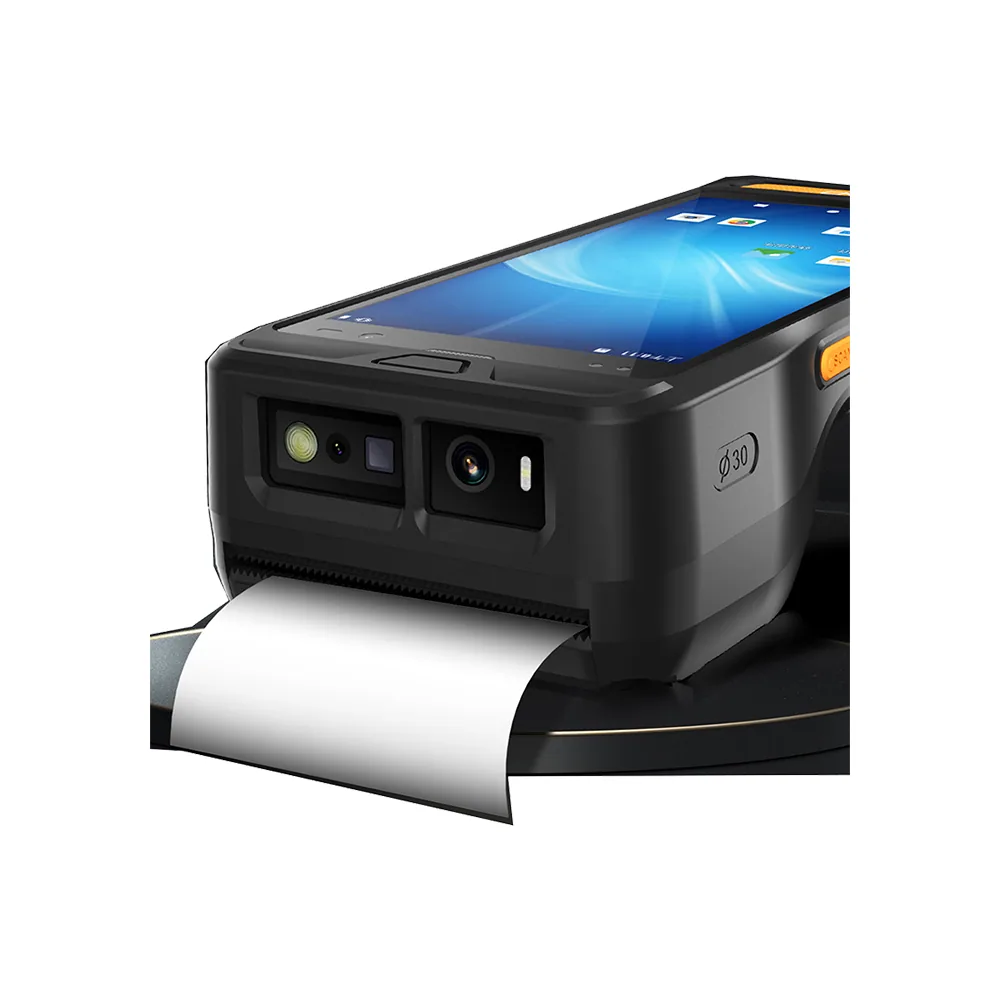
Explore R860-S Handheld Printer display integration. Review enclosure, touch and interface requirements for your project.
Open recordFor rfid inventory & asset tracking, begin with the requirements above and the actual host enclosure. A reference device or a display-family listing helps narrow the discussion, but does not establish an interchangeable module or a qualified final assembly.
Bring the target screen layout, available enclosure dimensions, host-board interface and intended operating conditions. Separate fixed constraints from preferences so the review can identify which published modules need a closer drawing and electrical comparison.
Test the selected sample with the intended UI, front surface, power supply and touch configuration. Record the exact drawing revision and test conditions, including unresolved requirements, before approving the next project stage.
Interface compatibility checklist · Drawing and touch integration checklist
Share the target size, resolution, interface, touch, brightness, environment, quantity and project stage.