Application context
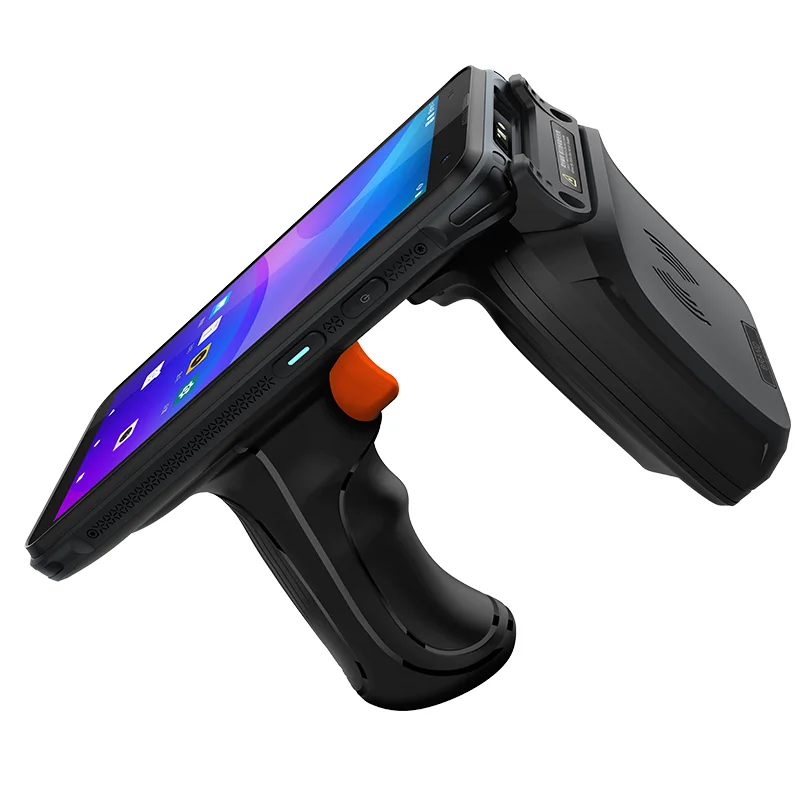
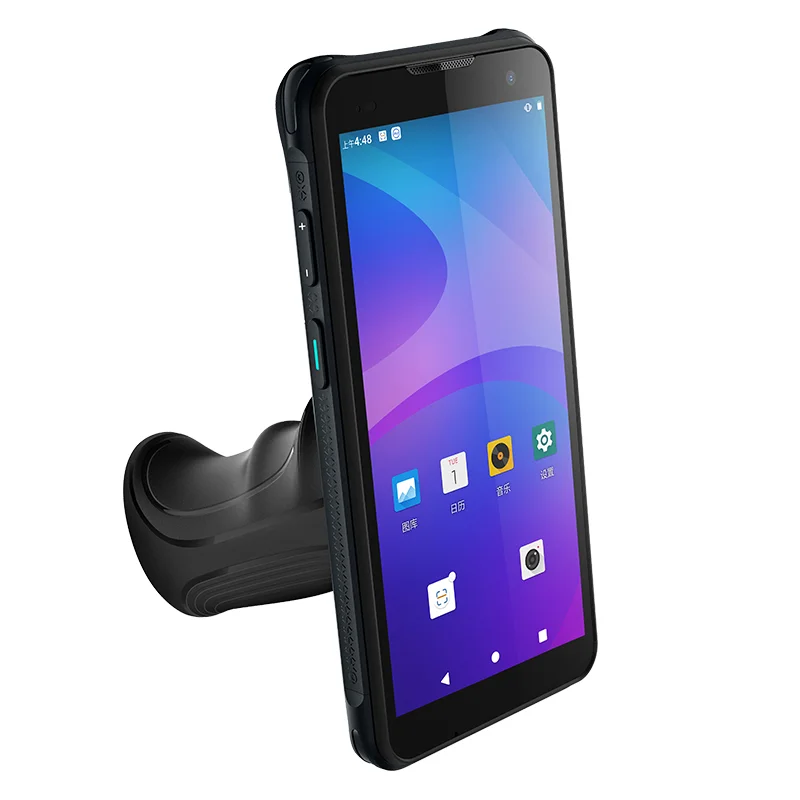
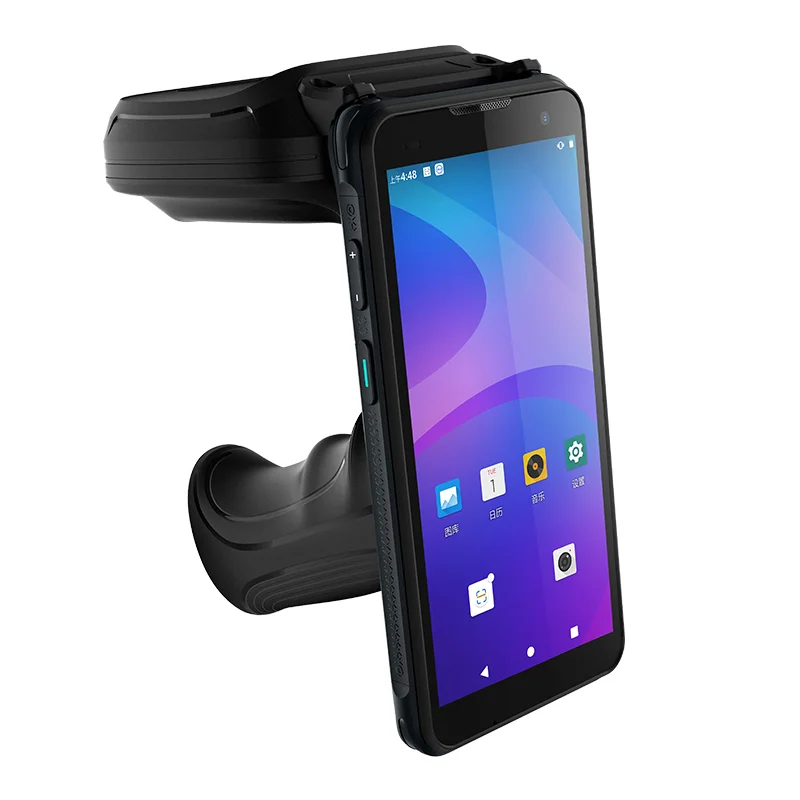
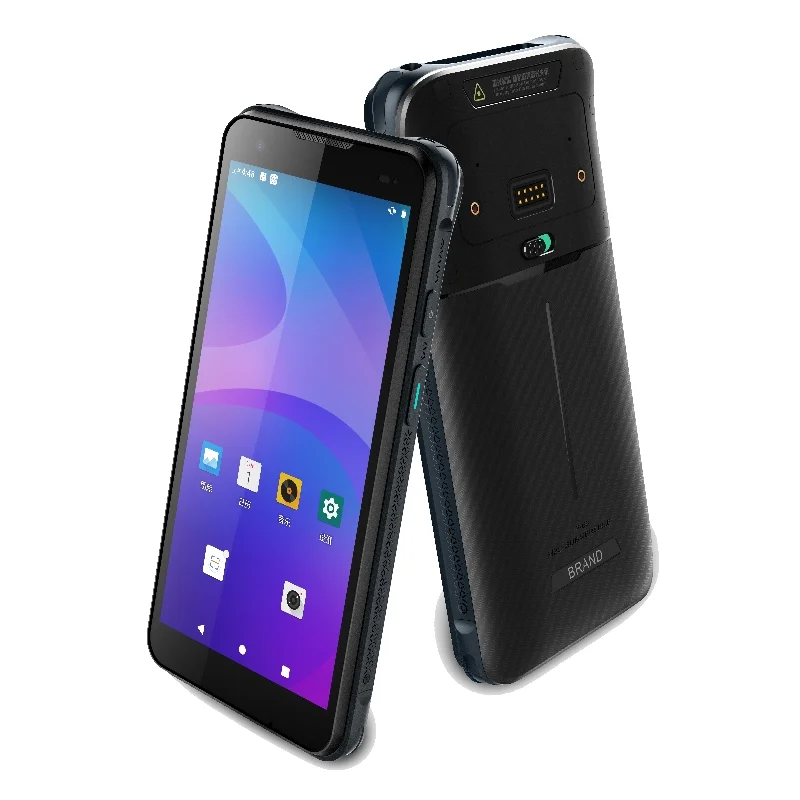
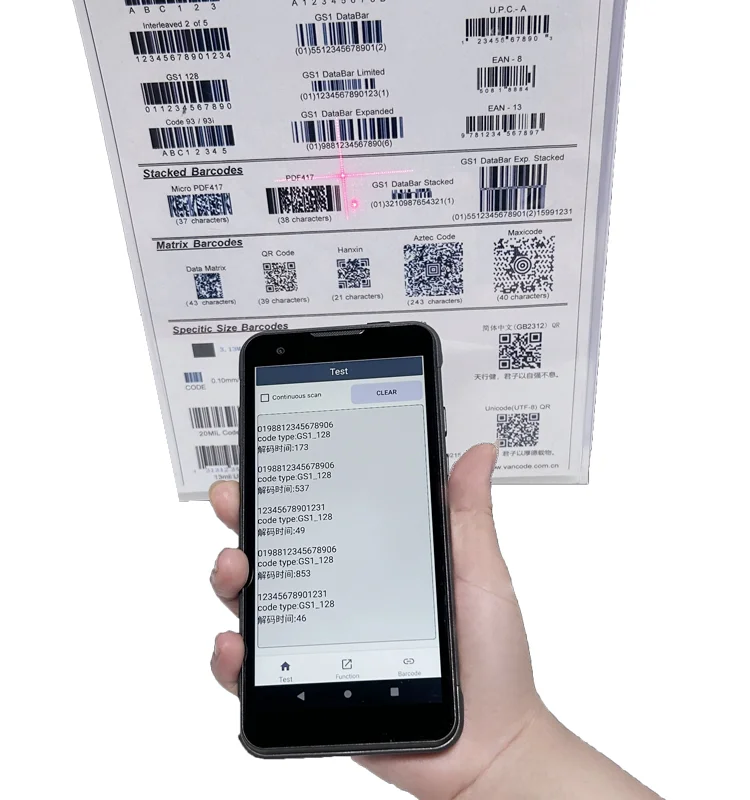
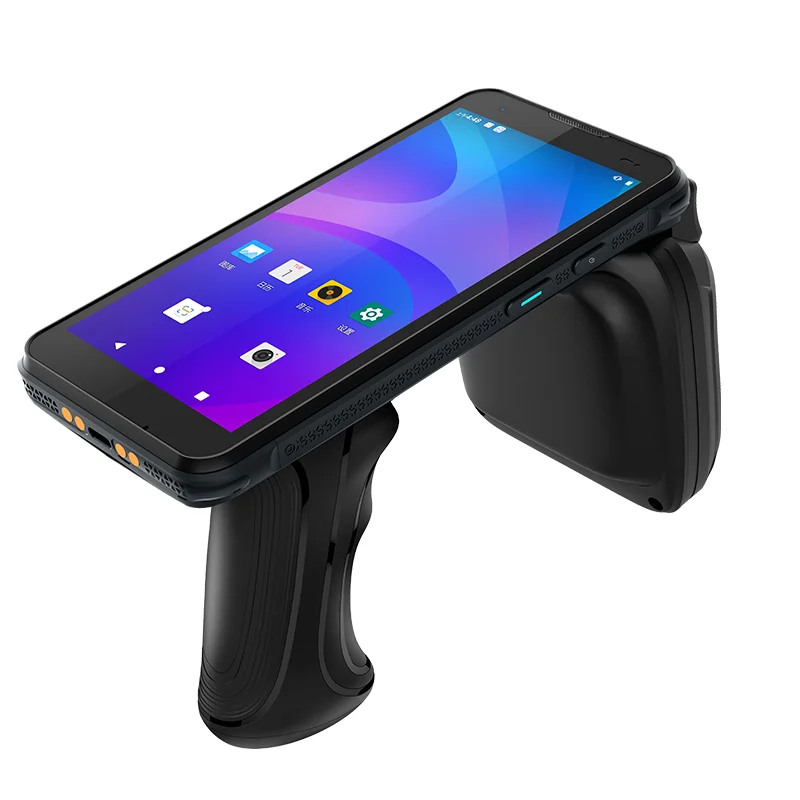
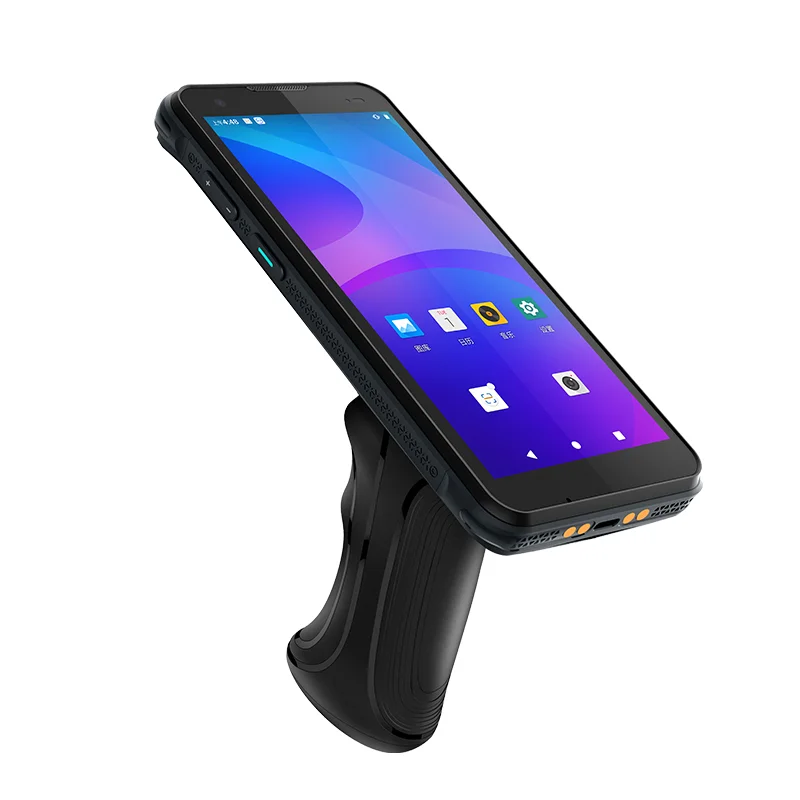
An asset identification terminal links a physical object to a stored record. Depending on the project, the identifier may come from a barcode, manual entry or a separately specified reader subsystem. The supplied photographs show a display, trigger grip and additional housing. They establish the external arrangement, not RFID capability, radio band, read distance or a customer asset-tracking installation.
Confirm the object before editing the record
The display should help the operator decide whether the selected record belongs to the object in front of them. An asset code alone may not be sufficient. The application may also present an equipment name, assigned location or another approved identifying field. Keep the fields used for confirmation visible before offering an update action.
If the system returns several possible records, provide a candidate-list state and a clear selected-item state. Test similar identifiers and repeated equipment names. The transition from a list to a detail view should preserve the chosen object, and returning to the list should not silently apply an edit to a different record.
Display integration priorities
Dense lists and readable selection states
Evaluate representative record lists at the intended physical screen size. Review row height, text wrapping and the visibility of the selected state. Do not rely on color alone to communicate which asset is active. A symbol, border or explicit label can help distinguish a focused item from one that has already been confirmed by the operator.
Accessory clearance and touch reach
The photographed rear housing is useful context for an assembly discussion because accessories can affect weight distribution, working angle and how the terminal is held. Assess touch access with the complete configuration attached. Request internal drawings before deciding where the display connector or FPC can sit; the external views do not reveal an internal cable path.
Separate reader and display evidence
When RFID is part of the intended project, reader performance and display performance require separate requirements and tests. A list updating on screen does not validate radio coverage, and a reader specification does not establish display readability. Identify which subsystem owns each unresolved issue so the sample review can reach a clear conclusion.
Asset lookup sample checklist
- Show several records with similar names or identifiers.
- Confirm one object before enabling a record update.
- Check list selection, detail view and return navigation.
- Distinguish an unsaved change from an acknowledged record.
- Review touch reach and viewing angle with accessories installed.
- Record display, mechanical and reader requirements independently.
Prepare an engineering review
Bring sample list and detail screens, the accessory envelope, front-window dimensions and host-board interface. Define the largest set of information that must be visible together and identify the workflow's confirmation points. Compare published TFT-LCD module information with those constraints before selecting a sample.
The related inventory and asset-tracking integration page provides broader requirements to review where applicable. This example does not identify a fitted Fuzheng module or claim a verified reader technology for the pictured equipment.