Application context
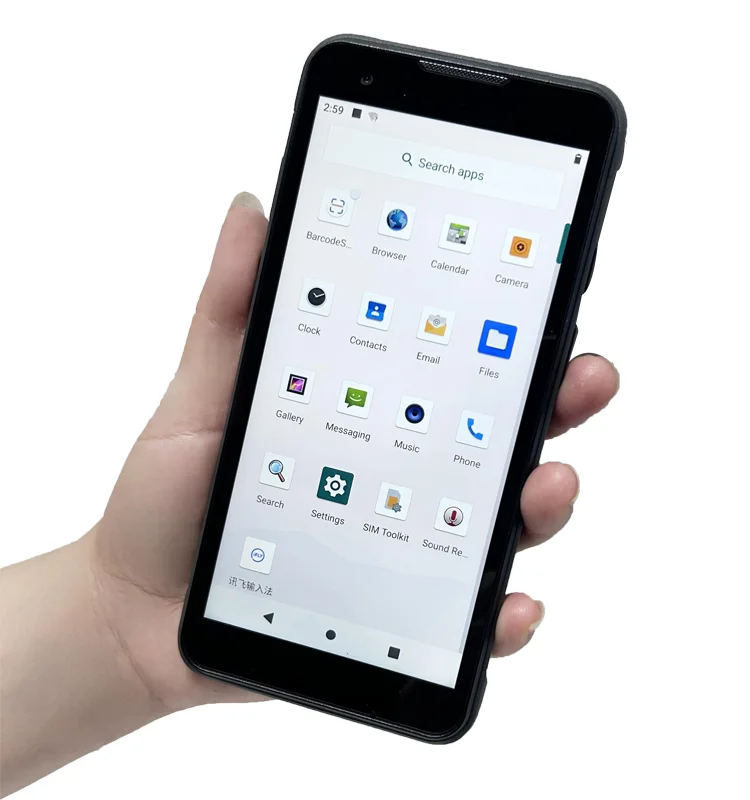
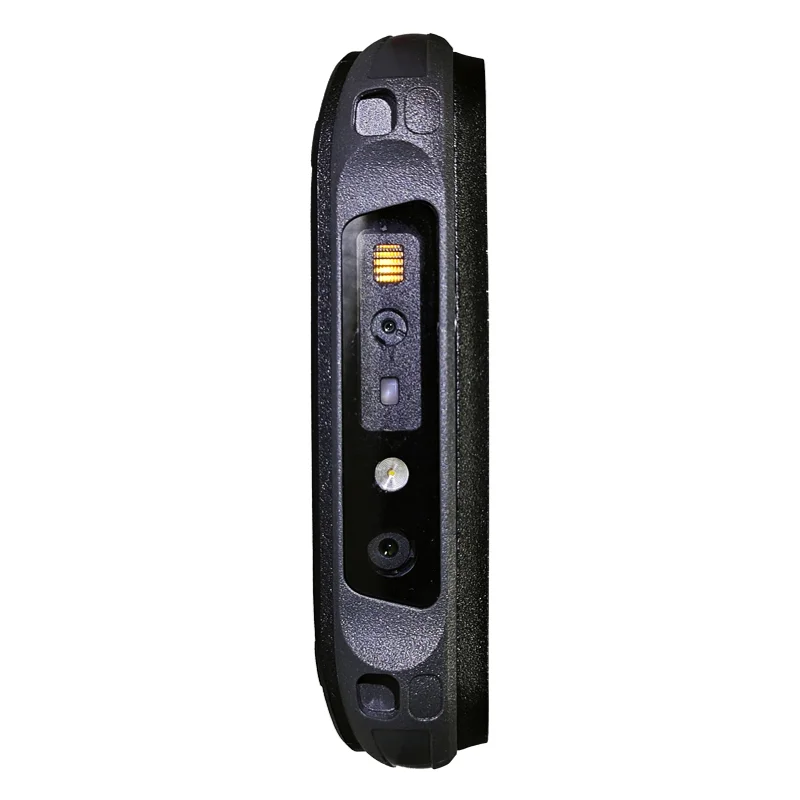
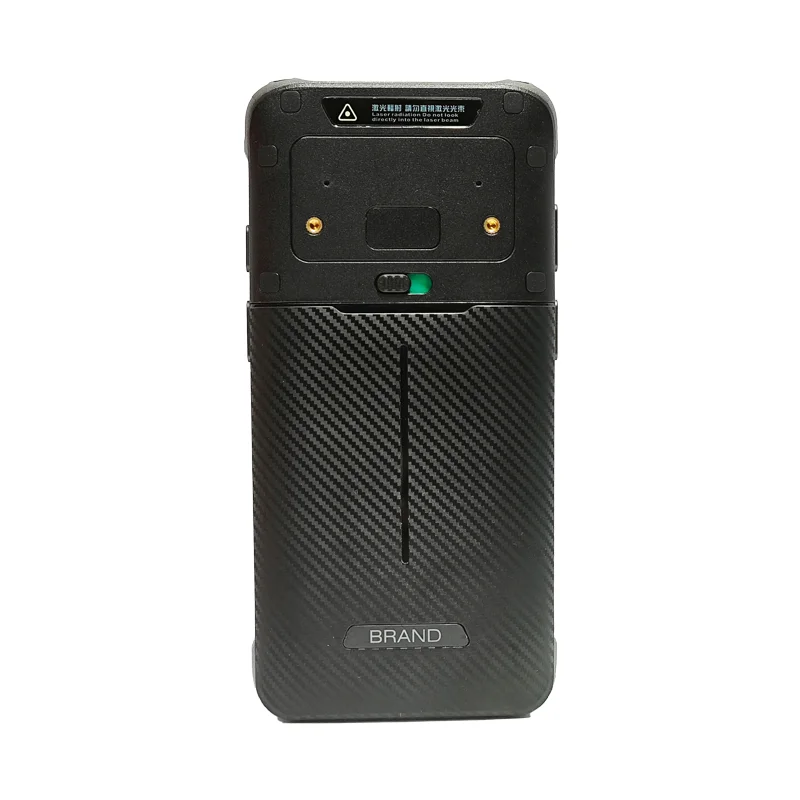
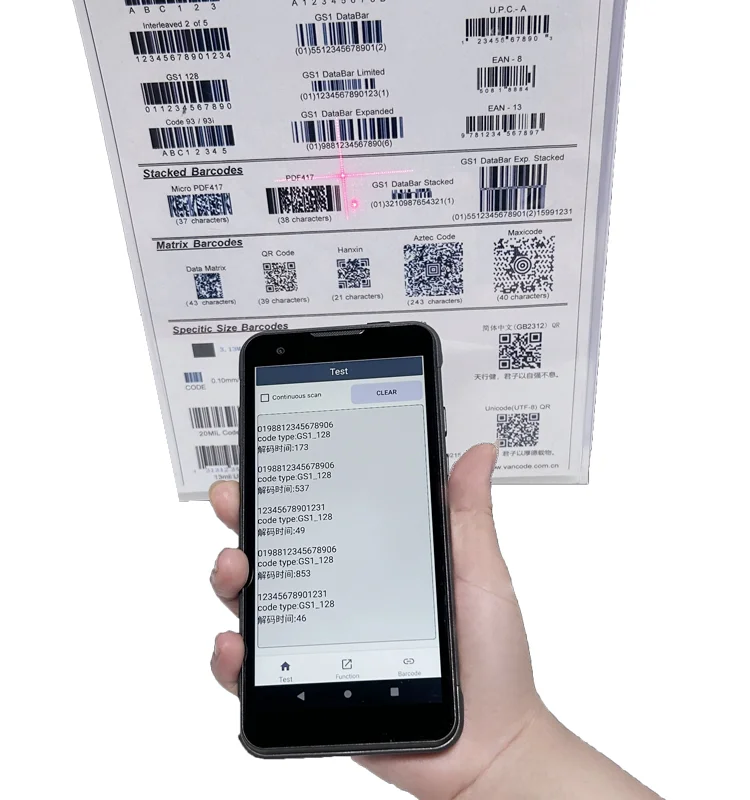
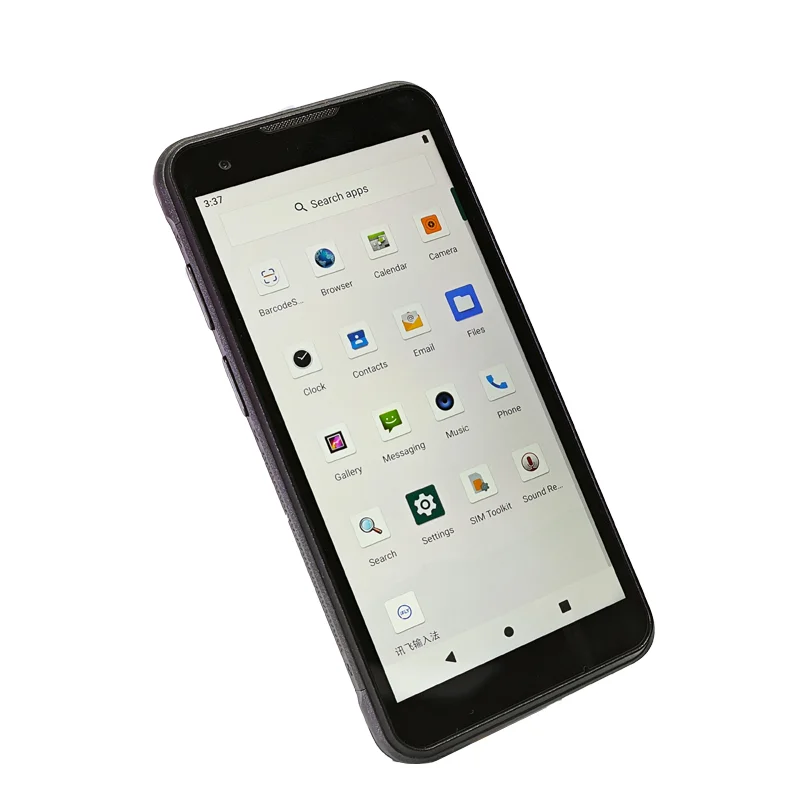
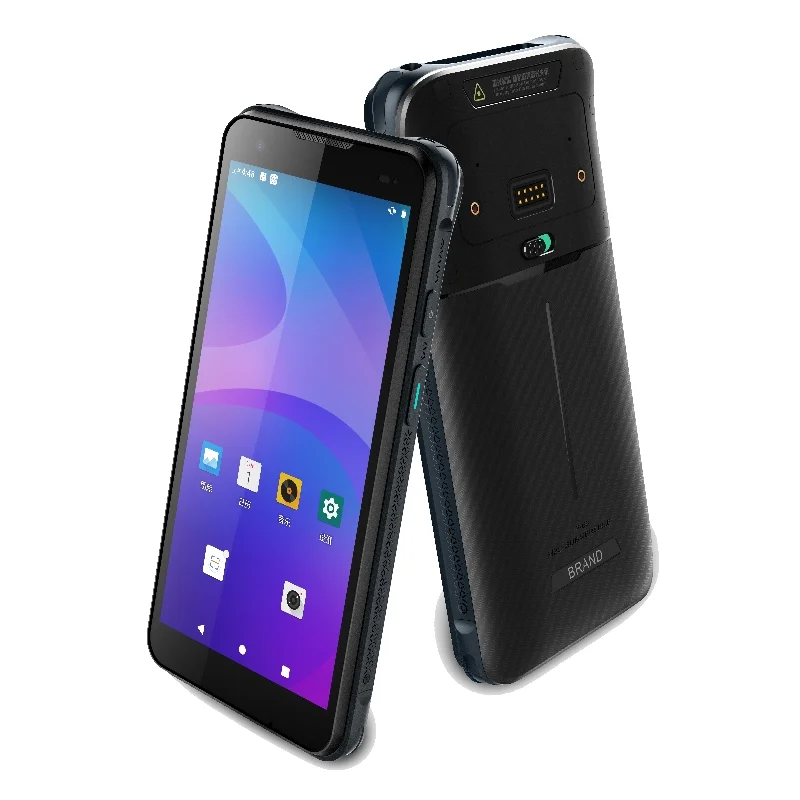
A handheld data terminal combines a compact screen with a portable enclosure so an operator can read records and enter information while moving between tasks. The supplied photographs show a portrait-format device, an illuminated application screen and several enclosure views. They provide a practical reference for discussing display integration, rather than a dimensional specification or a record of a completed supply project.
For a display-module project in this format, the starting point is the information that needs to remain readable: a record identifier, a task prompt, a confirmation state and the controls used to move to the next step. The final display choice should follow that workflow and the host drawings, not the appearance of the photographed device alone.
Display decisions for a compact handheld
Portrait layout and usable viewing area
Review the actual interface screens at the intended physical size. A nominal diagonal does not describe the full usable area once the cover lens, bezel and software layout are included. Compare the module active area with the front-window drawing, and check whether important text remains visible when a hand is holding the device.
Touch access and front-surface alignment
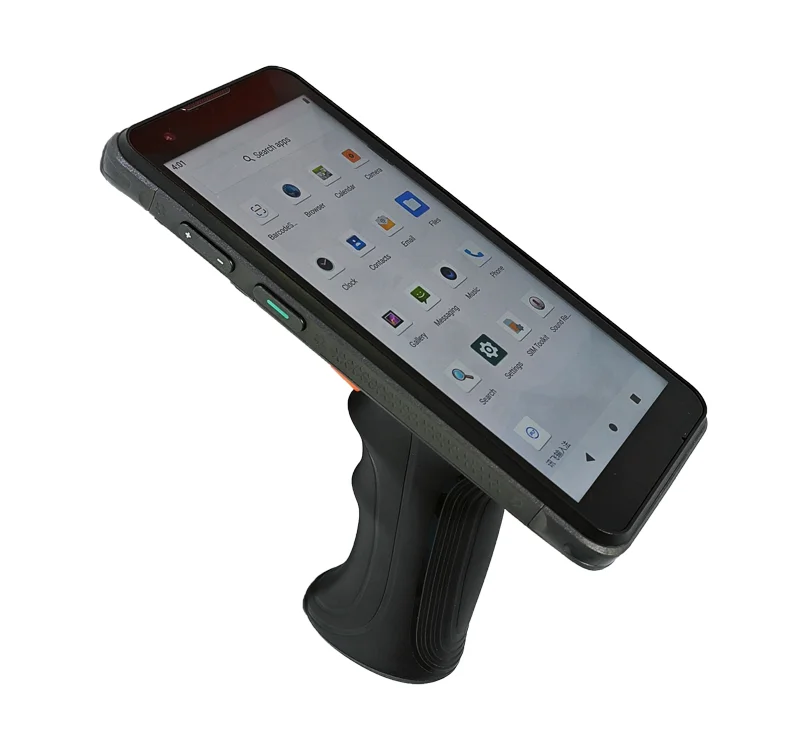
The in-hand photograph makes the relationship between grip and screen position visible. Use that relationship to plan a touch review with the intended operator, UI and holding position. If gloves, moisture or a protective surface are part of the requirement, record them as separate test conditions. They are not capabilities established by these photographs.
Electrical and mechanical fit
Obtain the host-board interface, supply requirements and connector details before selecting a TFT-LCD module. Compare pin assignments, signal timing, FPC orientation and the full stack height with the enclosure drawing. A visually similar module is not necessarily electrically interchangeable, and a common connector shape does not establish compatibility.
A display-module review with Fuzheng
Start with the standard TFT-LCD display catalog and identify modules whose published drawings and electrical information can be compared with the project requirements. The catalog is a selection starting point; it does not identify a module fitted to the terminal in these photographs.
For a project discussion, provide the front-window dimensions, host interface, target UI, touch requirements and intended operating environment. Specify which constraints are fixed and which can change. Any brightness target, cover-lens change, FPC adjustment or touch configuration should be reviewed against the selected module and confirmed separately.
Sample evaluation checklist
- Confirm the visible area, bezel overlap, mounting position and drawing revision.
- Run the intended interface with realistic text, symbols and confirmation states.
- Check touch access while the device is held in the intended working position.
- Verify the host connection, power sequence and display orientation against the module documentation.
- Record viewing conditions, unresolved issues and the configuration used for the evaluation.
What to include in an inquiry
Send the enclosure drawing, target screen size, host-board details and sample quantity together. Include a screenshot of the intended UI when text density or control placement is important. This gives the display discussion a concrete starting point without treating the appearance of a reference device as a guarantee of fit.
Continue with the interface compatibility checklist and the drawing and touch integration checklist before approving a sample configuration.