Application context
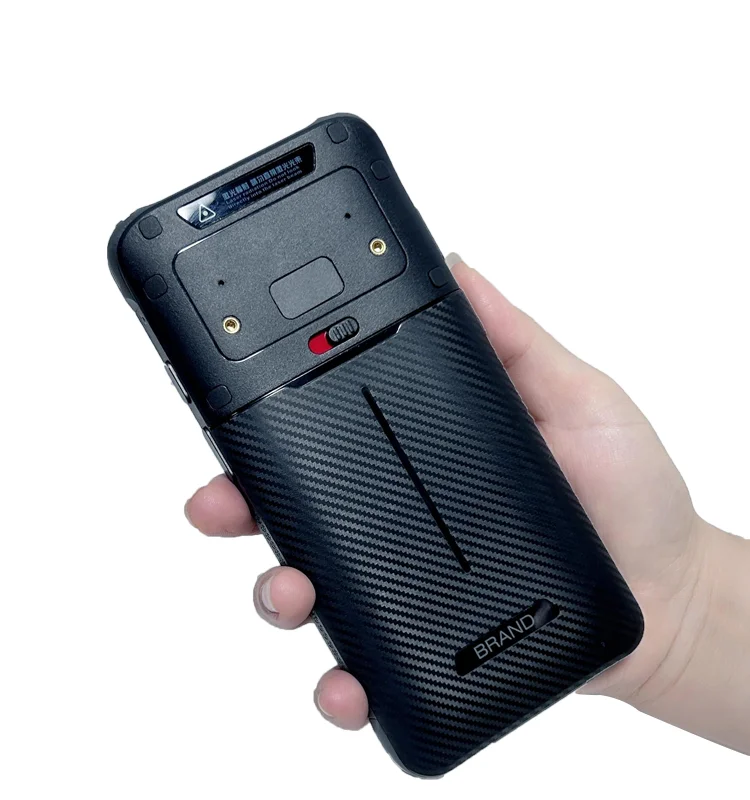
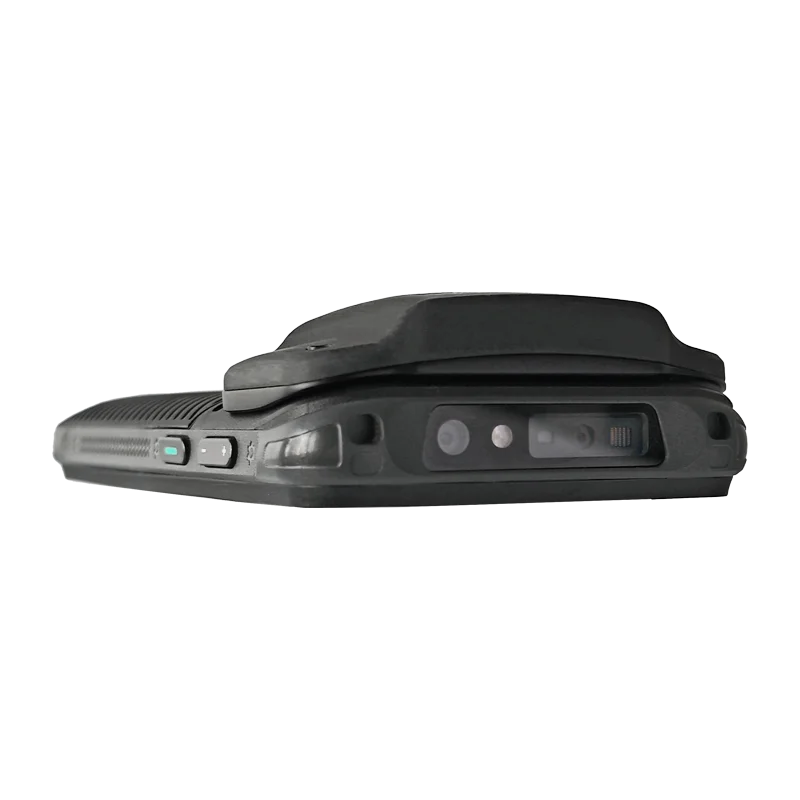
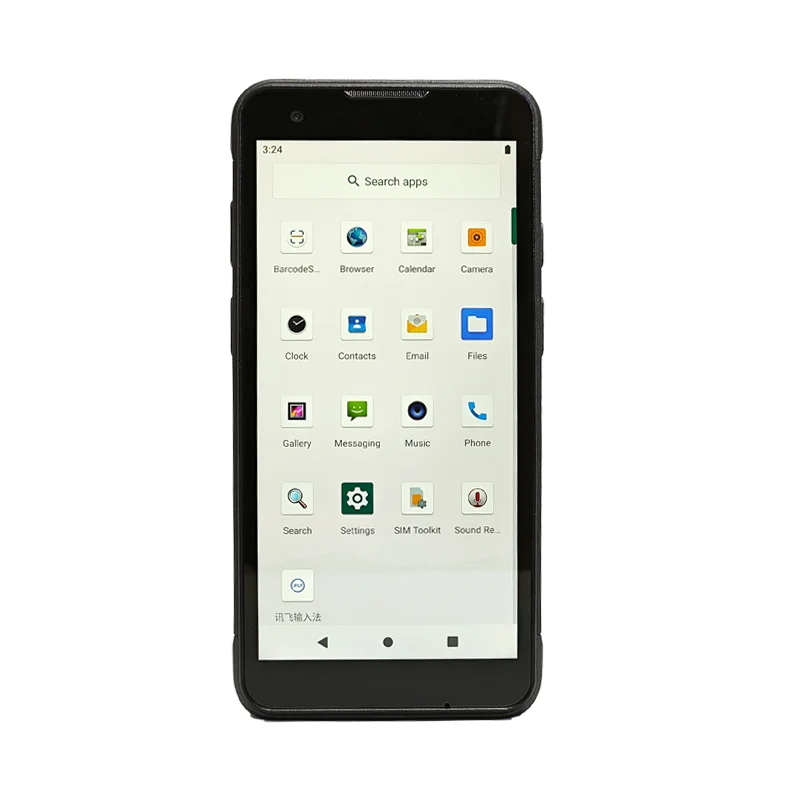
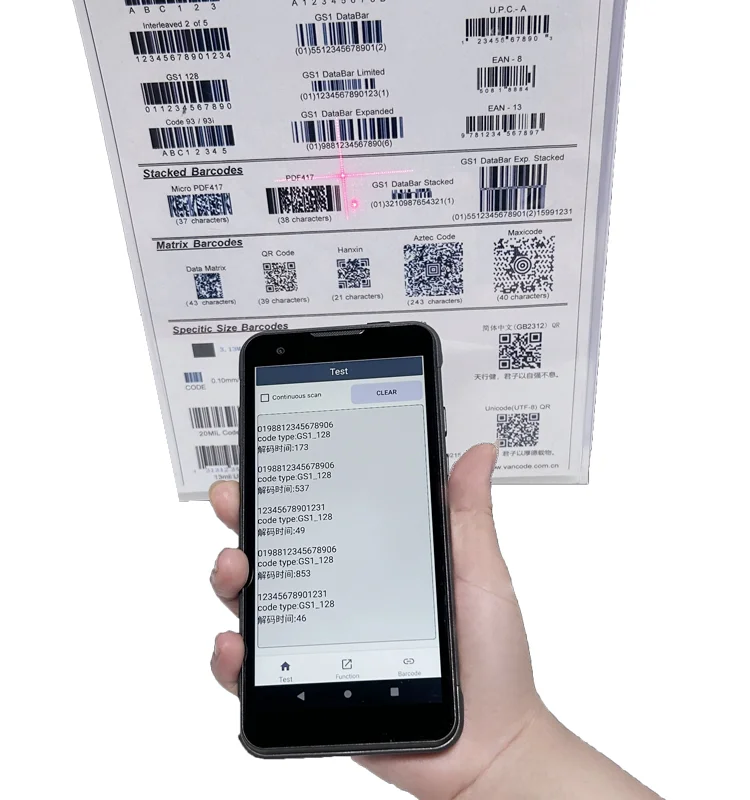
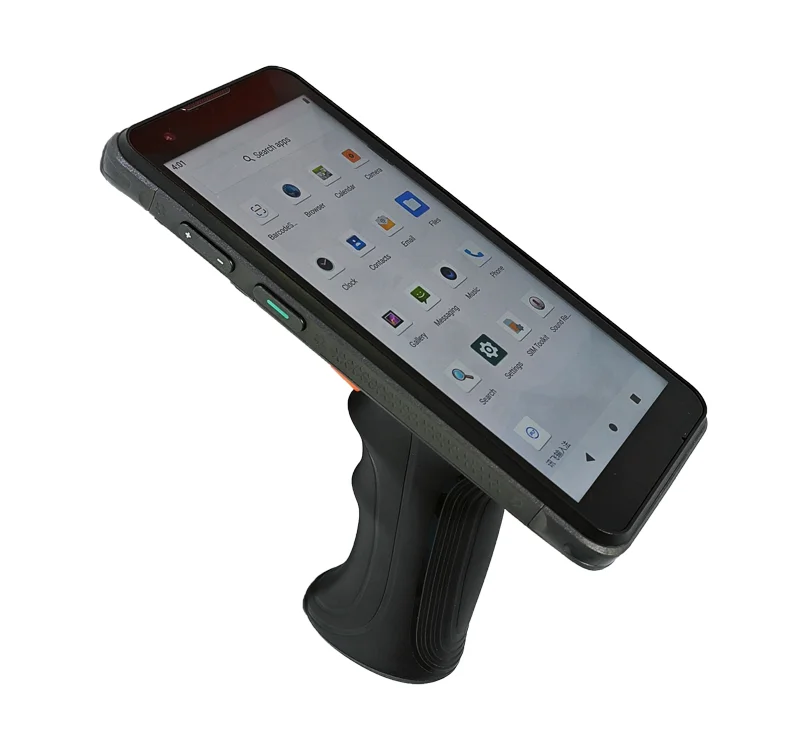
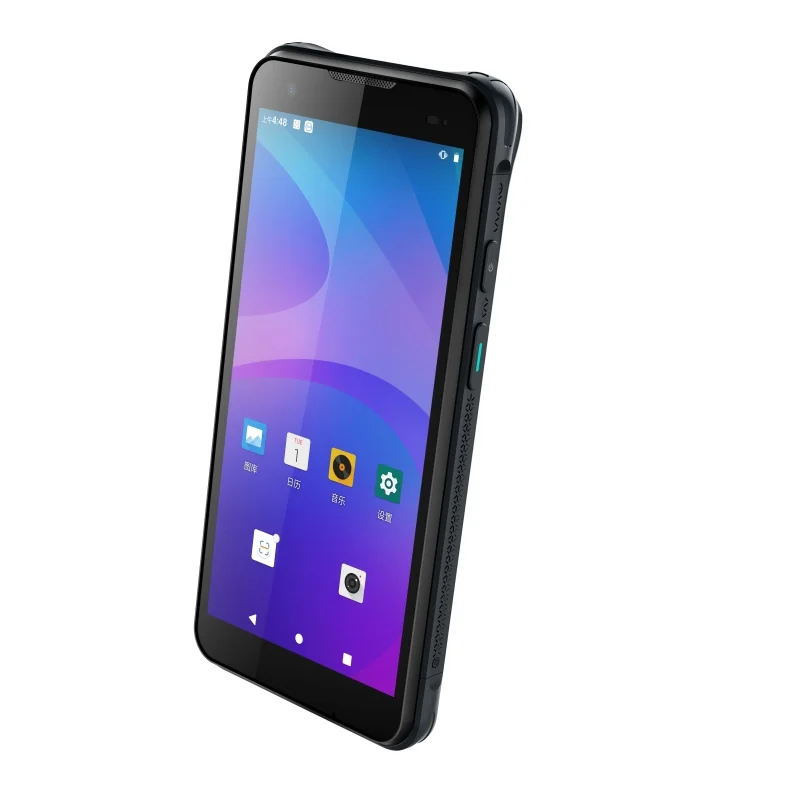
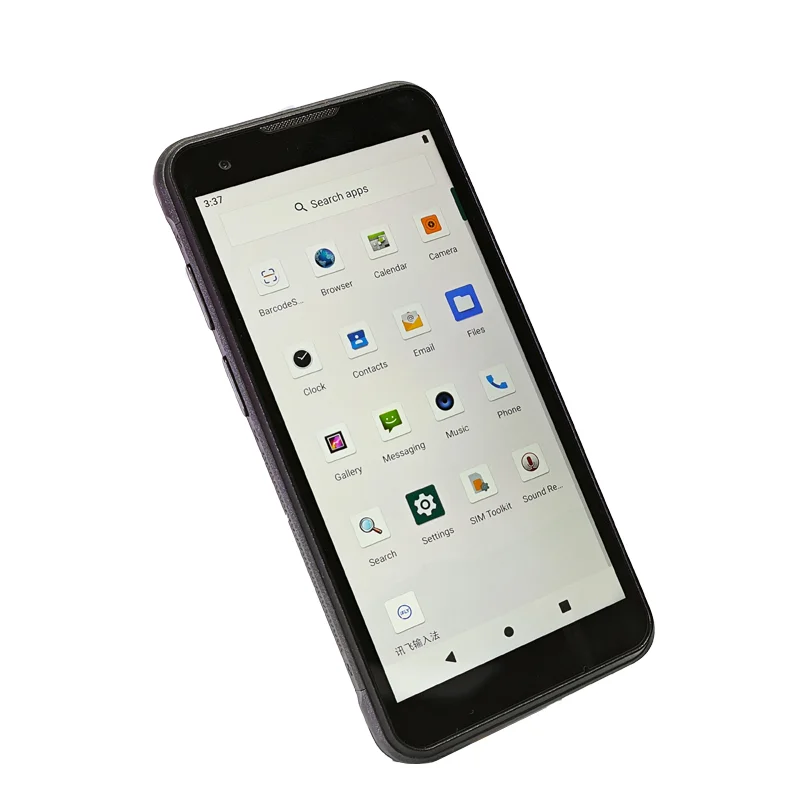
At a receiving station, an operator needs to connect a physical item with an expected delivery record. A scan or manual lookup starts the comparison, but the display is where the operator checks the item description, unit and quantity before accepting the result. This application example uses the supplied handheld-terminal photographs as a form-factor reference; they do not document a receiving installation or a particular warehouse application.
Make the receiving decision visible
A useful review sequence is identify, compare, confirm and resolve. First show which item has been read. Next present the expected quantity alongside the quantity being received. Keep the unit visible so a carton is not confused with an individual part. The final confirmation should refer to that same item and quantity, rather than relying on a brief generic success message.
Exceptions deserve their own screen state. An unexpected item, incomplete delivery or damaged package should not look like a normal acceptance. The interface can use wording, symbols and layout together to distinguish those states. During the display evaluation, check that the differences remain understandable with the actual application palette and working distance.
Display integration priorities
Readable identifiers and editable quantities
Long product names, batch references and quantity fields compete for space on a portrait screen. Prepare representative records, including the longest identifiers the receiving software permits. Test how text wraps and whether the on-screen keyboard hides the item being edited. Evaluate the physical viewing area, not only a screenshot enlarged on a desktop monitor.
Holding position and front-window alignment
The supplied in-hand rear view helps frame an ergonomic discussion about carrying the device. It does not establish comfort over a shift. Review the front window, bezel overlap and touch targets with the assembled housing in hand. Physical controls and an attached accessory may affect which parts of the screen are easy to reach.
Sample setup and host connection
Match the candidate module's interface, connector, power sequence and drawing revision to the host-board documentation. Keep scanner behavior separate from display qualification: a correct label read does not prove that the screen remains readable or that touch coordinates align with the visible controls.
Receiving sample checklist
- Compare expected and received quantities using the intended units.
- Display a long item description and a batch or serial reference.
- Check quantity correction with the software keyboard visible.
- Exercise unexpected-item, partial-delivery and damaged-item screens.
- Review touch alignment and screen visibility in the assembled enclosure.
- Record host, module, UI revision and viewing conditions for each sample.
Prepare the display inquiry
Provide a receiving-screen sequence, front-window drawing, host interface and intended touch requirements. Identify the fields that must remain visible during confirmation. Use the TFT-LCD module catalog for an initial comparison, then check candidate drawings against the device constraints. The catalog is not evidence of the module installed in the photographs.
The interface compatibility checklist can help organize the electrical review before a sample is selected.