Application context
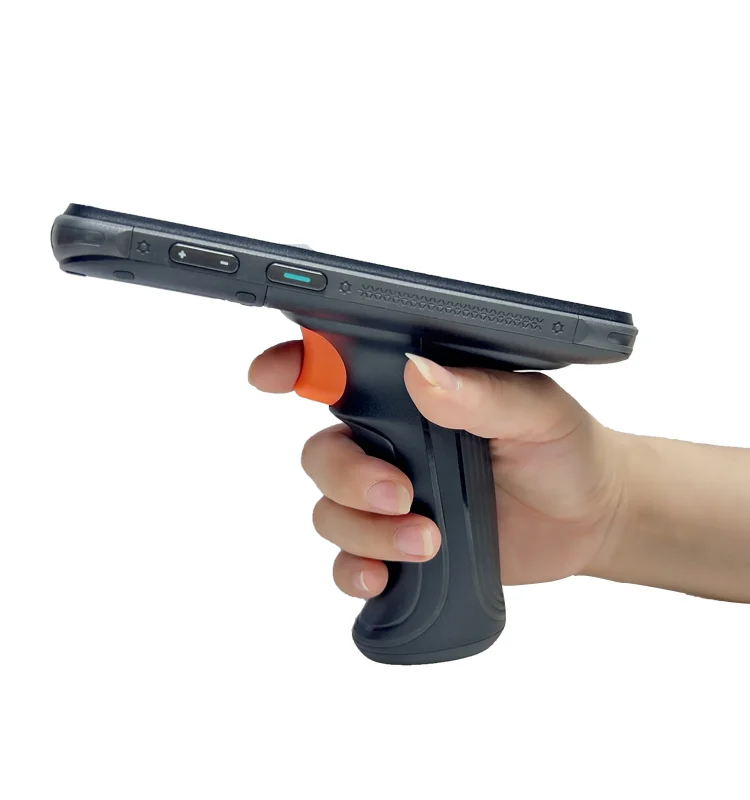
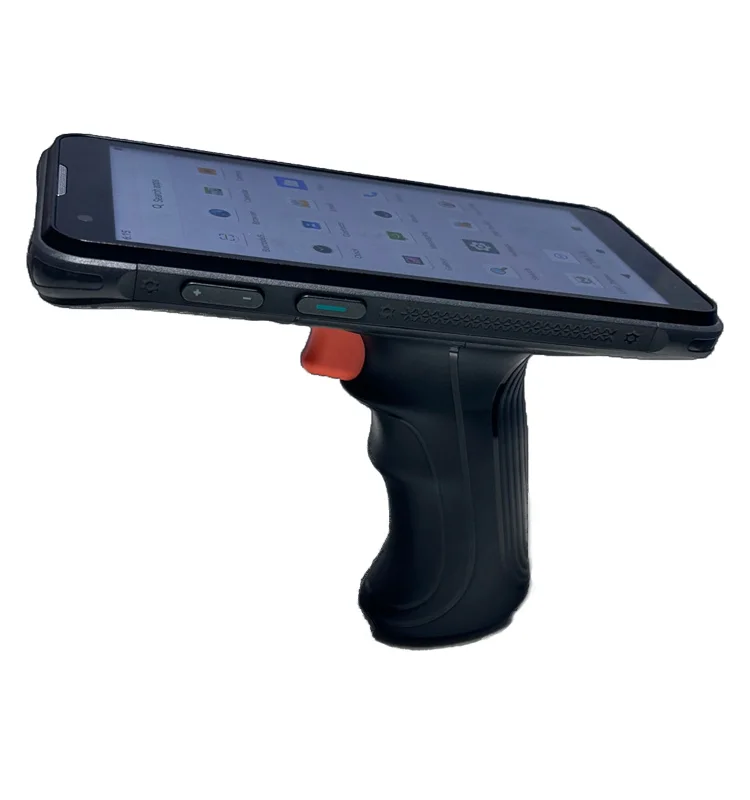
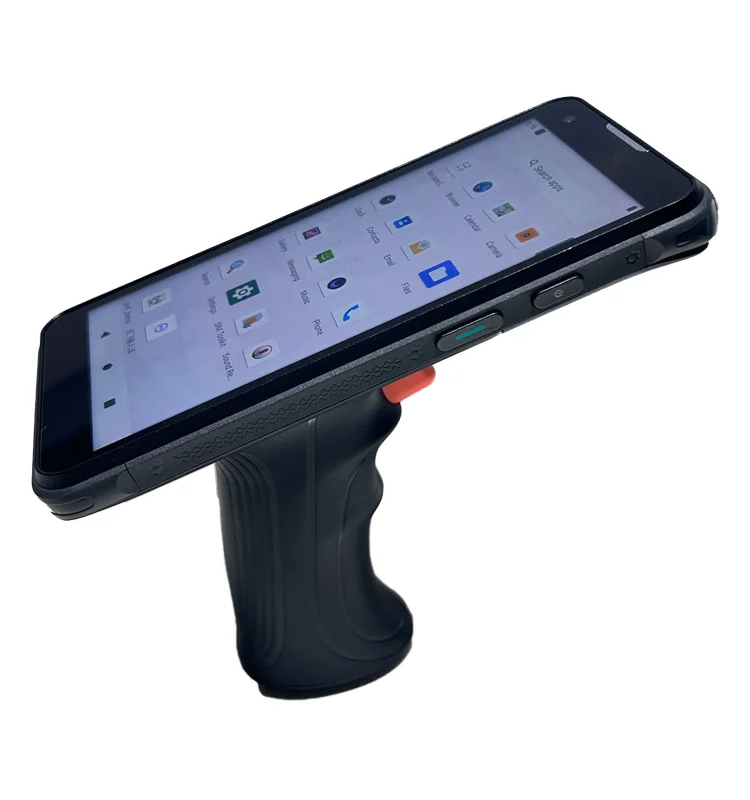
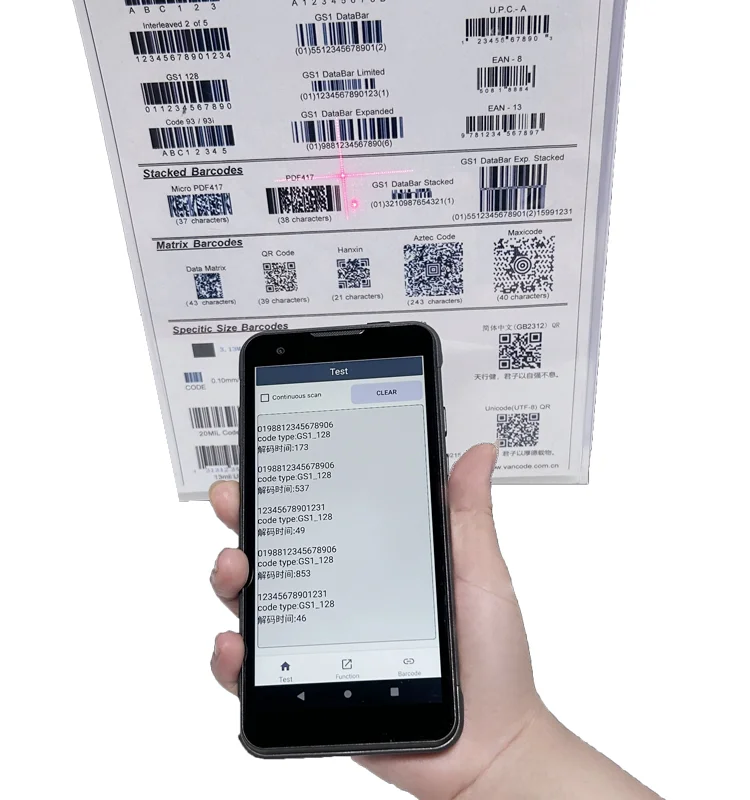
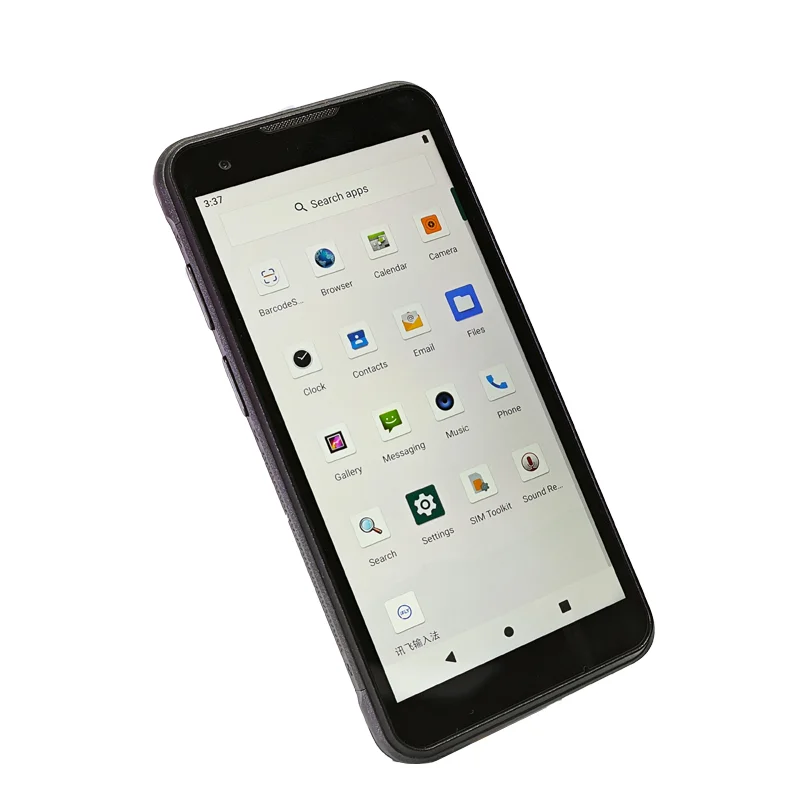
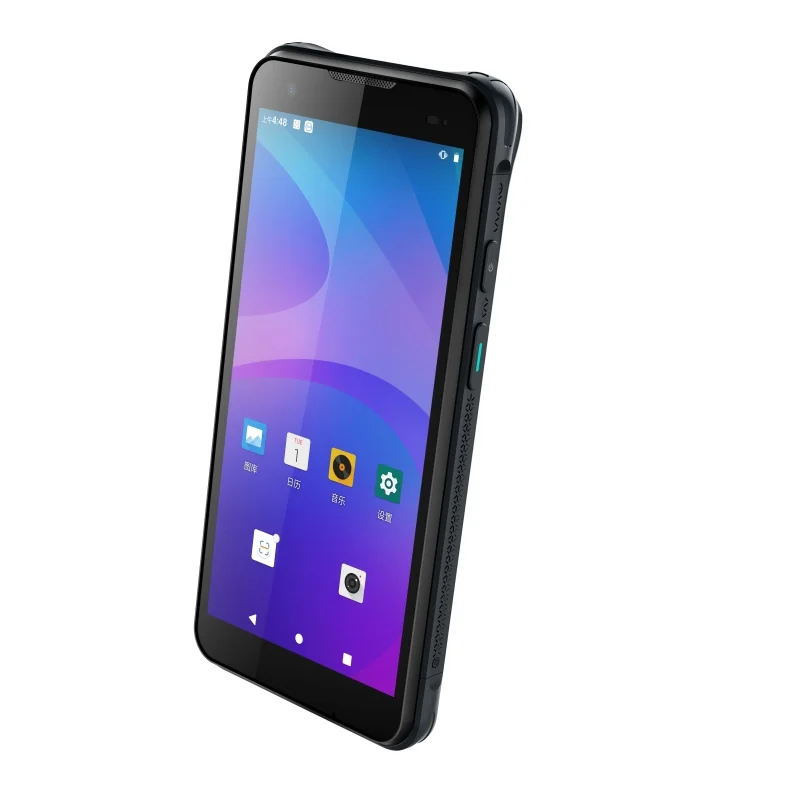
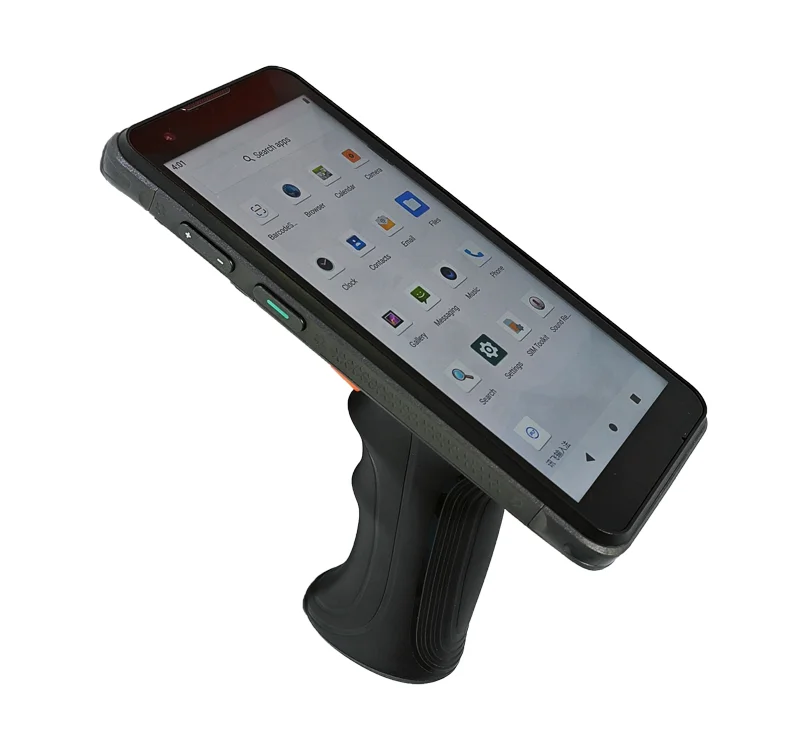
Order picking asks an operator to move through a sequence of locations, identify the requested item and confirm a quantity. The supplied photographs show a screen above a trigger-style handle, a useful physical reference for this workflow. The picking sequence described here is an application example, not evidence that the photographed device runs a specific warehouse system.
Separate the three decisions
A location code tells the operator where to go. An item identifier tells the operator what to select. A quantity tells the operator how much to take. These details should not have equal visual weight at every moment. Review separate navigation, item-confirmation and quantity-confirmation screens so the most important instruction remains clear as the task progresses.
Include a deliberate wrong-location state in the prototype. A successful code read may still identify the wrong shelf or bin, so the UI should distinguish a readable label from a valid match. Once a pick is confirmed, show the next task without leaving stale quantity information that could be mistaken for the new instruction.
Display integration priorities
Trigger action and screen feedback
The handle photographs show how the hand can remain below the display during a trigger action. Evaluate the timing and persistence of visual feedback with the intended host software. A message that disappears before the operator looks back at the screen is a workflow problem, even when the module is functioning correctly. No response-time specification can be inferred from a still photograph.
Location codes at a working distance
Prepare realistic location strings, similar-looking characters and long item names. Check their legibility while the device is held at the planned distance and angle. Keep progress information visible without shrinking the next required action. Test the actual UI colors and contrast with the candidate display rather than judging only a product photograph.
Touch access when an exception occurs
Short picks, unavailable items and quantity corrections often need an on-screen choice. Confirm that those controls can be reached with the intended grip or with a clearly defined second-hand action. Evaluate touch registration near the bezel, especially where a cover lens or enclosure edge limits access.
Picking sample checklist
- Run a complete location, item and quantity sequence.
- Check a valid scan that identifies the wrong location.
- Review short-pick and unavailable-item decisions.
- Confirm that the next instruction cannot be confused with the previous item.
- Test trigger feedback and touch access with the handle installed.
- Document the module, host interface, UI revision and assembly used.
Prepare the engineering discussion
Share a sequence of picking screens rather than a single home-screen image. Include the grip assembly drawing, target front window, host connection and any fixed control locations. Fuzheng's TFT-LCD module range is a starting point for comparing published viewing-area and interface information, not a statement about the module fitted to this device.
For mechanical planning, use the drawing and touch integration checklist to record the cover-lens stack, connector access and unresolved sample questions.