Application context
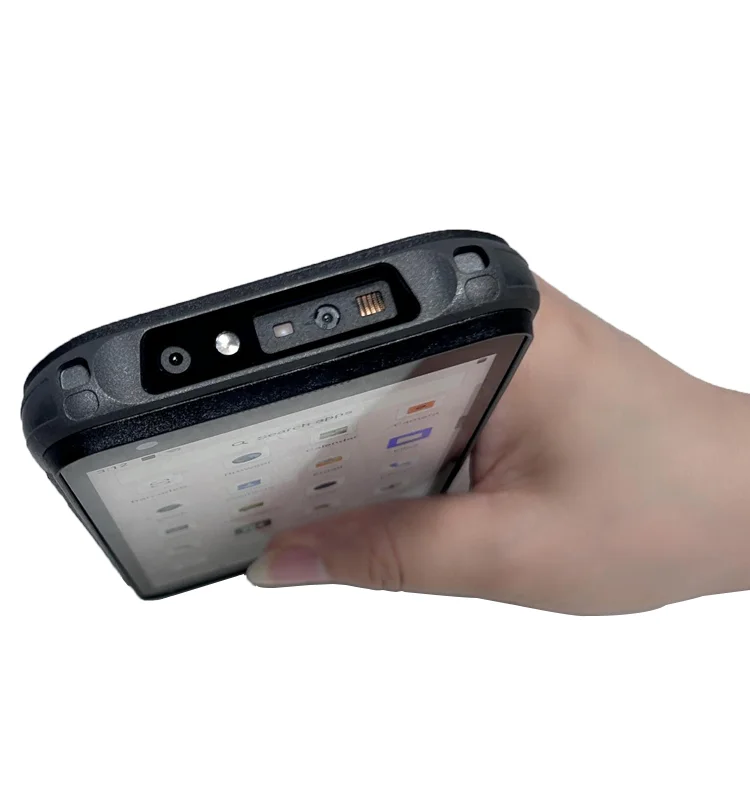
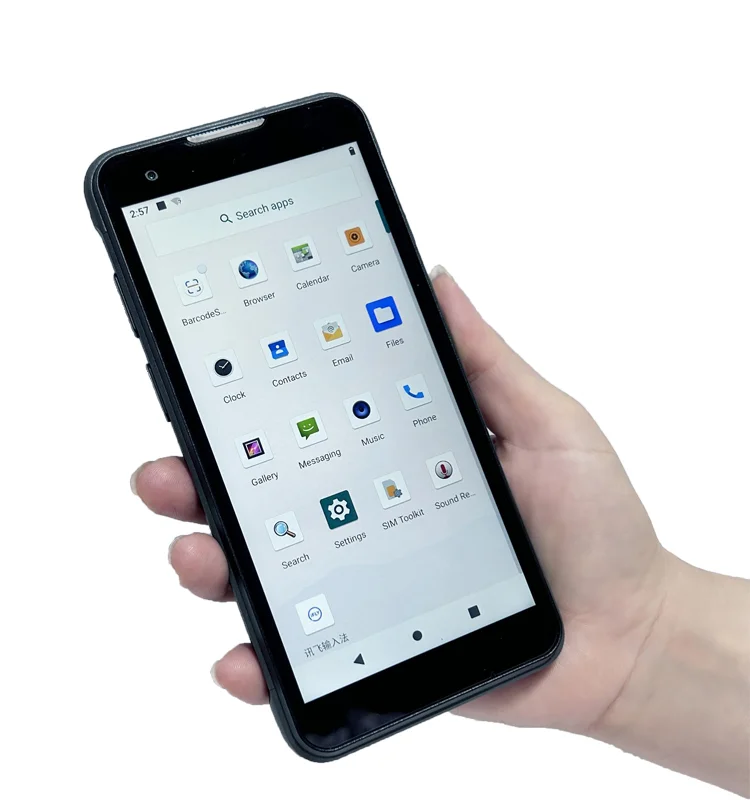
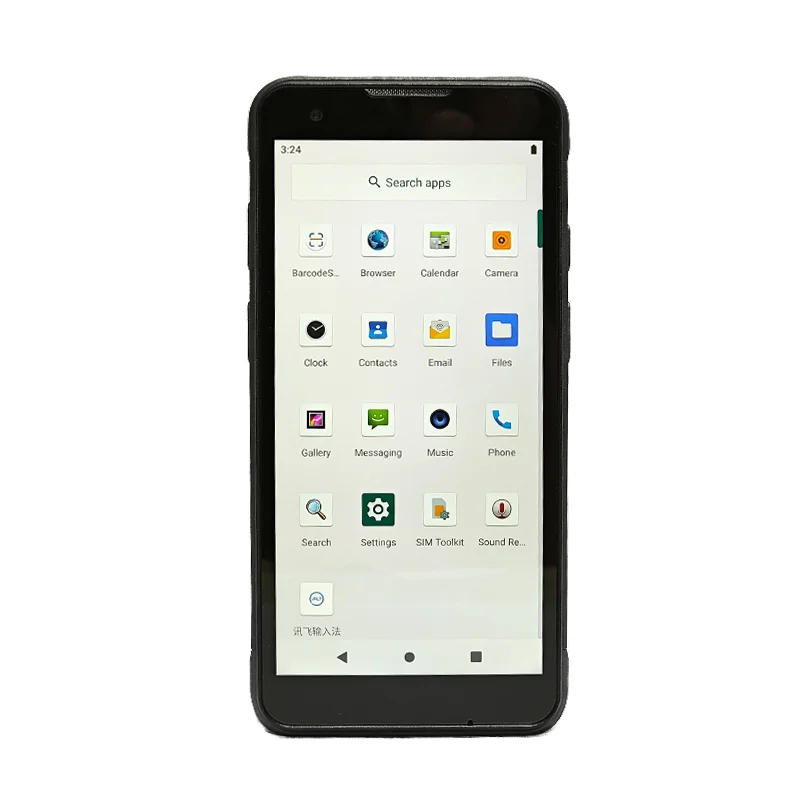
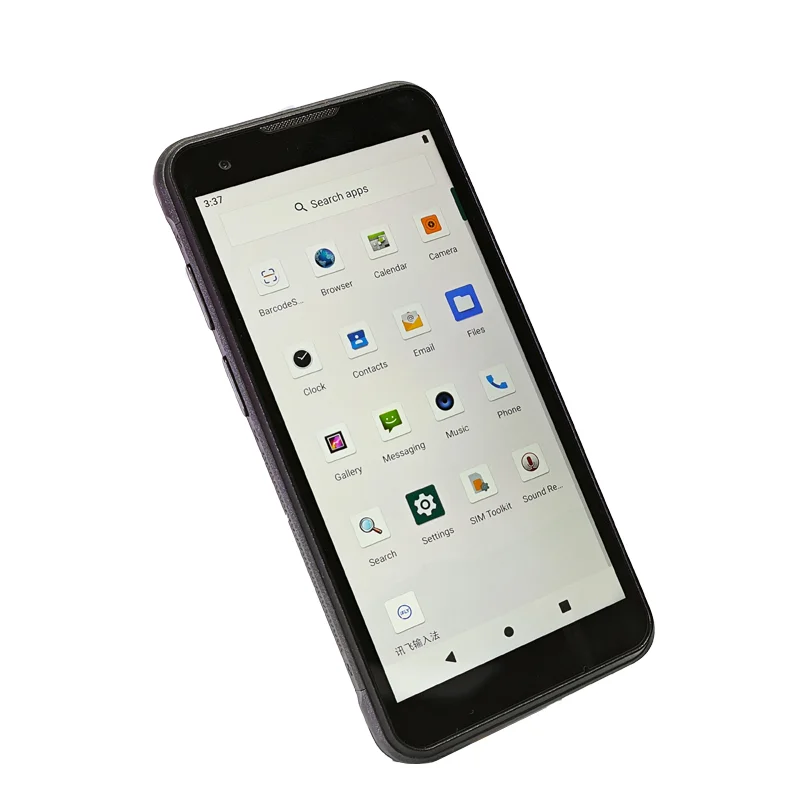
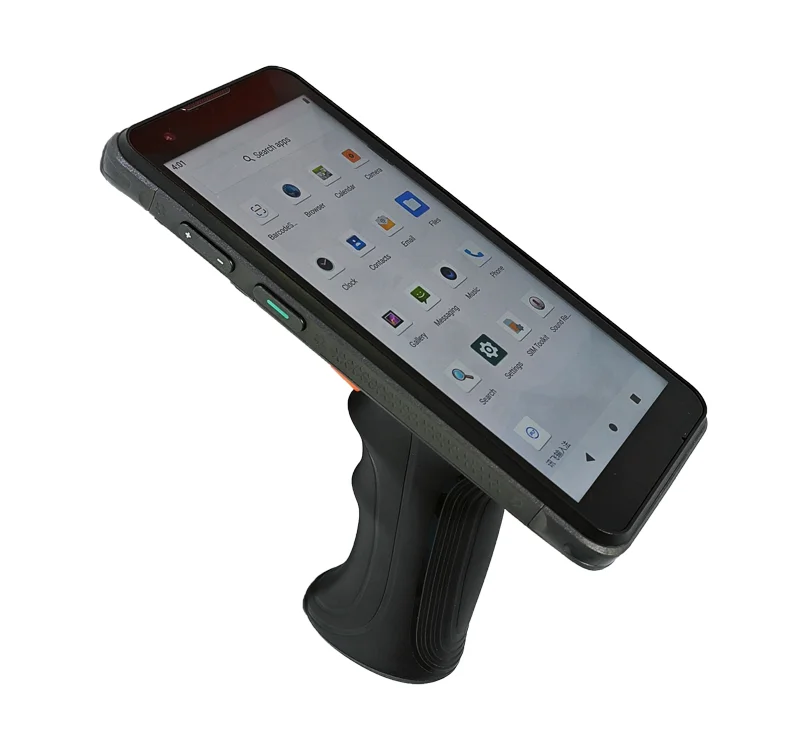
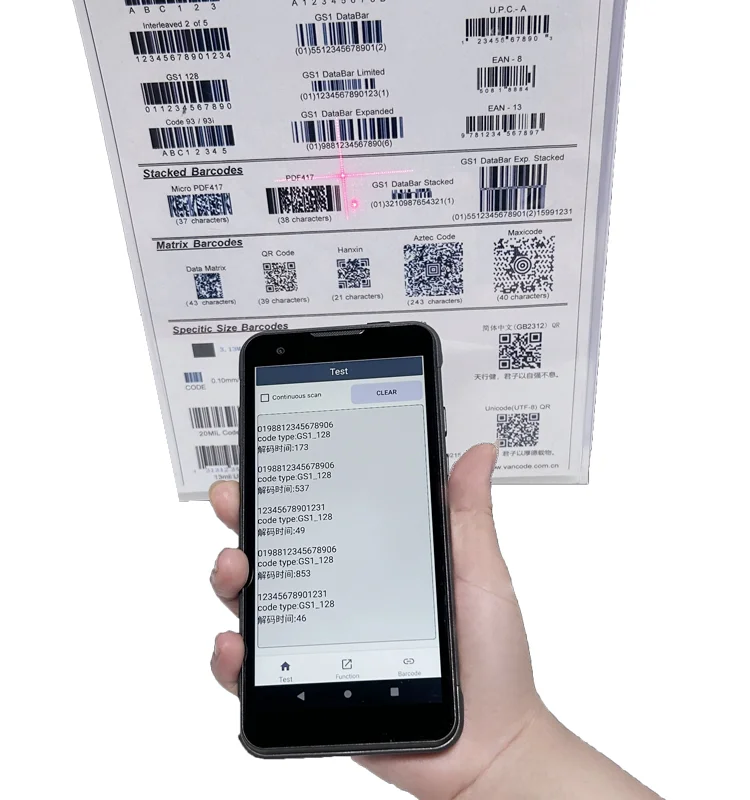
The lead photograph shows a handheld terminal in front of printed barcodes, with a data screen visible on the device. This is a useful visual reference for the scan-and-confirm interaction used in warehouse and logistics workflows. It does not document a particular warehouse deployment, scan success rate or display-module specification.
In a receiving, picking or stock-checking workflow, an operator may need to identify an item, check the returned record and decide whether to continue or correct an entry. The display is the point where captured data becomes something the operator can verify. This case focuses on that display task, not on the performance of the scan engine.
Make the result easy to verify
Scan feedback and record hierarchy
Prepare UI examples that separate the latest result, the item identifier, the quantity and any exception message. Evaluate those examples on the candidate screen at the intended working distance. Avoid relying on a colored background alone to distinguish a successful read from an error; include an explicit label or symbol in the host application.
Text density and touch controls
A long identifier, a multi-line description and an on-screen keyboard can compete for the same limited display area. Test realistic records, including the longest expected values. Keep the most important confirmation information visible when an entry field or keyboard is active, and review the touch layout with the intended grip.
Viewing conditions between work areas
Define where the terminal is expected to be used, such as an indoor aisle or a loading area. Evaluate readability under representative lighting and viewing angles with the actual front surface. Brightness, reflections and text contrast should be assessed together. No outdoor-readability rating or brightness value can be inferred from the supplied photographs.
Integrate the display with the host device
The display and scanning hardware have different responsibilities. The host system manages captured data, feedback timing and workflow logic; the module must match the host's electrical and mechanical requirements. Review the host interface, connector pinout, FPC routing and enclosure clearance before requesting a display sample.
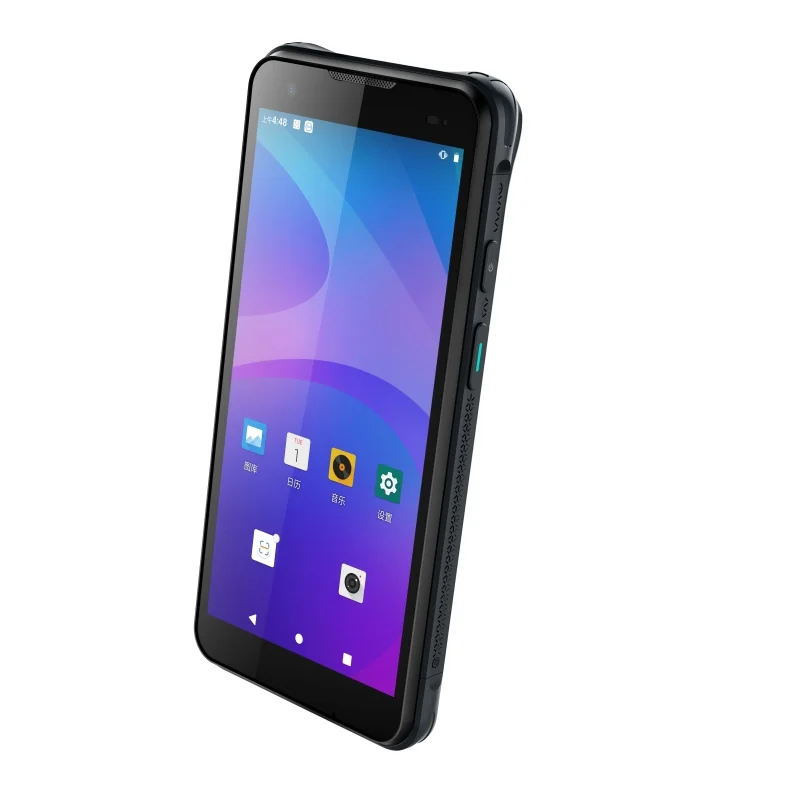
When discussing the project with Fuzheng, compare the published information in the TFT-LCD module catalog with the target assembly. Share the scanner housing drawing and the UI examples together. Do not select a module solely because its nominal screen size resembles the photographed terminal.
Sample evaluation checklist
- Display representative item codes, quantities, long descriptions and exception messages.
- Check that the latest result remains distinguishable from the previous record.
- Exercise touch entry and physical controls in the intended scan-and-confirm sequence.
- Inspect text and status visibility under the project's stated viewing conditions.
- Verify the display interface and assembly fit against the approved drawings.
- Record the host software, module revision and test conditions so the result can be reproduced.
Prepare a project-specific request
Provide the intended workflow, target screen format, front-window drawing, host-board interface and required touch behavior. Identify the conditions that a sample must demonstrate, rather than substituting generic claims such as improved efficiency or guaranteed accuracy for a test plan.
See the broader warehouse and logistics application for related integration priorities, or use the interface compatibility checklist to organize the electrical review.