Application context
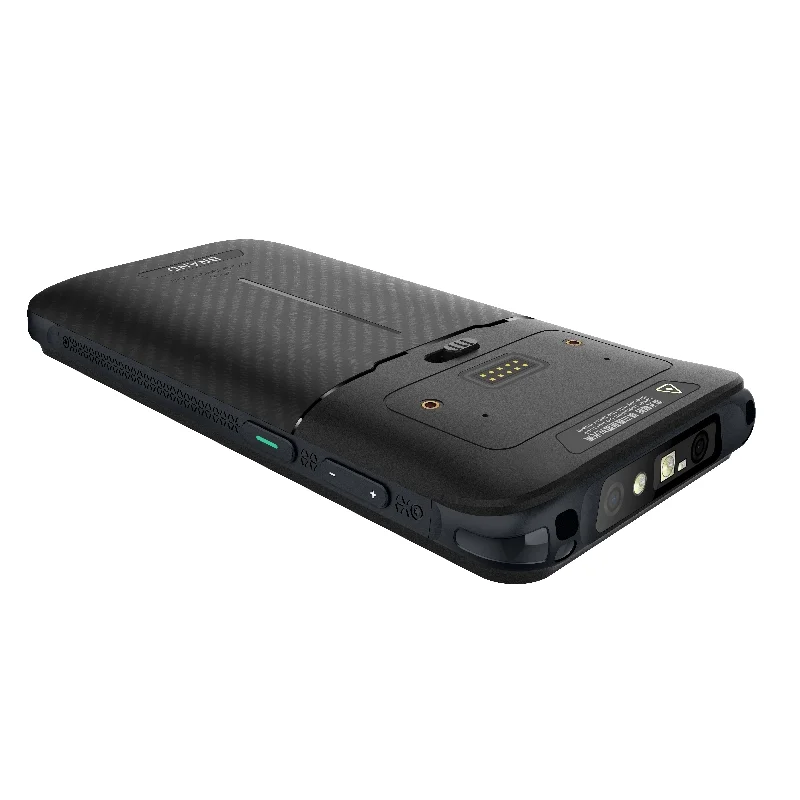
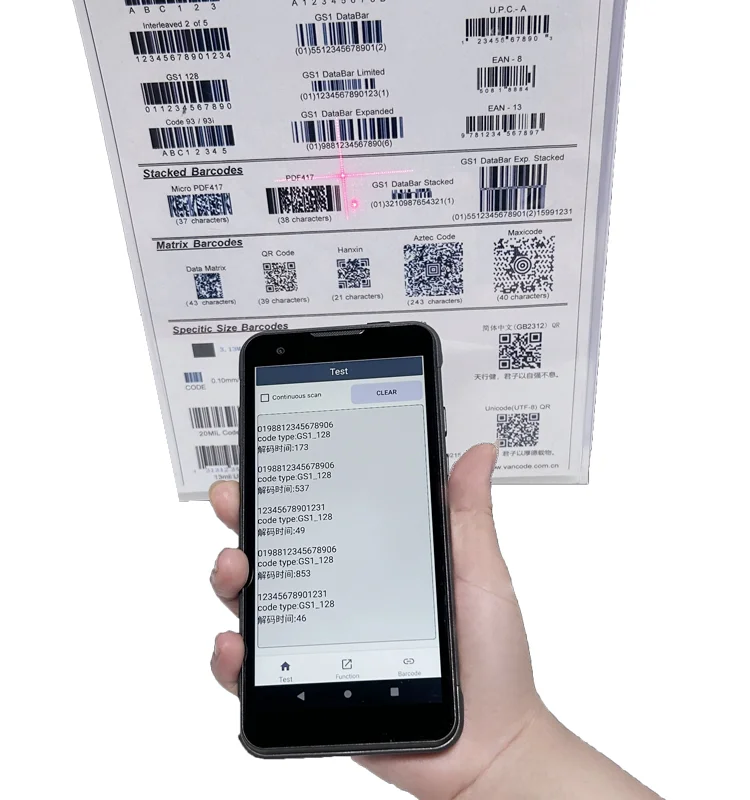
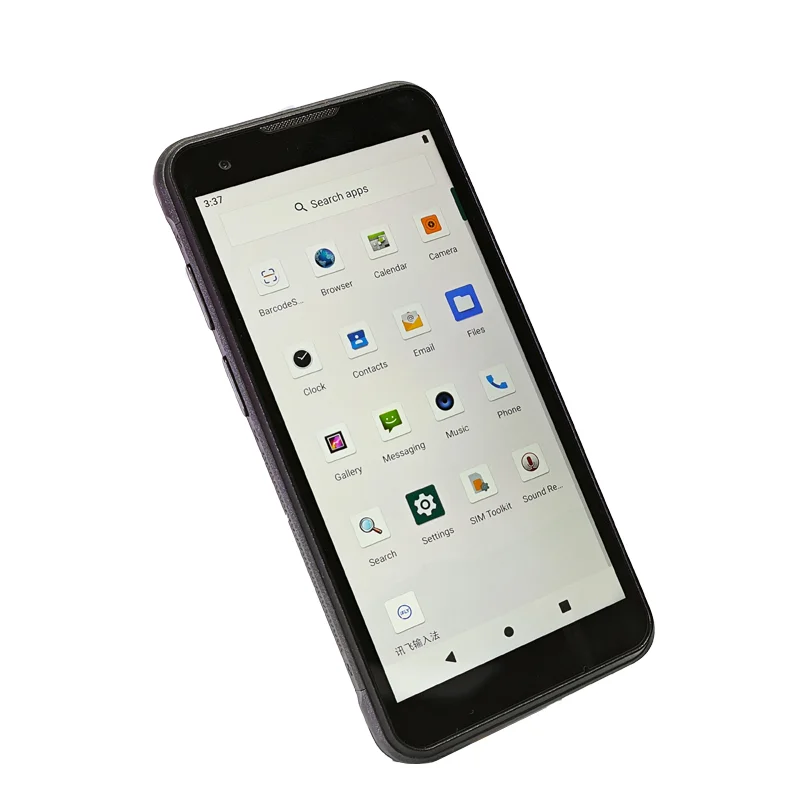
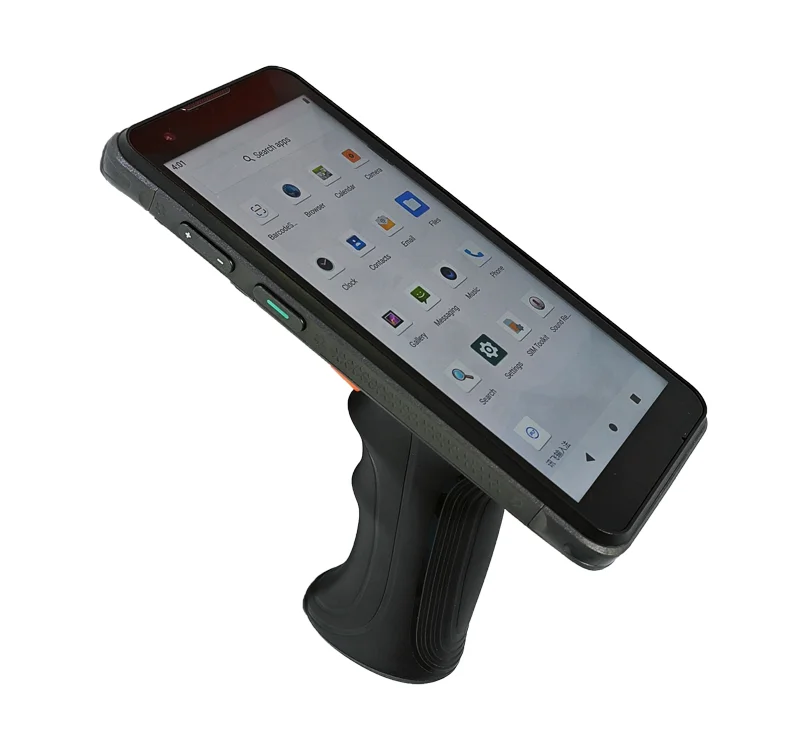
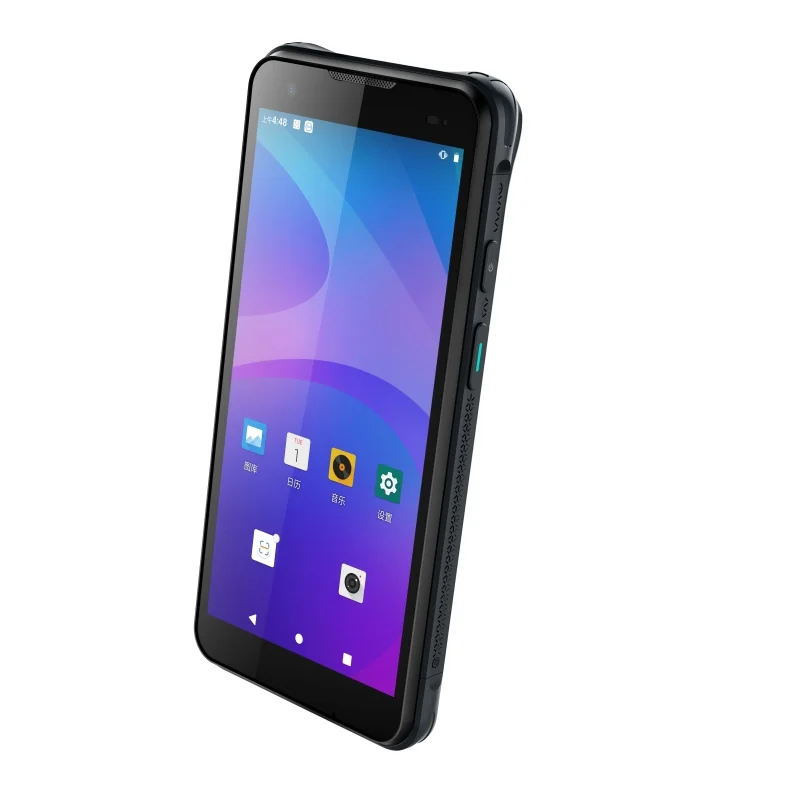
A parcel handover workflow connects a package identifier with a destination, route or custody event. A readable label is only the starting point: the operator still needs to know whether the correct event has been recorded. The supplied photographs show a portable terminal format suitable for discussing that interface. They are not evidence of a courier installation, live shipment transaction or a specific connectivity feature.
Keep identity and event status together
After identification, retain enough of the parcel reference for the operator to compare it with the label. Present the destination or handover point in a separate, legible area. Avoid letting a long identifier push the required action out of view. Use a full-record detail screen when necessary, while keeping the current parcel context visible.
A handover may involve several software states: identified, awaiting confirmation, recorded locally or acknowledged by a service. Only use the states supported by the actual host application, and make their wording distinct. An operator should not have to interpret the same generic check mark as both a successful read and a completed handover.
Display integration priorities
Long references and exception messages
Prepare long parcel identifiers, unfamiliar destination names and a duplicate-record warning for the display trial. Check line wrapping, character distinction and whether the operator can recover without losing the current record. Truncation rules belong in the UI specification and should be tested on the sample rather than left to an assumed screen resolution.
Readability while moving between tasks
Define the intended working position and lighting conditions for the project. Evaluate the screen while the assembled terminal is held, then after it is set down and picked up again. A photograph with an illuminated display cannot establish outdoor readability, brightness or optical performance. Those requirements need a separate sample evaluation with the intended cover lens.
Enclosure edges and electrical documentation
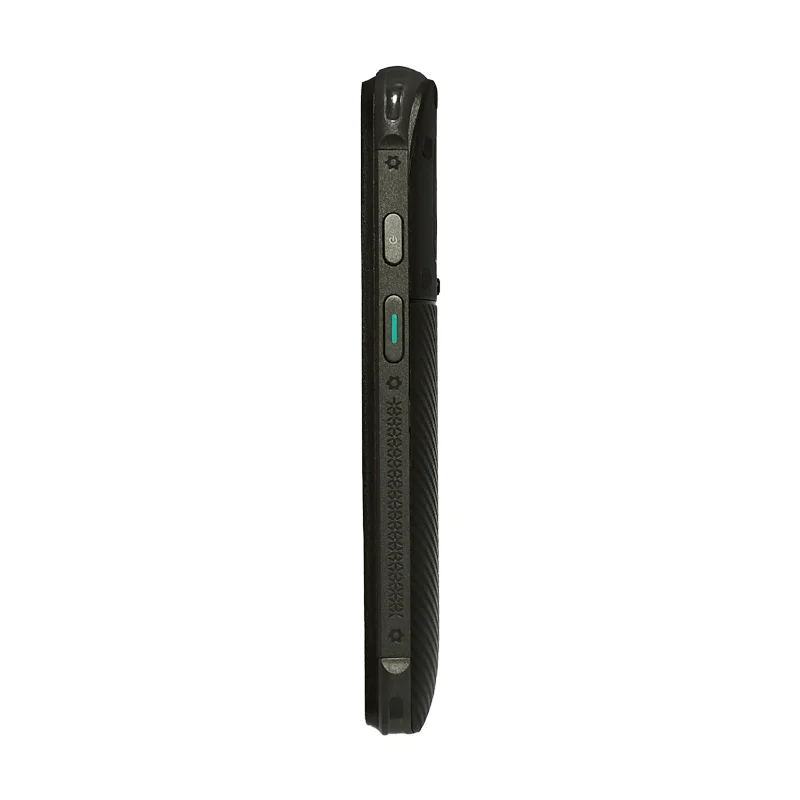
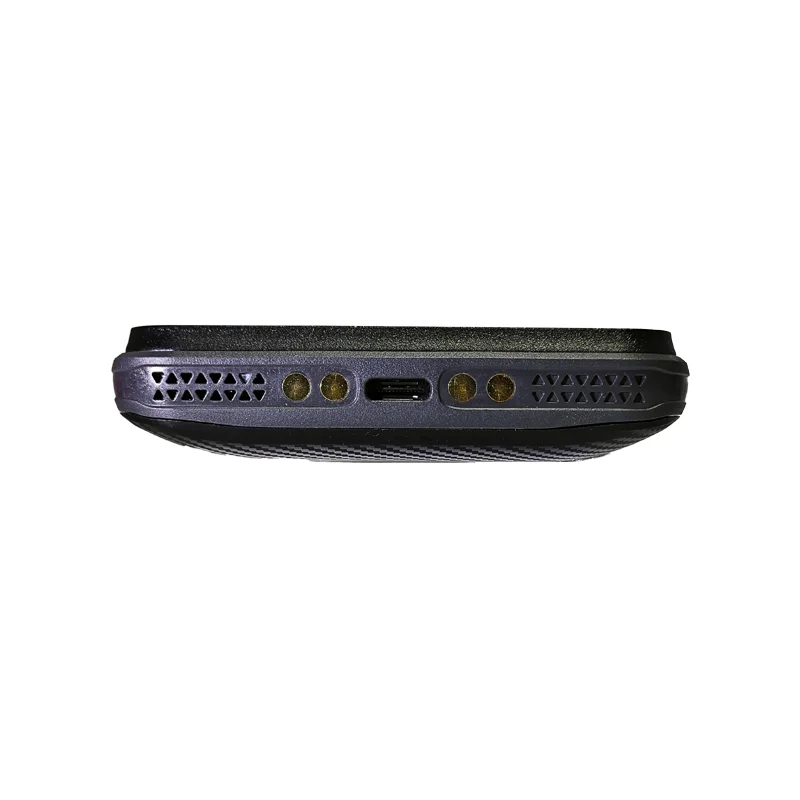
The side and bottom photographs show external controls and connection points. Use them to identify questions for the mechanical team, not to assign a display interface or power requirement. Obtain the actual host-board and module documentation before comparing pin assignments, connector locations, cable routing and startup sequences.
Handover sample checklist
- Read a long parcel reference together with its destination prompt.
- Distinguish label recognition from a confirmed handover event.
- Show a duplicate record and a rejected destination.
- Recover from an interrupted confirmation without changing the wrong record.
- Inspect touch access, reflections and enclosure fit in the complete assembly.
- Record unresolved application-state and display-hardware issues separately.
Prepare the project brief
Supply the identification and confirmation screen sequence, expected record lengths, host interface and front-window drawing. Include the exact status messages that operators need to distinguish. The TFT-LCD selection guide and interface checklist provide a starting structure for the discussion.
Candidate modules must be compared against those documents. Neither the external device photographs nor this workflow example identifies an installed display model or establishes a completed project.