
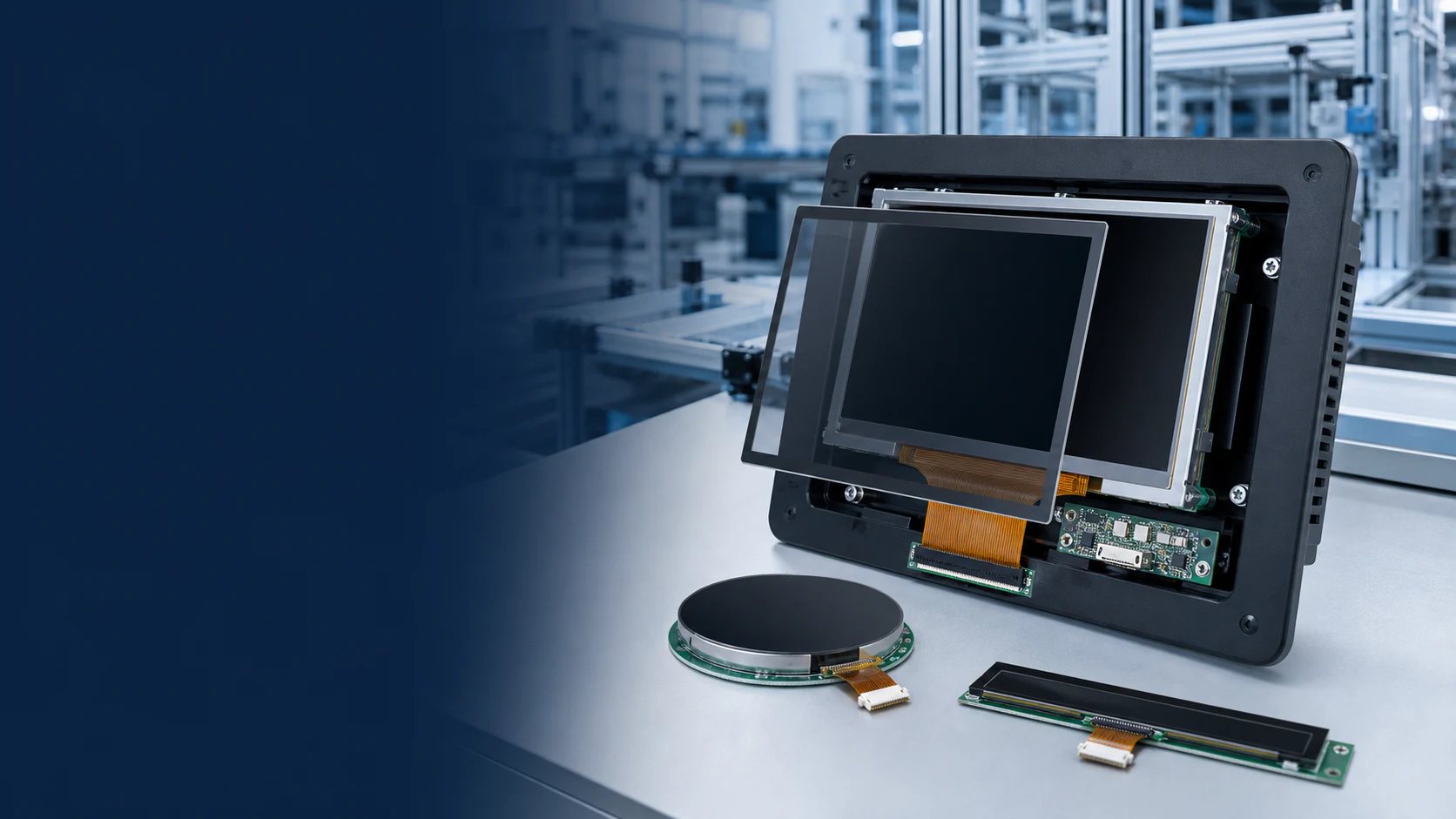
Two displays with the same diagonal size can require different enclosure openings, mounting space and connector routes. Start mechanical selection with the current drawing for the exact model, then review the complete front assembly.
Separate the visible area from the module outline
Record the active area, viewing opening, full module outline and overall thickness as separate dimensions. Include the enclosure bezel and any touch panel or cover lens. Check tolerances on the drawing instead of measuring a catalog image or treating a nominal diagonal as an installation dimension.
Check the assembly path
Review mounting points, connector position, FPC direction and the space needed to connect the module during assembly. Ask the responsible engineer to confirm permitted FPC handling and routing. A module that fits the final envelope may still be difficult to install or service if the connection cannot be reached.
Review touch and cover lens together
| Part of the assembly | Review questions |
|---|---|
| Touch area | Does it cover the intended interactive UI without conflicting with the bezel? |
| Cover lens | Are outline, thickness, printing, edge finish and visible opening defined? |
| Bonding and stack | Has the complete stack thickness and optical arrangement been reviewed? |
| Connection | Is there space for both display and touch connectors and their cable routes? |
| Operating conditions | Are gloves, surface moisture, cleaning and electrical noise included where relevant? |
Validate the assembled sample
Test readability from the intended viewing positions using the real UI, enclosure and front surface. Check touch response across the usable area under the project's defined conditions. A display-module specification does not by itself qualify the complete host product.
Keep a controlled release record
Attach the approved drawing revision, exact module reference, touch and lens configuration, host-board revision and sample results to the project record. Mark any unresolved dimension or operating requirement before approving a substitution or production configuration.
For the electrical side, use the interface compatibility checklist. For an initial shortlist, start with the display selection guide. Send available drawings through the display integration inquiry.