Industrial HMI display requirements begin with the operator
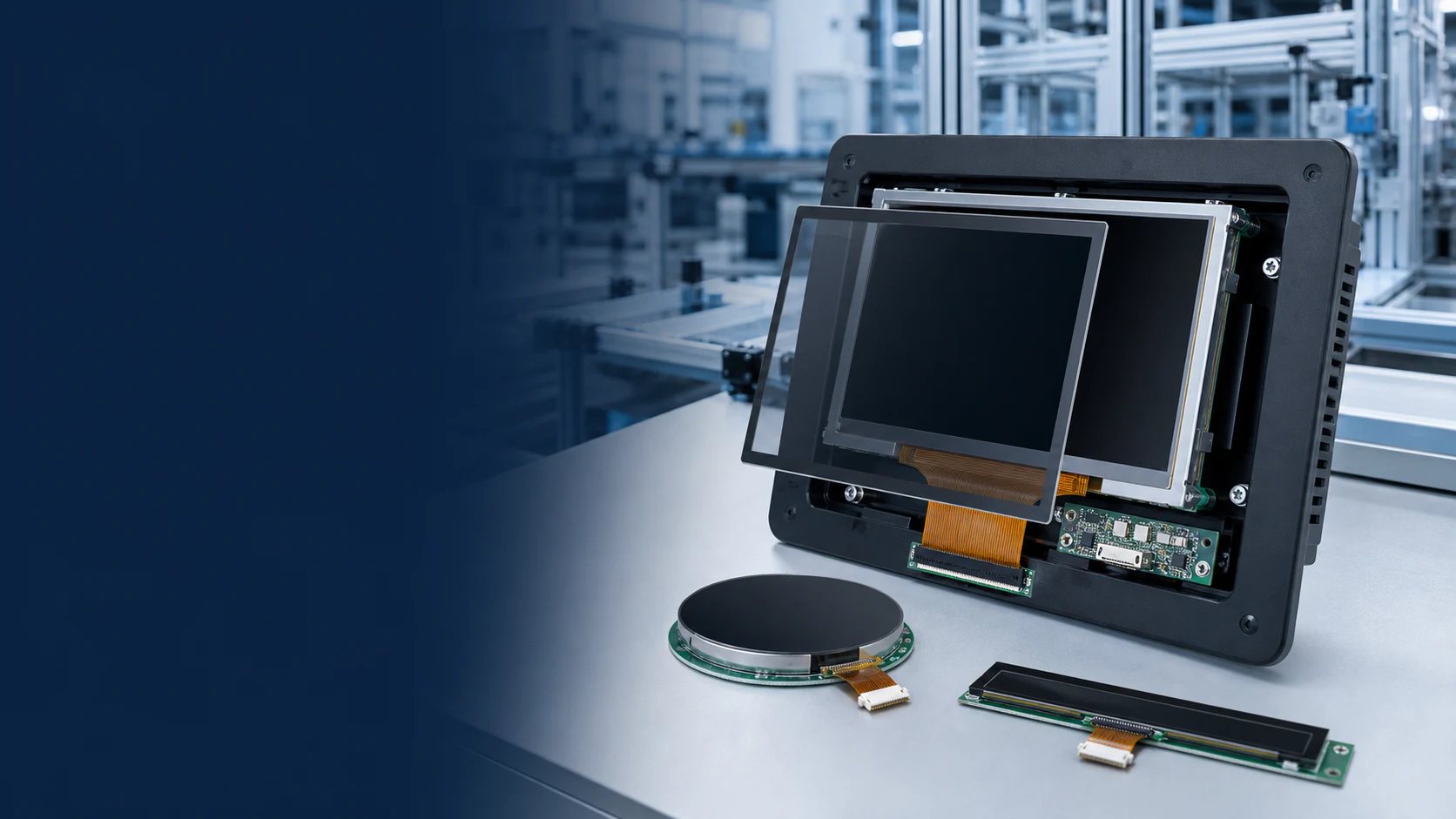
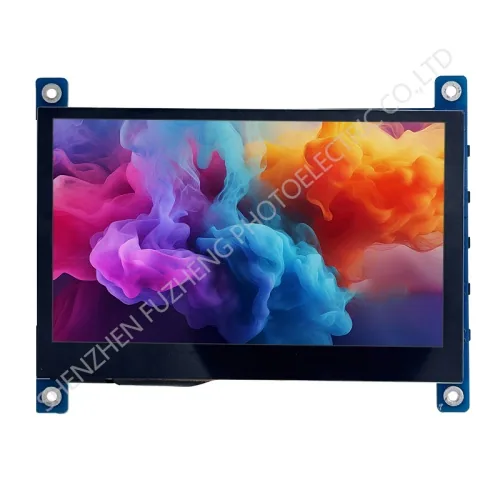
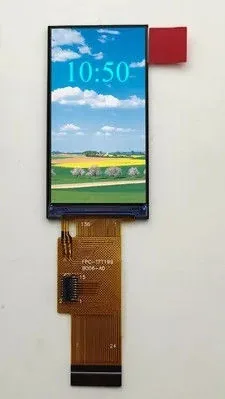
An industrial HMI display should be selected around the operator task, viewing distance, information density and environment rather than by screen size alone. A compact status panel, a machine setup interface and a large process-control screen place different demands on active area, resolution, brightness and touch interaction.
Compare available modules in the standard TFT-LCD display family, then use the TFT-LCD display selection guide to prepare the electrical and mechanical review.
Industrial HMI selection matrix
| Requirement | Questions for the project | Evidence to review |
|---|
| Operator view | What is the viewing distance and from which positions must the screen remain readable? | Active area, resolution, viewing direction or IPS specification and representative UI. |
| Ambient light | Is the panel used indoors, near windows or outdoors? | Published luminance, front-surface treatment, cover-lens transmission and in-enclosure sample test. |
| Touch interaction | Will users wear gloves or operate around water, dust or electrical noise? | Touch technology, controller settings, cover-lens construction, grounding and application test. |
| Host connection | Which display interfaces and timings can the controller support? | Pin assignment, interface timing, voltage, cable length, connector and controller-board design. |
| Mechanical integration | Where are the bezel, mounting points, FPC and service clearances? | Current drawing, 3D envelope where available and enclosure assembly review. |
| Operating conditions | What temperature, vibration, duty cycle and service environment apply? | Published limits and an agreed qualification plan for the final assembly. |
Choose the interface with the controller architecture
RGB, LVDS, MIPI and HDMI display arrangements solve different integration problems. A processor may drive a native module directly, while another system may use a controller board. Confirm the exact interface, timing, voltage, pinout and cable arrangement rather than assuming two modules with the same resolution are interchangeable.
Treat the display, touch panel and cover lens as one stack
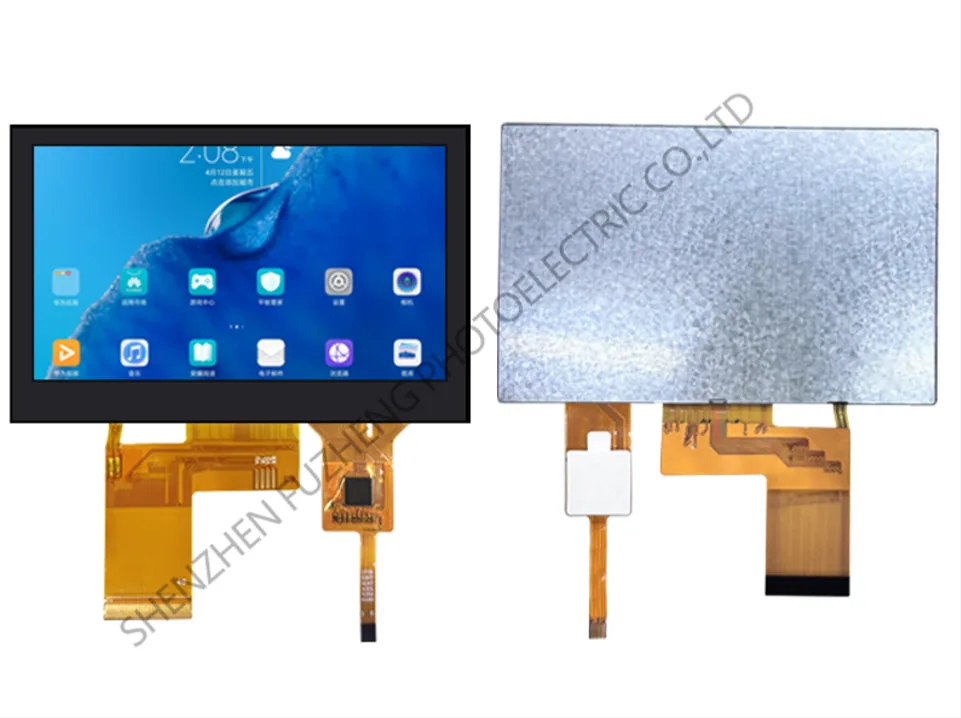
Front-panel performance depends on more than the TFT cell. Touch sensing, cover-glass thickness, decorative printing, bonding, sealing, grounding and the enclosure opening can affect optical quality and usability. Define these elements early enough to avoid approving a display sample that cannot be assembled into the final HMI.
Evaluate visibility with the real UI
Brightness and viewing angle should be reviewed with representative colours, fonts, warning states and operator positions. Test the sample through the intended cover lens and under representative lighting. This gives a more useful result than comparing luminance values in isolation.
Prepare the HMI sample review
- Provide the target screen size, resolution and orientation.
- Identify the processor, controller board and supported display interface.
- Define touch, cover lens, bonding and front-panel requirements.
- Share the enclosure envelope, mounting method and FPC routing constraints.
- State the ambient light, operating temperature and expected duty cycle.
- Describe prototype quantity, production forecast and project timing.
Use the industrial HMI display RFQ to send this requirement set for engineering review.