Application context
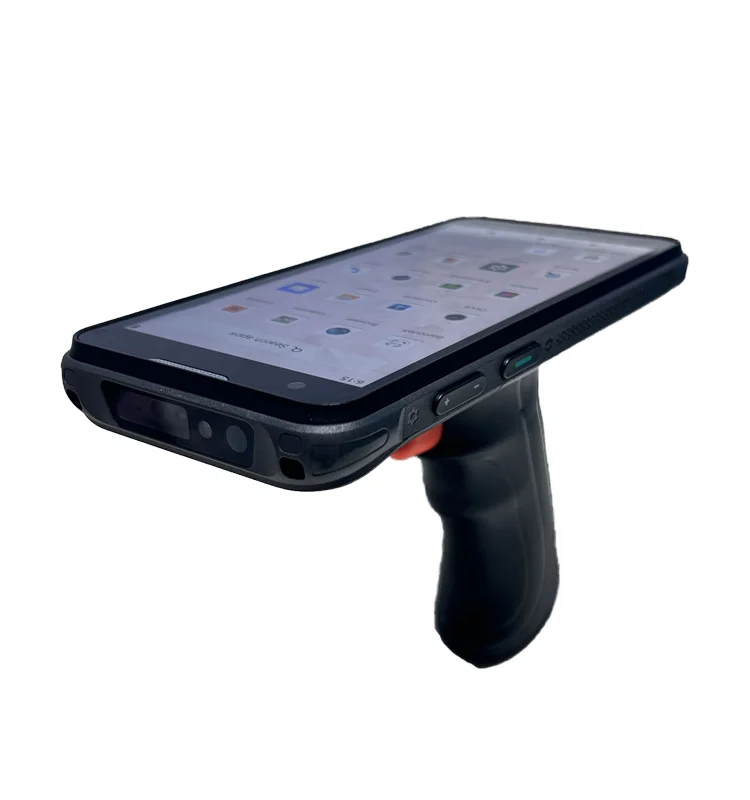
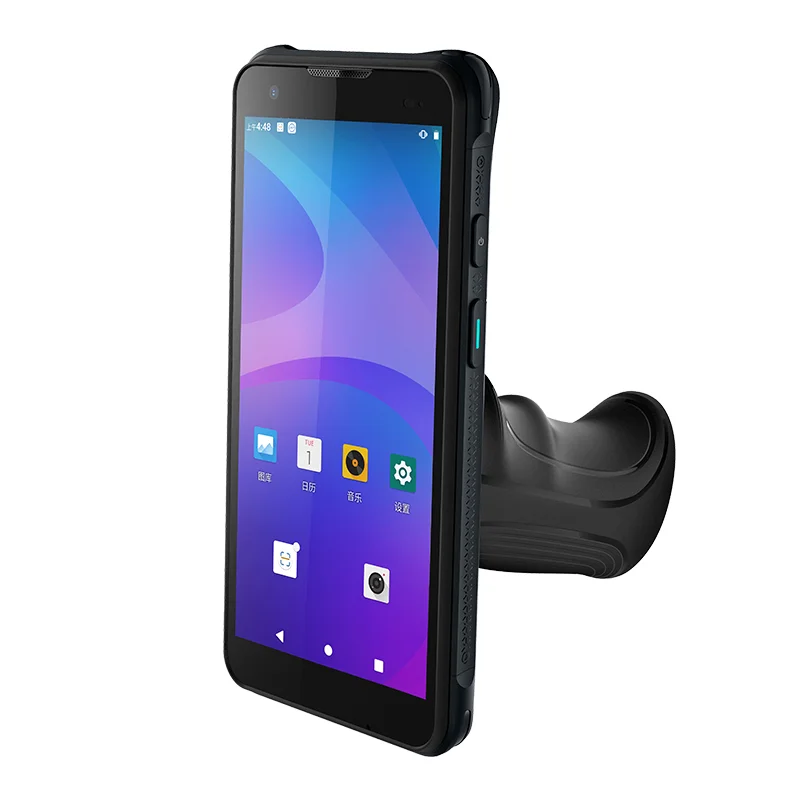
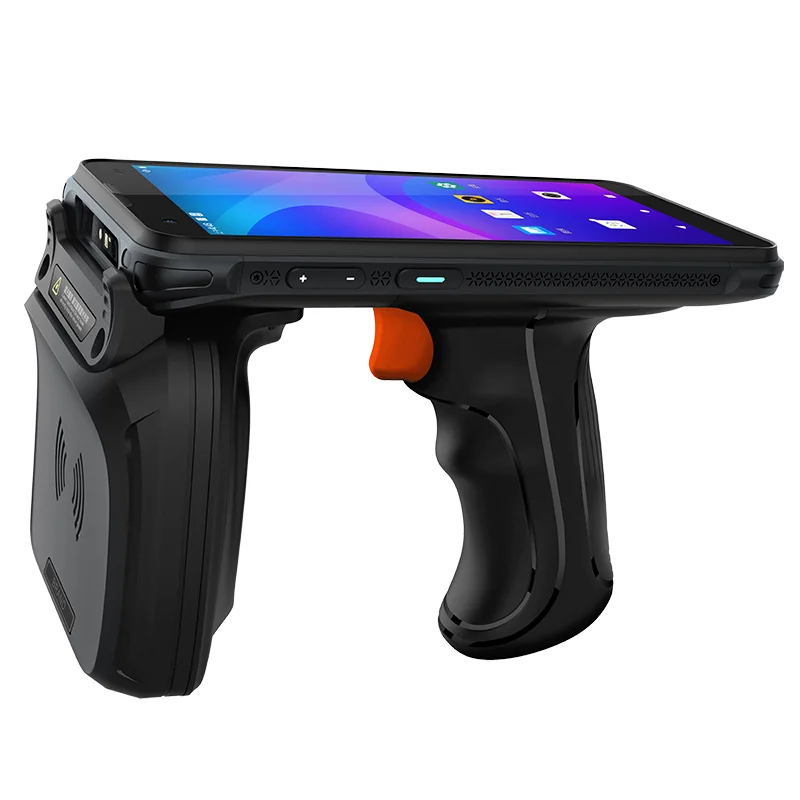
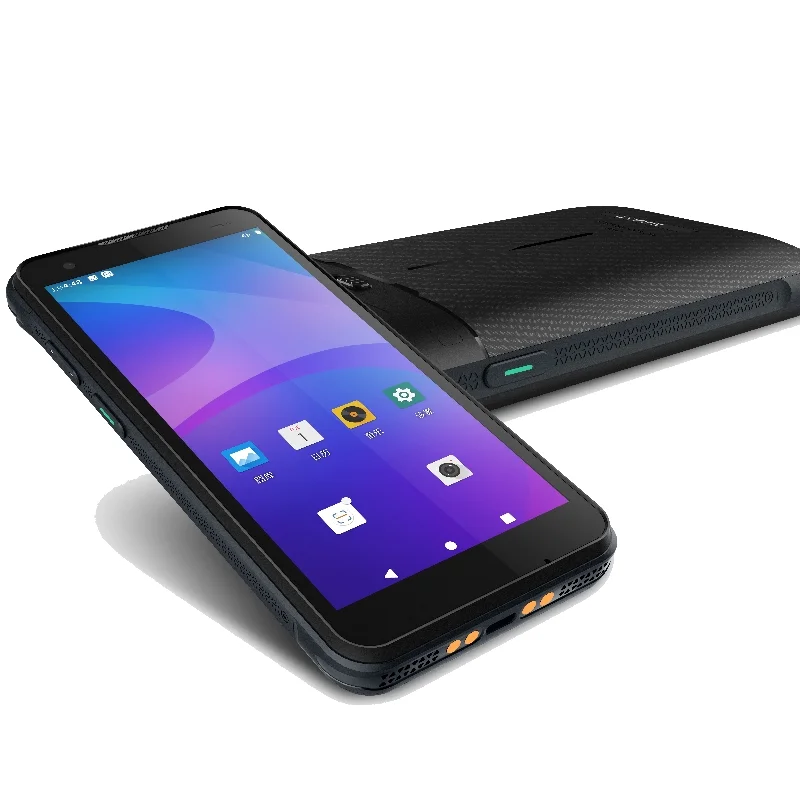
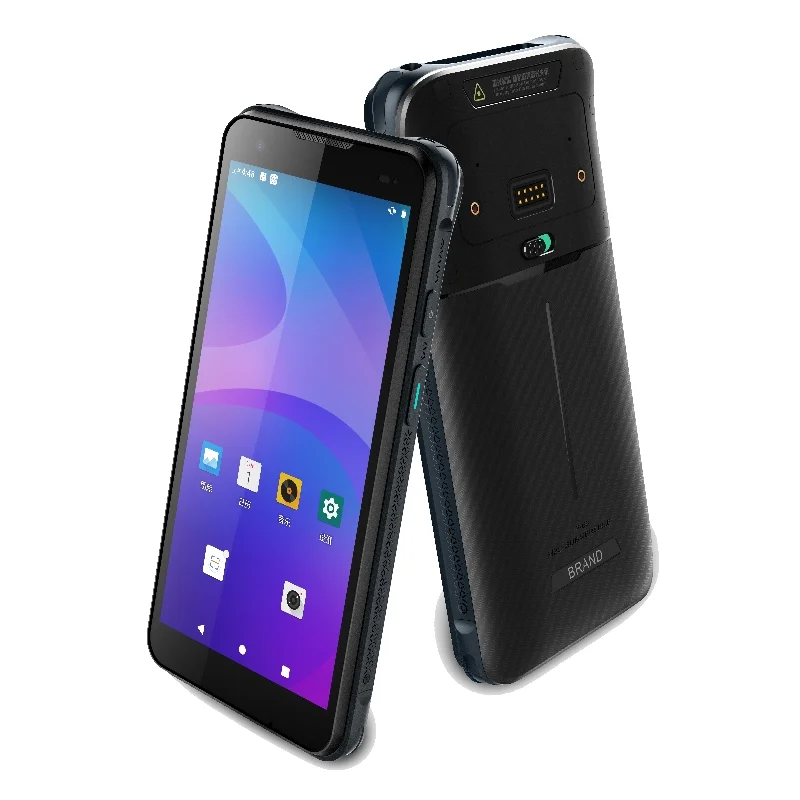
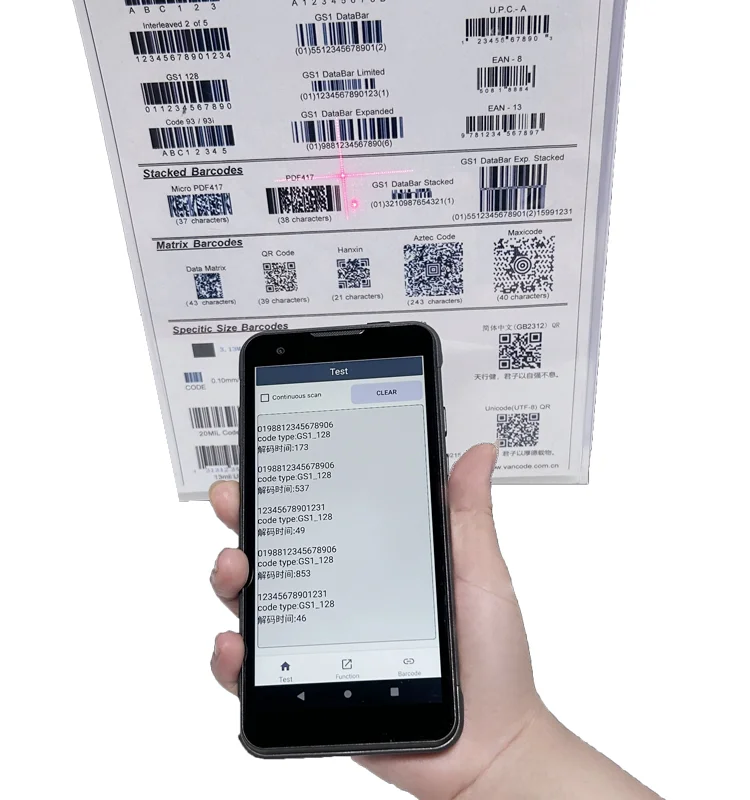
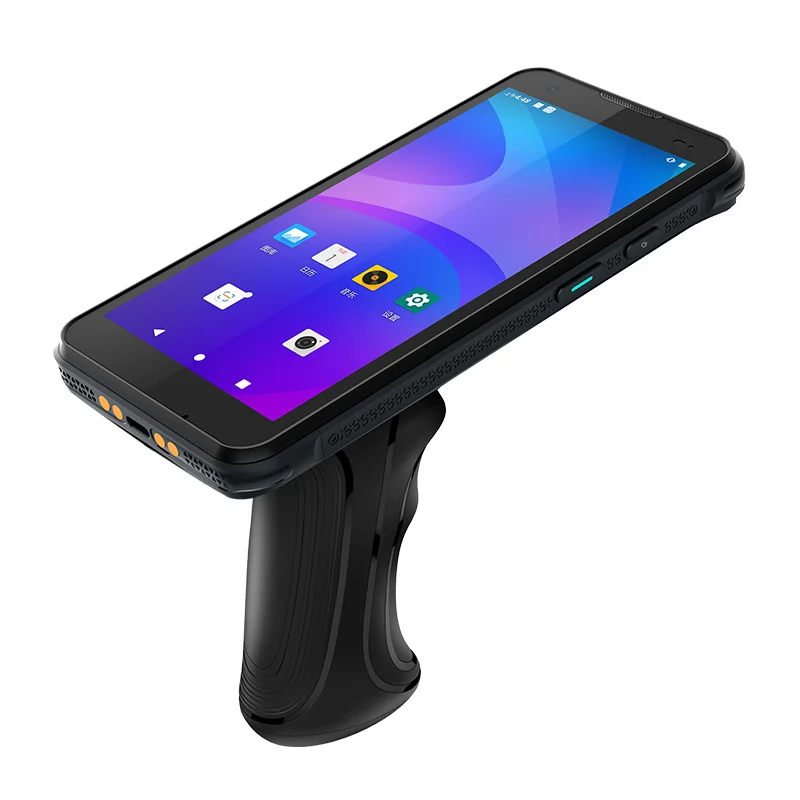
Production traceability connects an identified part or batch with the work being performed. A handheld interface can support that record-making task by presenting the work order, object identity and current process step together. The supplied trigger-grip terminal photographs illustrate the device format; they do not establish a factory installation, software integration or validated traceability result.
Keep three identities separate
A work-order number, a part or batch identifier and a process-step label answer different questions. The display should make their relationship understandable before an operator confirms a record. Test a change of work order while the same part remains on screen, and a change of part within the same work order, so stale information is not mistaken for the current task.
The interface also needs a deliberate exception path. A repeated identifier, an unexpected batch or an incomplete previous step should not appear identical to a normal confirmation. The permitted action and final wording must come from the production process owner. Display selection does not establish the correctness of those business rules.
Display integration priorities
Record hierarchy and confirmation states
Prepare representative work orders, long batch codes and process labels for the sample. Make the object being recorded more prominent than secondary history without hiding the current step. If the application separates a pending entry from an acknowledged record, test both states and the transition between them. Do not use a transient success message as the only record of what was confirmed.
Screen access near a work surface
The photographs show the terminal above a handle from several angles. Use that geometry to plan a held-device evaluation near the intended work surface. Check whether the operator can read the current step and reach a correction control without losing the part context. The images alone do not qualify the equipment for a manufacturing environment or a particular mounting method.
Host connection and display assembly
Obtain the host-board interface, startup sequence and connector information before comparing candidate modules. Review the display, touch surface and enclosure drawing as one assembly. Where an accessory is attached, include its clearance requirements in the sample configuration rather than testing only an unattached screen.
Traceability sample checklist
- Show work order, part or batch, and process step without ambiguity.
- Change one identity while retaining the others and check for stale values.
- Exercise duplicate, unexpected-batch and incomplete-step states.
- Distinguish a pending entry from a confirmed record.
- Review reading and touch access in the intended held position.
- Record the host, module, software and enclosure revisions used.
Prepare the display inquiry
Provide an annotated screen sequence with the identifiers that must remain visible, plus the front-window drawing and host interface. Include an example exception and the operator's permitted response. These materials support a focused comparison of published TFT-LCD module data without assuming a module match from the photographs.
The industrial display integration page and interface checklist offer related questions for the engineering review. Process validation and reader-system requirements remain separate from the display-module evaluation.