Application context
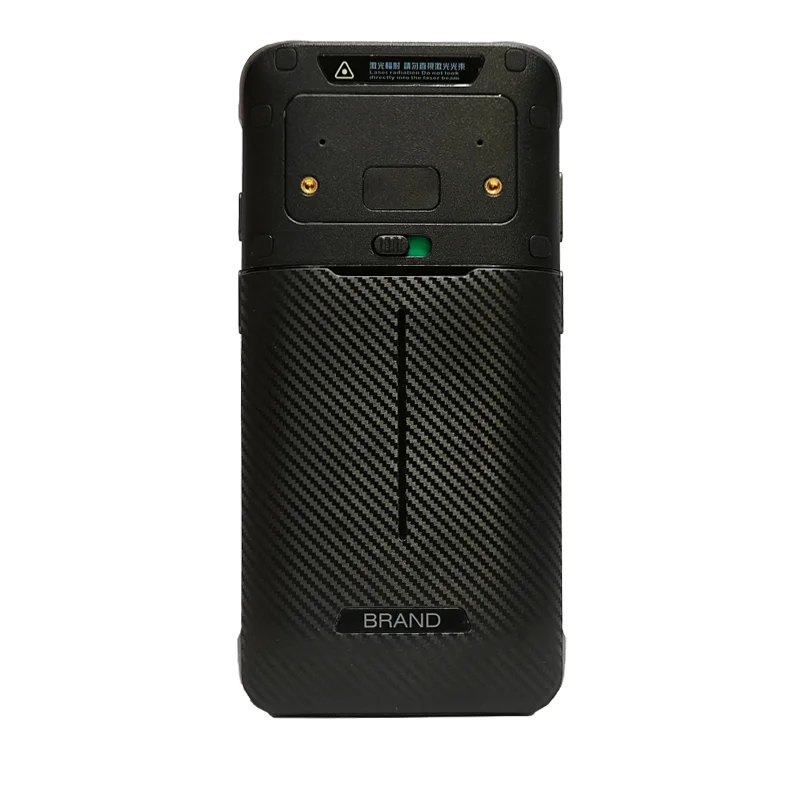
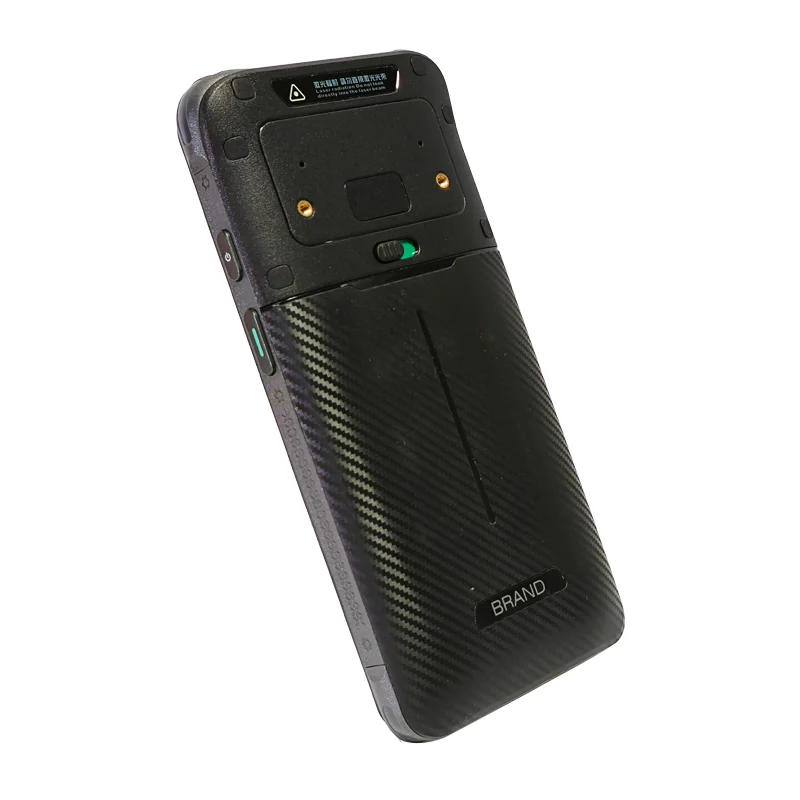
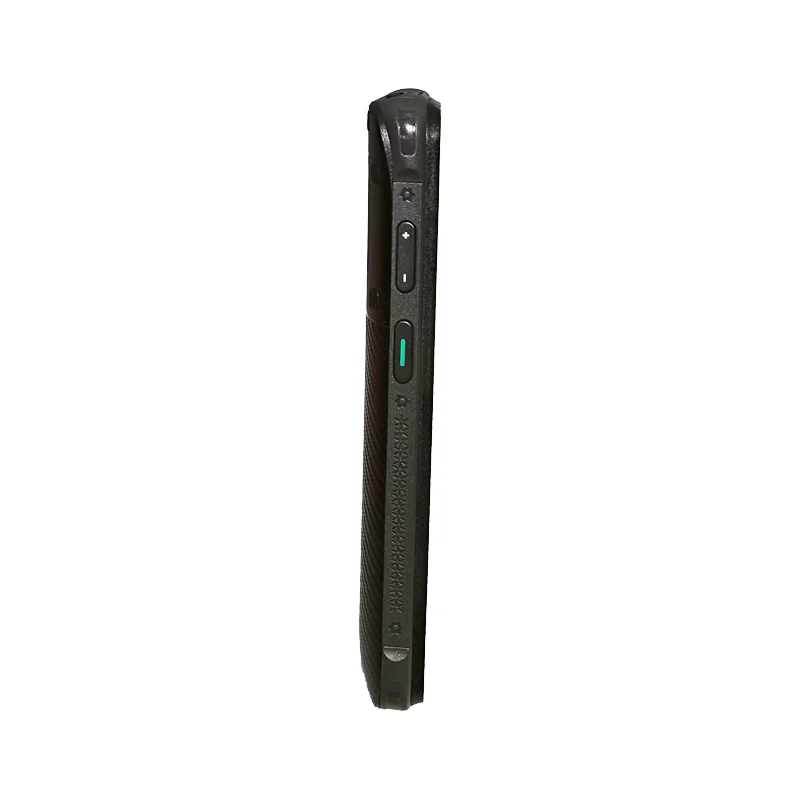
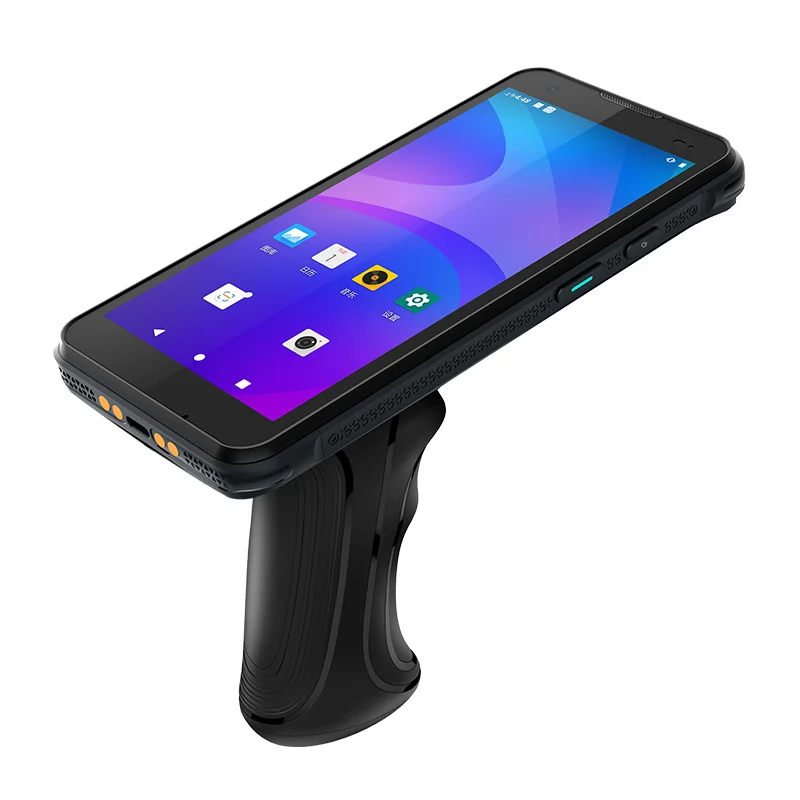
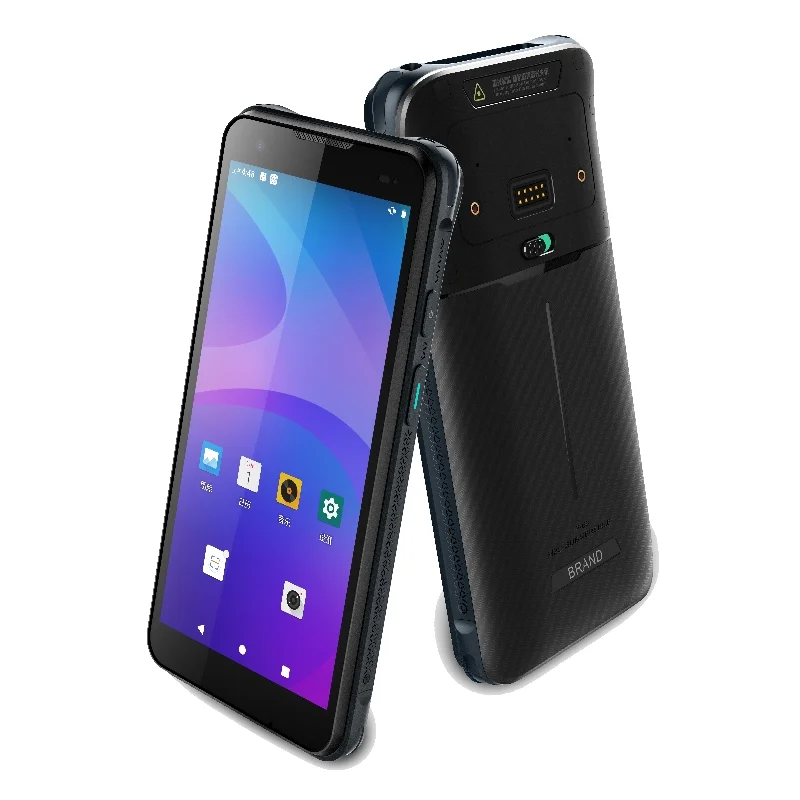
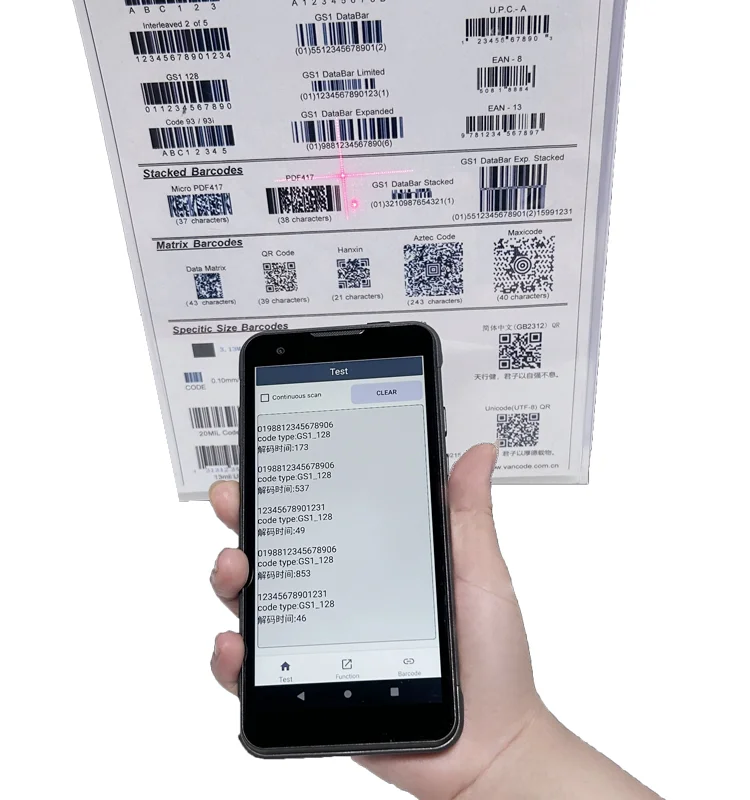
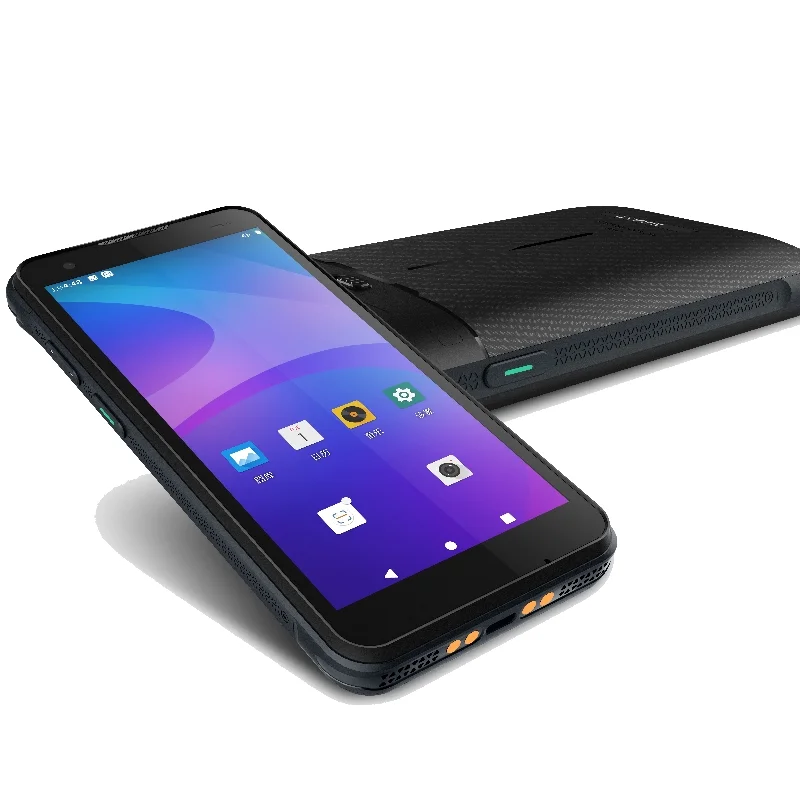
A field inspection application can guide an operator through equipment checks and record the result of each step. The portable terminal in the supplied photographs provides a physical reference for discussing that display workflow. The images do not document a maintenance project, establish environmental protection or show a qualified inspection system.
Keep the inspection context visible
Each checklist step should identify the equipment and the question being answered. When a value is entered, keep its unit and expected format visible. Distinguish a measured value from a pass or fail selection, and allow an unresolved or not-applicable state when the actual process requires one. Those states should be defined by the inspection owner rather than inferred by the interface.
Service notes introduce a different screen requirement from short checklist answers. Test the on-screen keyboard with a realistic note and verify that the current item remains identifiable. A review screen should make it possible to inspect the recorded answers before completion, including fields intentionally left unresolved.
Display integration priorities
Long prompts, units and record status
Prepare the longest approved inspection instruction and the range of units used by the application. Review line breaks, scrolling and the position of confirm controls. If a record can exist locally before synchronization, make the two states distinct in the UI. This workflow example does not assume the pictured terminal has a particular offline or network capability.
Viewing and touch requirements from the actual task
An inspection may take place in different lighting and holding positions. Specify the conditions relevant to this project and test the sample with the intended cover lens and enclosure. Gloves, moisture, cleaning methods or outdoor use must be separate requirements supported by evidence; none can be qualified from the supplied photographs.
Mechanical and host-board fit
The rear and side views show the enclosure form and physical controls, but not the display stack or internal cable route. Request the front-window drawing, assembly section and host-board documentation. Compare the module dimensions, interface, connector and power sequence before selecting a sample configuration.
Inspection sample checklist
- Read a long checklist instruction at the intended working distance.
- Enter a value while its unit and equipment identity remain visible.
- Exercise pass, fail and unresolved states defined by the process.
- Write and review a realistic maintenance note.
- Check navigation between incomplete and completed inspection steps.
- Record touch, lighting, enclosure and software conditions used for the trial.
Prepare the display project
Share representative checklist screens, a note-entry screen and the final review state. Provide the enclosure drawing, host interface and any fixed physical-control locations. Explain which information must remain visible during data entry and whether the operator changes holding position between tasks.
Use the drawing and touch integration checklist to organize assembly questions and the display selection guide to compare candidate modules. The discussion is about requirements for a proposed configuration, not an assertion that a particular module is fitted to the photographed terminal.