Application context
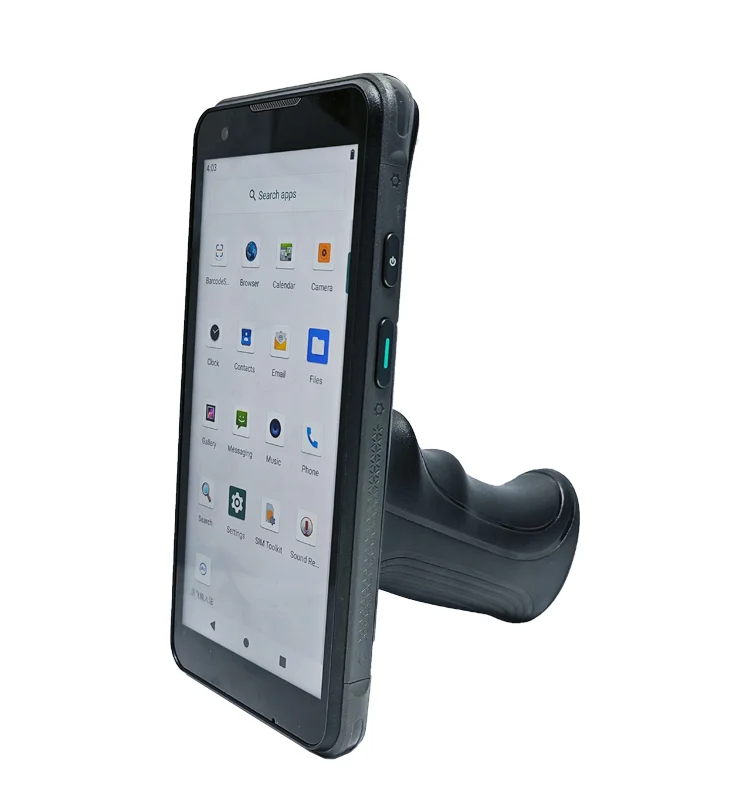
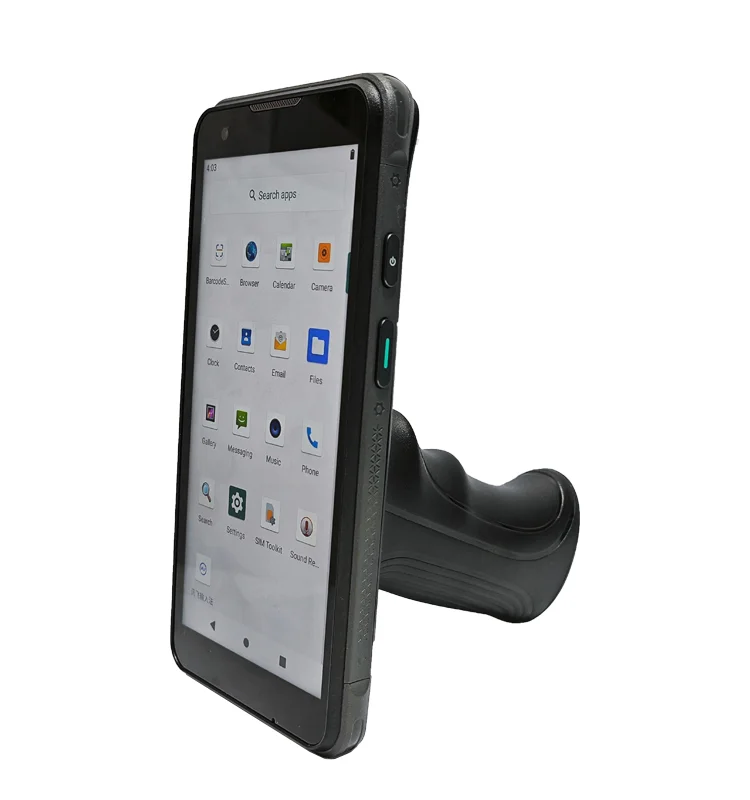
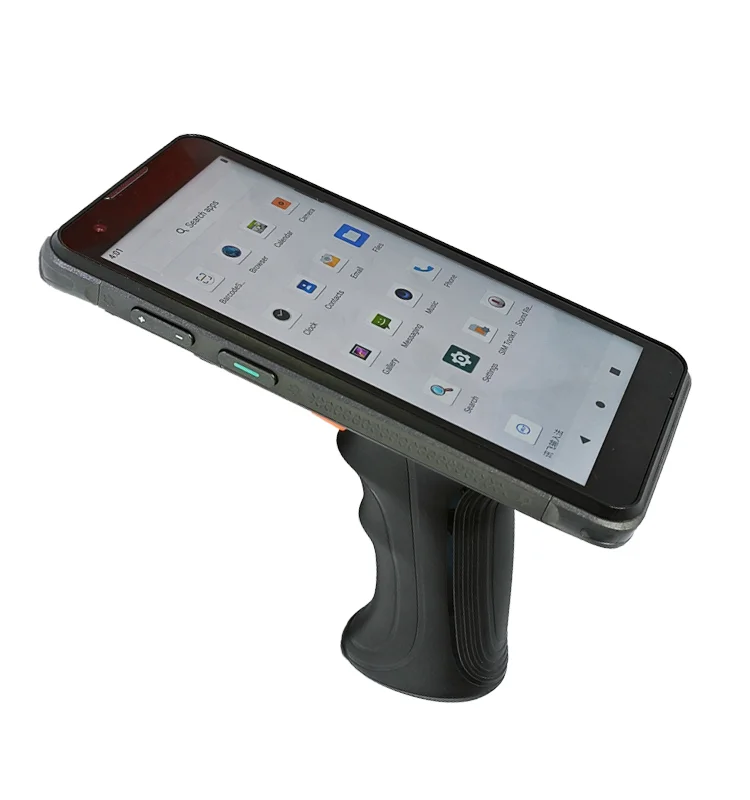
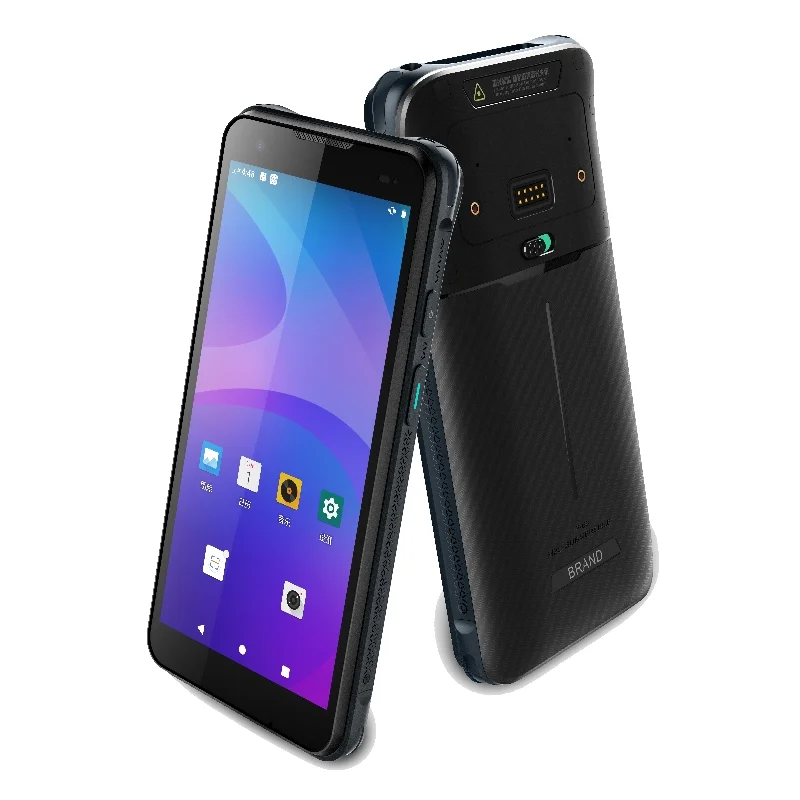
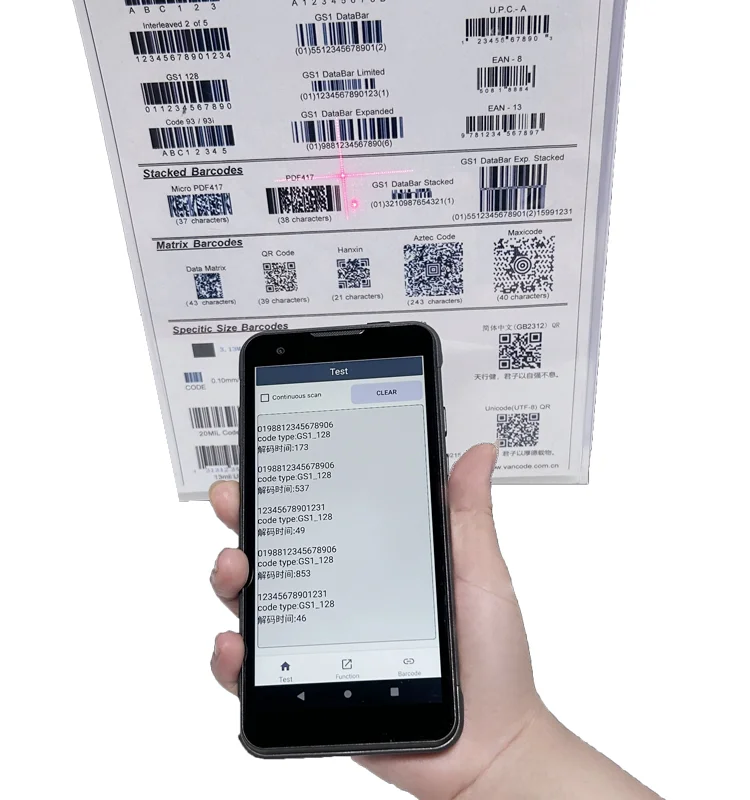
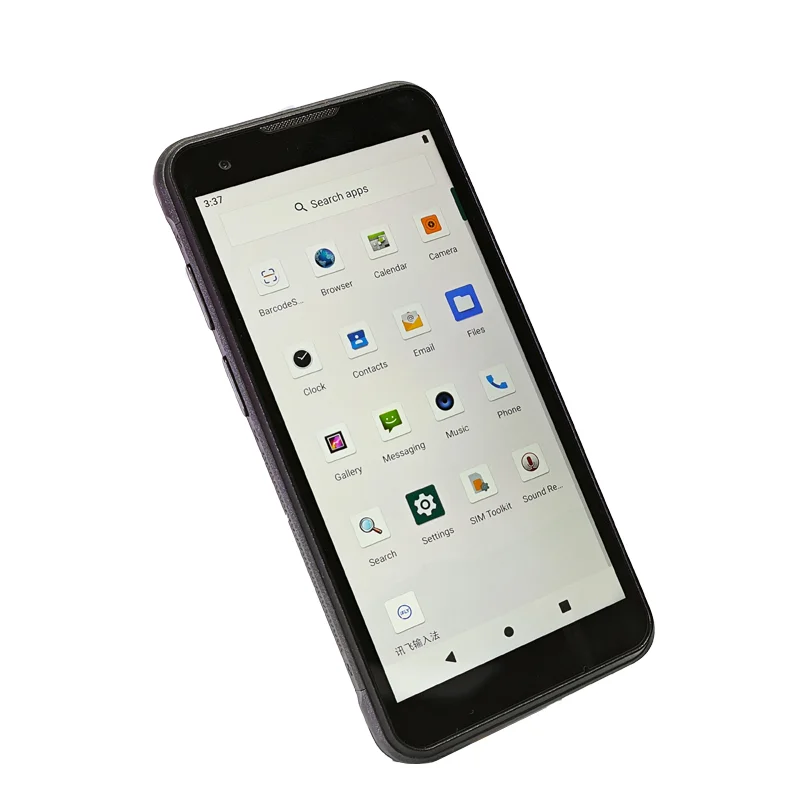
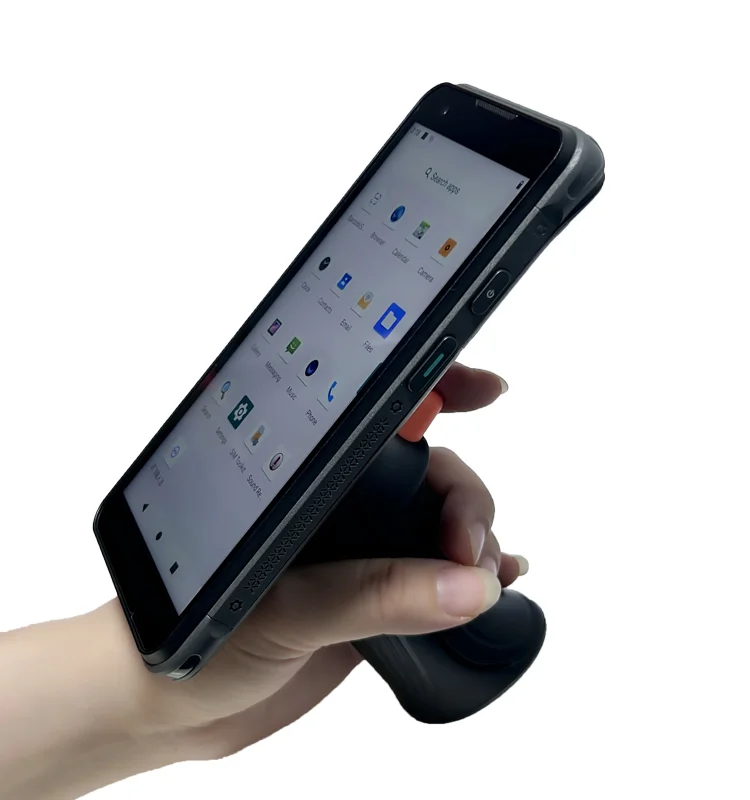
A store operator checking a shelf may need to identify a product, compare its recorded information with a label and enter an observed stock quantity. The provided handheld photographs are used here to illustrate the equipment format. They show the device and grip arrangement, not a retail deployment, payment capability or installed store-management application.
Keep lookup and editing distinct
The first screen should establish which item is being reviewed. Similar packaging, product variants and long descriptions make it important to keep an identifying code or variant visible. If the workflow includes a price or shelf-label comparison, show the relevant unit and record status clearly. The application must define the meaning of those fields; the display module does not determine the commercial rules.
Stock entry is a different action from reading a stored quantity. Give the observed count its own label and confirmation step. Include a visible distinction between an unsaved edit, a locally saved record and a record acknowledged by the host system when those states exist. The example does not assume the photographed device has any particular network connection.
Display integration priorities
Text density without losing context
A shelf record can contain a product name, code, unit, location and quantity. Review the densest valid record at the intended screen size. Check whether opening a keyboard hides the product identity or the confirmation control. If information must move to another screen, preserve enough context to show which item is still being edited.
Touch access with the chosen grip
The in-hand photograph provides a useful reference for the relation between the grip and screen. Test correction, cancel and confirm controls using the intended holding method. Do not infer glove support, touch accuracy or operator comfort from the image. Where a second hand is needed, make that part of the workflow and sample review.
Viewing conditions and front-surface reflections
Define the lighting positions that matter in the store environment, then evaluate the sample with its intended cover surface. Compare readability when the device is tilted during a shelf check. Required brightness, optical treatment and viewing-angle behavior must come from project requirements and module evidence, not from the apparent brightness of a photograph.
Retail sample checklist
- Show a long product name and a closely related variant.
- Keep the item identity visible during quantity entry.
- Distinguish stored values from unsaved corrections.
- Exercise cancel, confirm and record-status messages.
- Inspect text and touch access with the assembled front window.
- Record lighting, holding position and software revision for the test.
Prepare a display inquiry
Bring representative item and count screens, an enclosure drawing, the host-board interface and the intended touch configuration. Explain which fields must be visible together and whether the UI has multiple languages. Compare candidate TFT-LCD modules against those constraints before requesting a sample.
The broader retail terminal display requirements provide related integration questions. Inclusion in that category does not mean this pictured terminal is approved for payments or fitted with a particular Fuzheng module.