
RS51 handheld display integration
The published RS51 reference describes a 6.3-inch FHD+ screen in an Android 13 handheld terminal. The images show the complete host device; they are application references, not a drawing or specification for an independently interchangeable display module.
Review the complete front assembly
For a similar handheld project, confirm the visible opening, display outline, touch area and connector routing against the current enclosure drawing. Compare representative scan, data-entry and status screens at the intended viewing distance before deciding on a display size.
Interface compatibility, brightness, touch behavior and environmental performance need separate confirmation for the selected display and final assembly. Share the host-board requirements and drawing through the project inquiry so the module review can use the correct configuration.
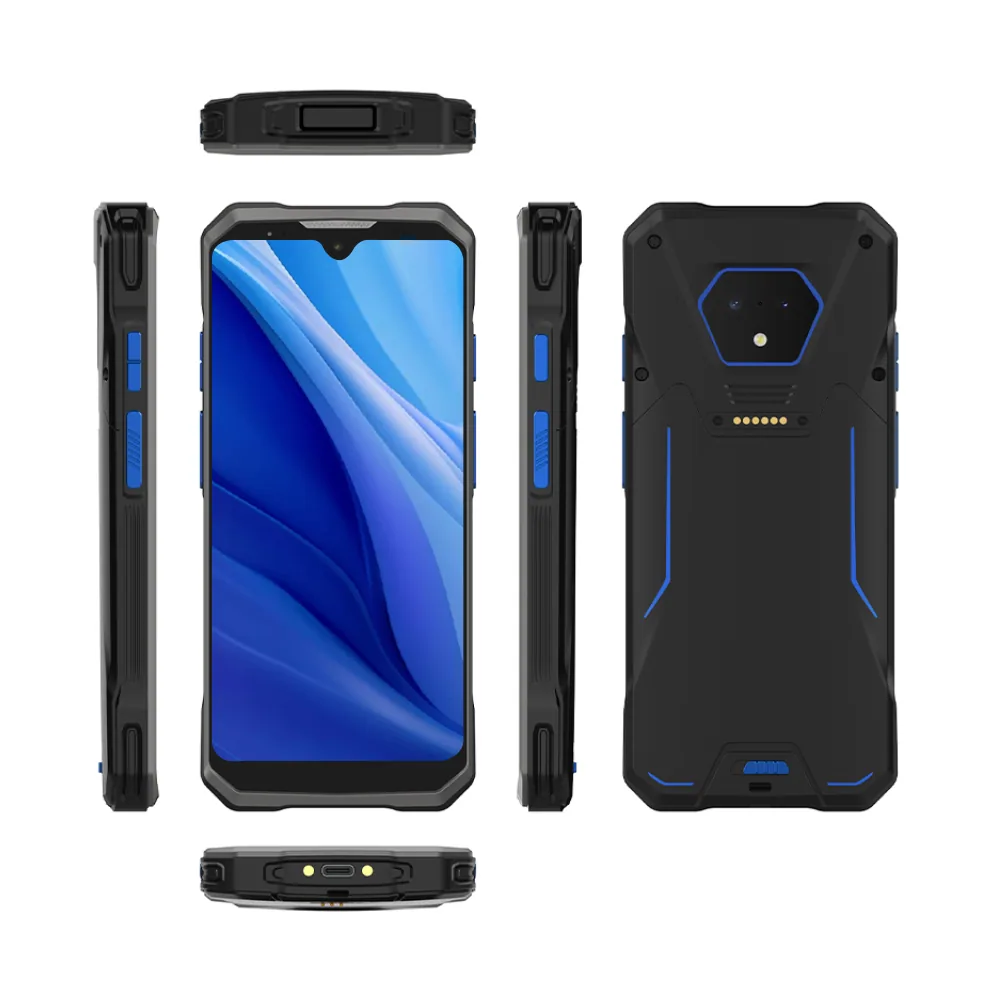
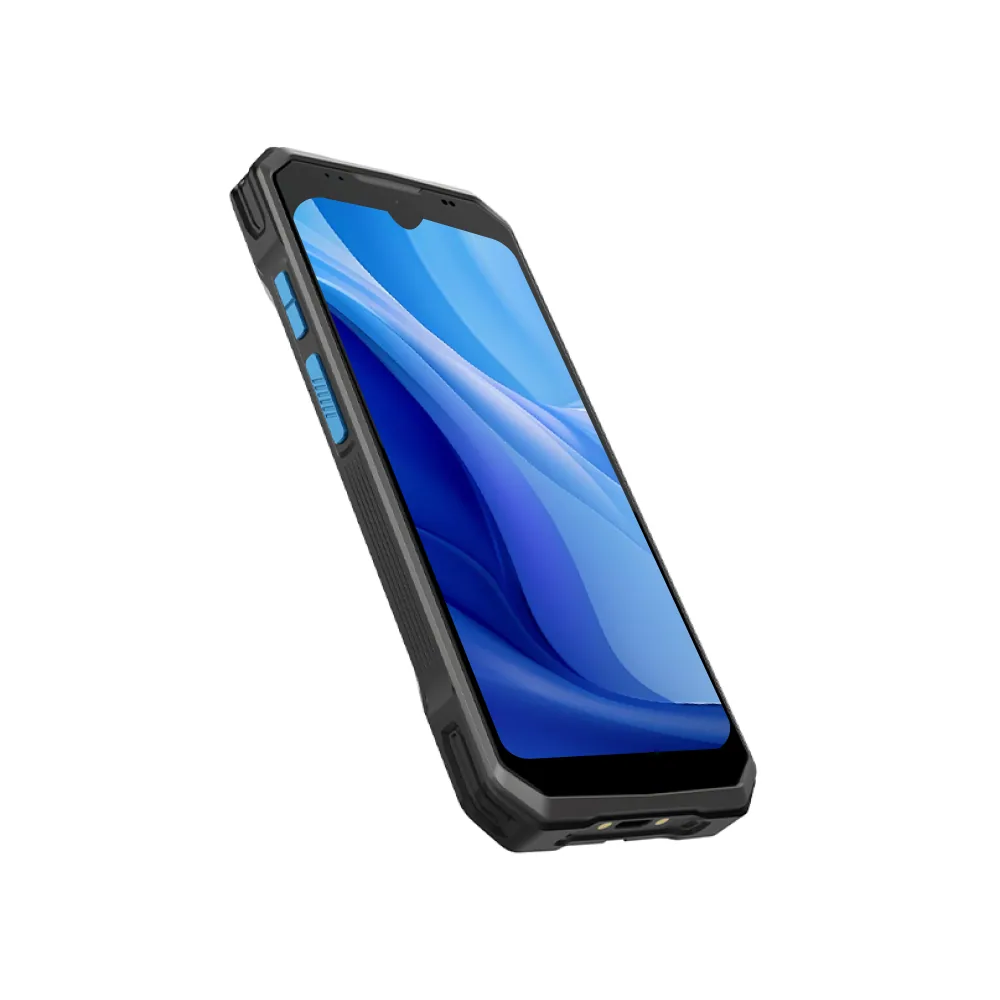
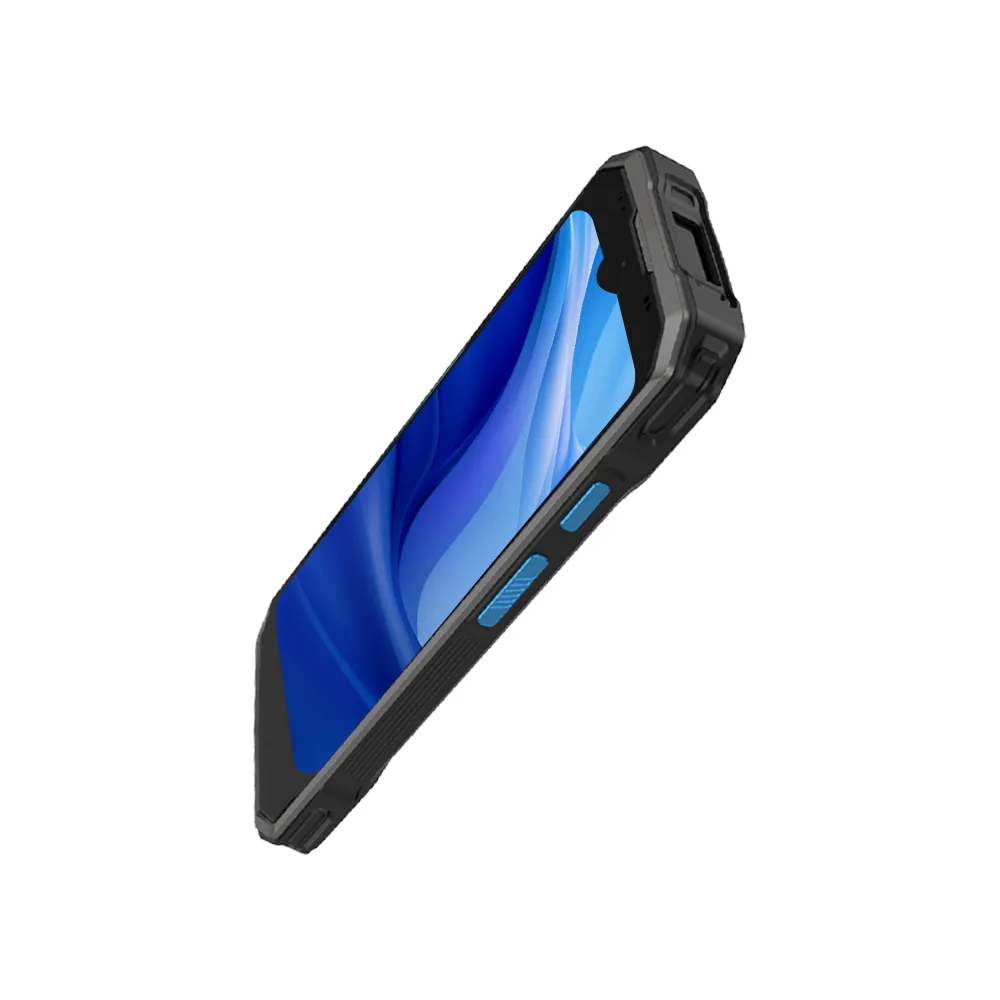
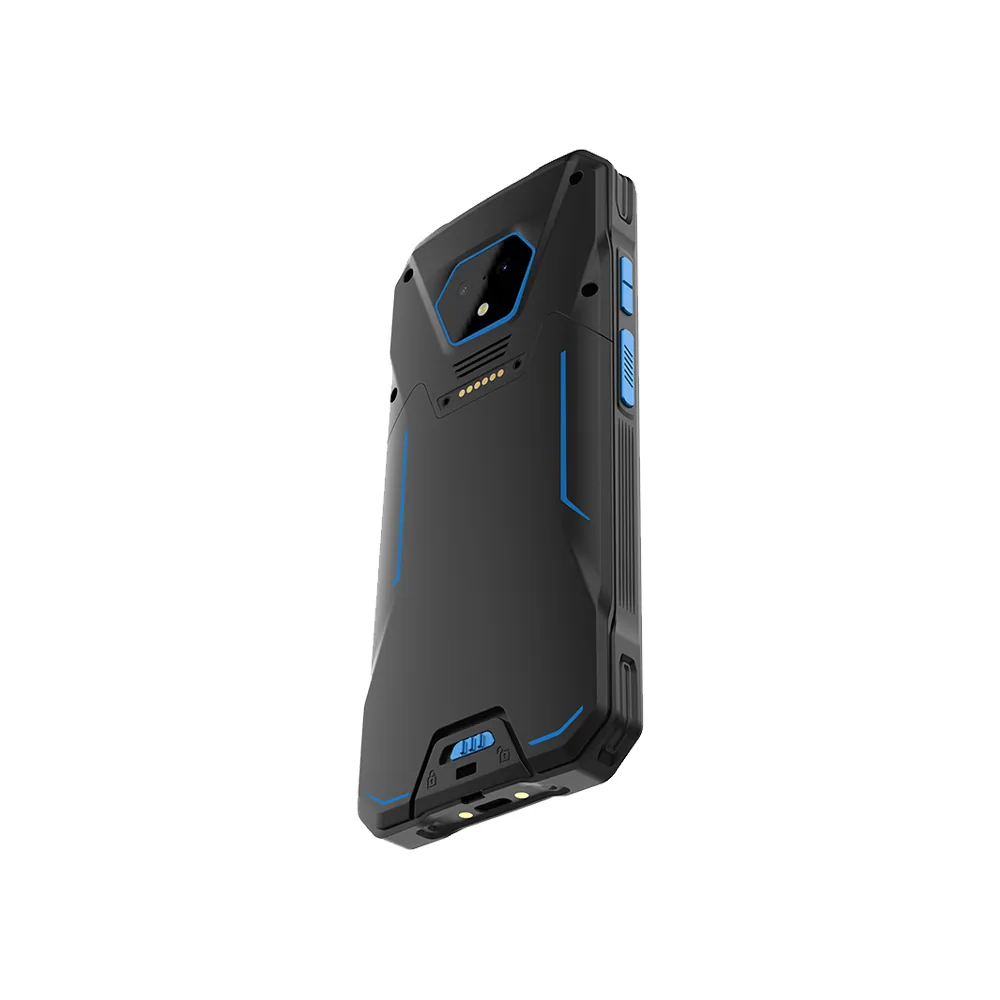
Plan the display review for a similar device
This RS51 reference shows a host-product application. It does not establish the availability of a replacement screen, a named customer relationship, or qualification of a new display assembly.
Mechanical and touch fit
Compare the active area and full module outline with the enclosure opening. Include thickness, mounting, FPC routing, touch area and cover lens in the same drawing review. The nominal screen size alone is not sufficient to confirm fit.
Electrical compatibility and sample scope
Collect the host interface, connector pin assignment, power requirements and software configuration before shortlisting a module. Evaluate the sample with the real UI and front assembly, and record the operating conditions that need to be demonstrated.
Review the interface checklist and prepare the drawing and touch checklist before sending an inquiry.